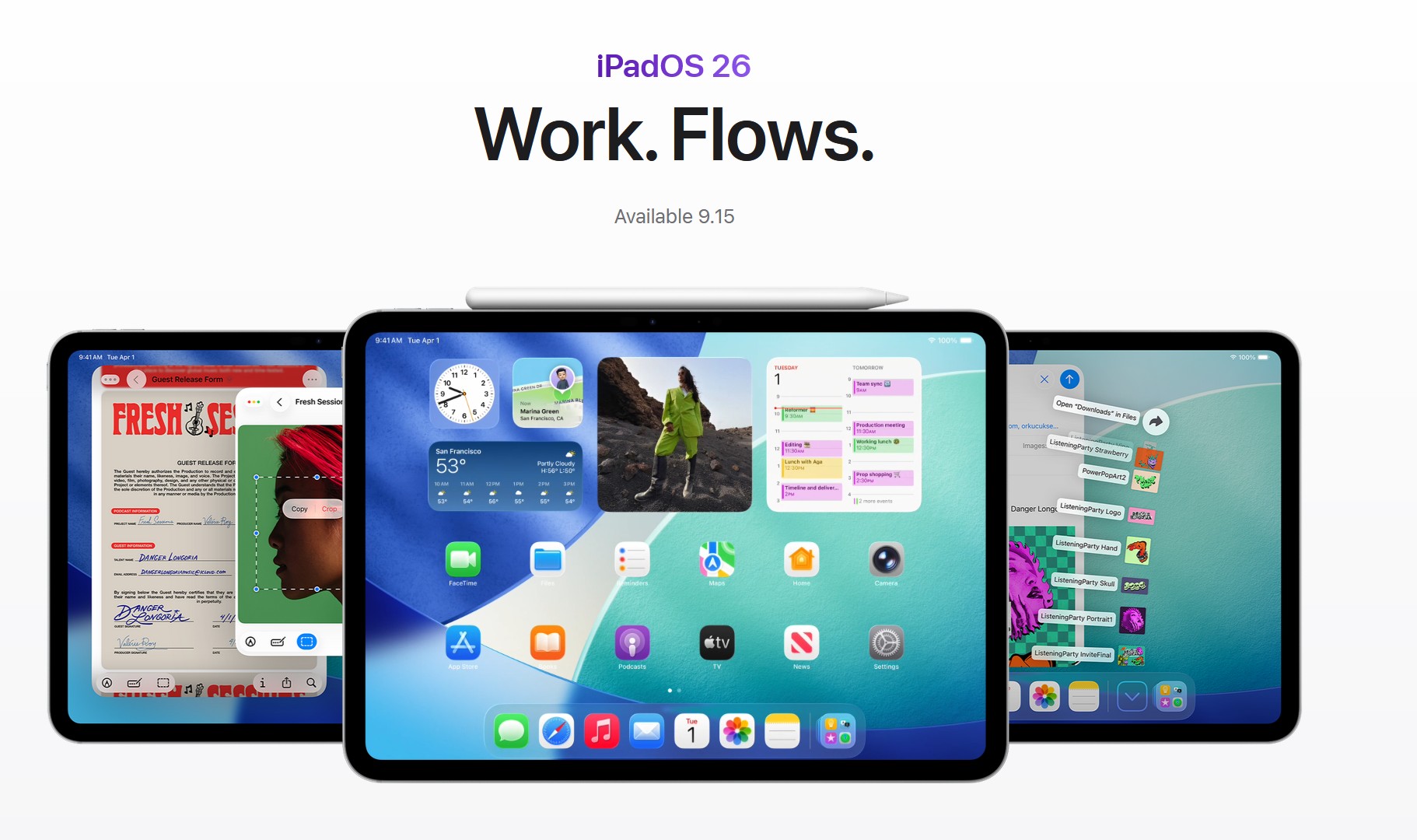
iPadOS 26 removes the old Split View “split screen” control and replaces it with a proper windowing system. You can still put two apps side by side (and more), but you’ll do it with snapping and resizable windows instead of the classic Split View handle.
Tips
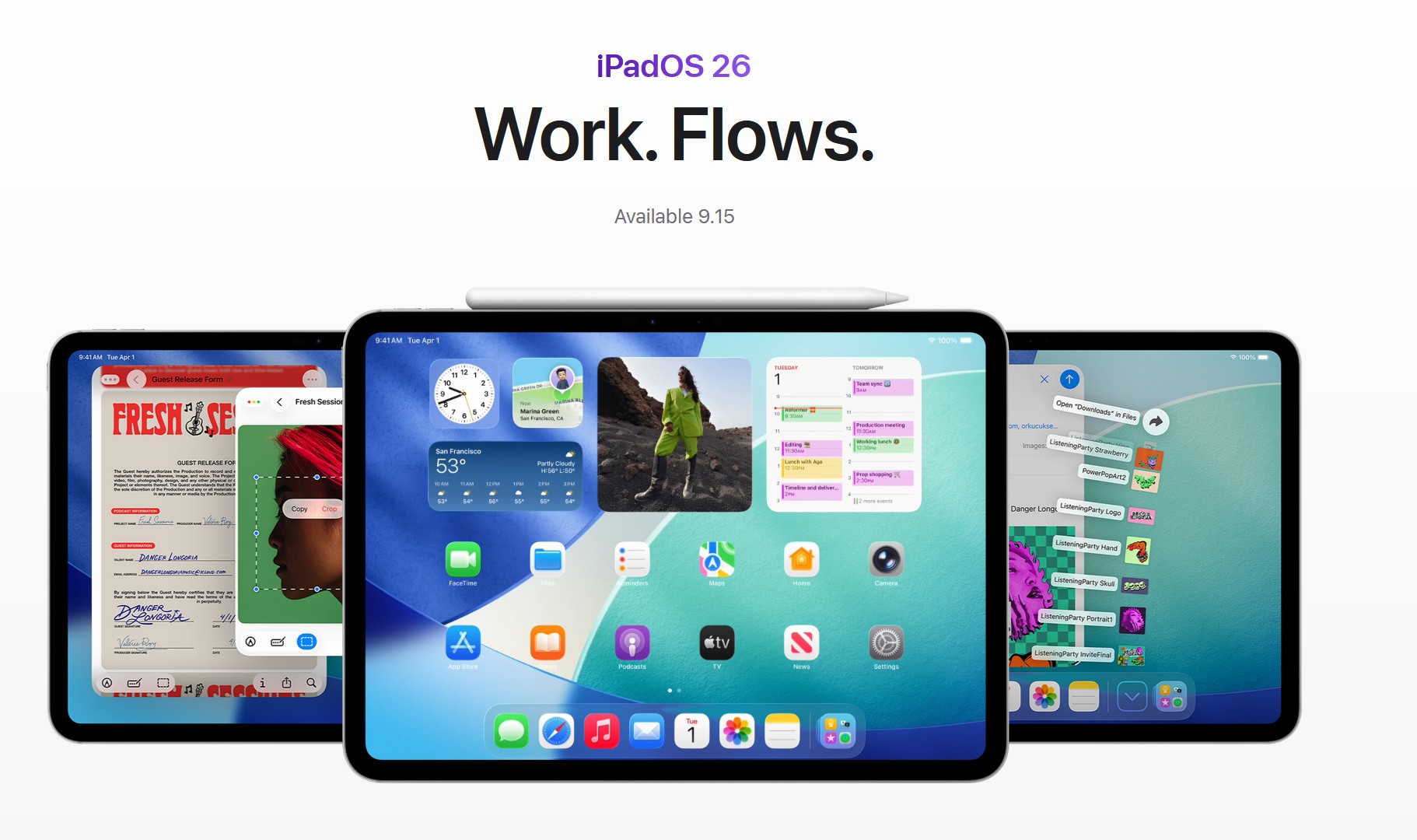
Should you update to iPadOS 26? A clear, research-backed answer
For most people—especially on M-series iPads—update now. iPadOS 26 brings a real windowed desktop model, a redesigned “Liquid Glass” UI, and broader Apple Intelligence features that materially improve day-to-day use.

iPadOS 26 Phone App: What It Is & How It Works
The new Phone app in iPadOS 26 finally lets you place and receive regular phone calls on an iPad. It does not turn the iPad into a standalone phone. Instead, it uses your iPhone’s cellular connection through Apple’s Continuity. Here’s the SEO-friendly breakdown for users searching “iPadOS 26 Phone app,” “make calls on iPad,” and “allow calls on other devices.”
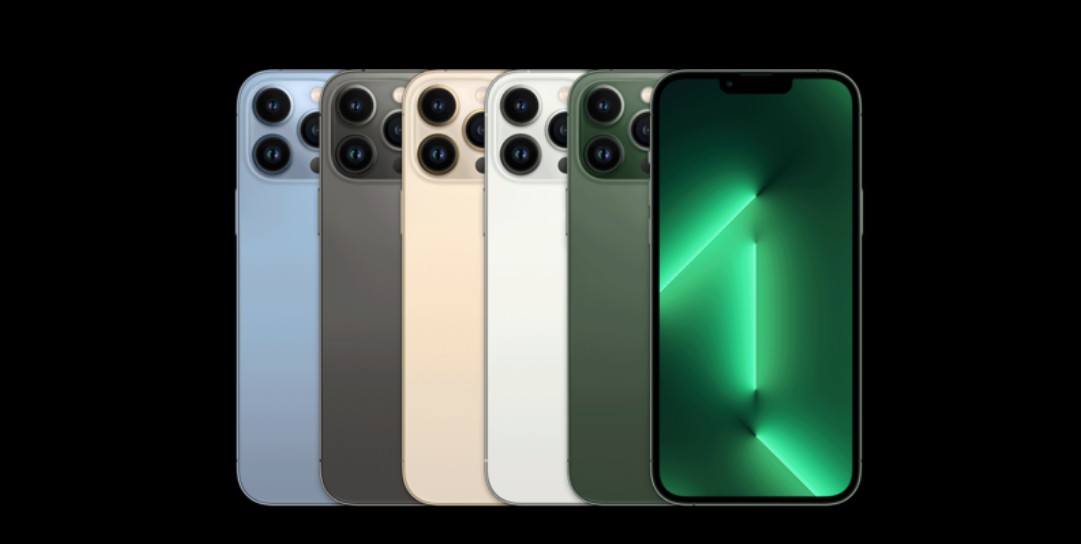
Does iPhone 13 Pro Max get Apple Intelligence? We answer
If you’re holding onto an iPhone 13 Pro Max, Apple Intelligence isn’t coming to your phone. Apple limits its on-device AI features to hardware with the A17 Pro or newer, which means iPhone 15 Pro and 15 Pro Max, plus the full iPhone 16 lineup.
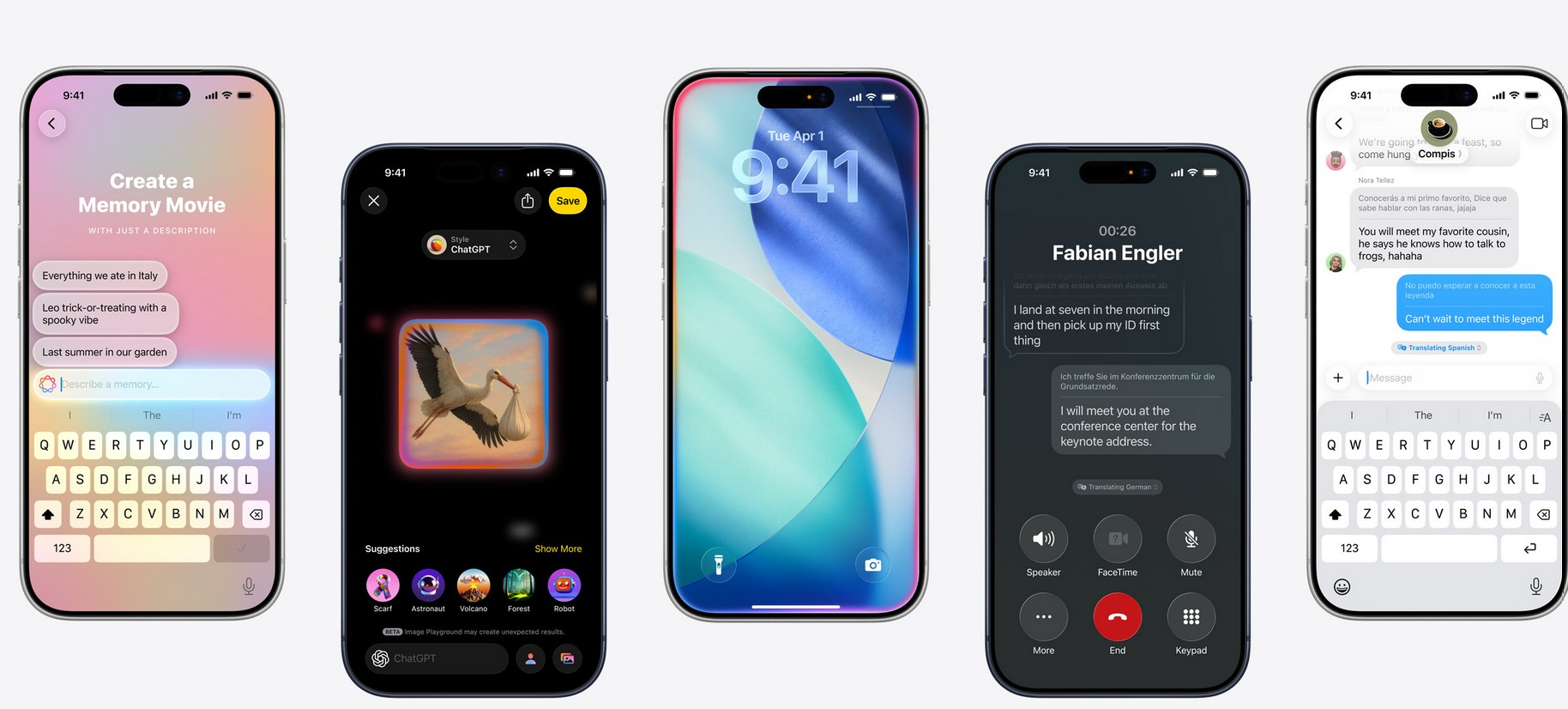
Apple Intelligence Download Time: duration & speed up guide
After you update a supported device and turn on Apple Intelligence, your iPhone, iPad, or Mac pulls down on-device AI models and language packs in the background. There’s no big splash screen; you’ll usually just see a status like “Preparing” or “Downloading” inside Apple Intelligence & Siri settings.
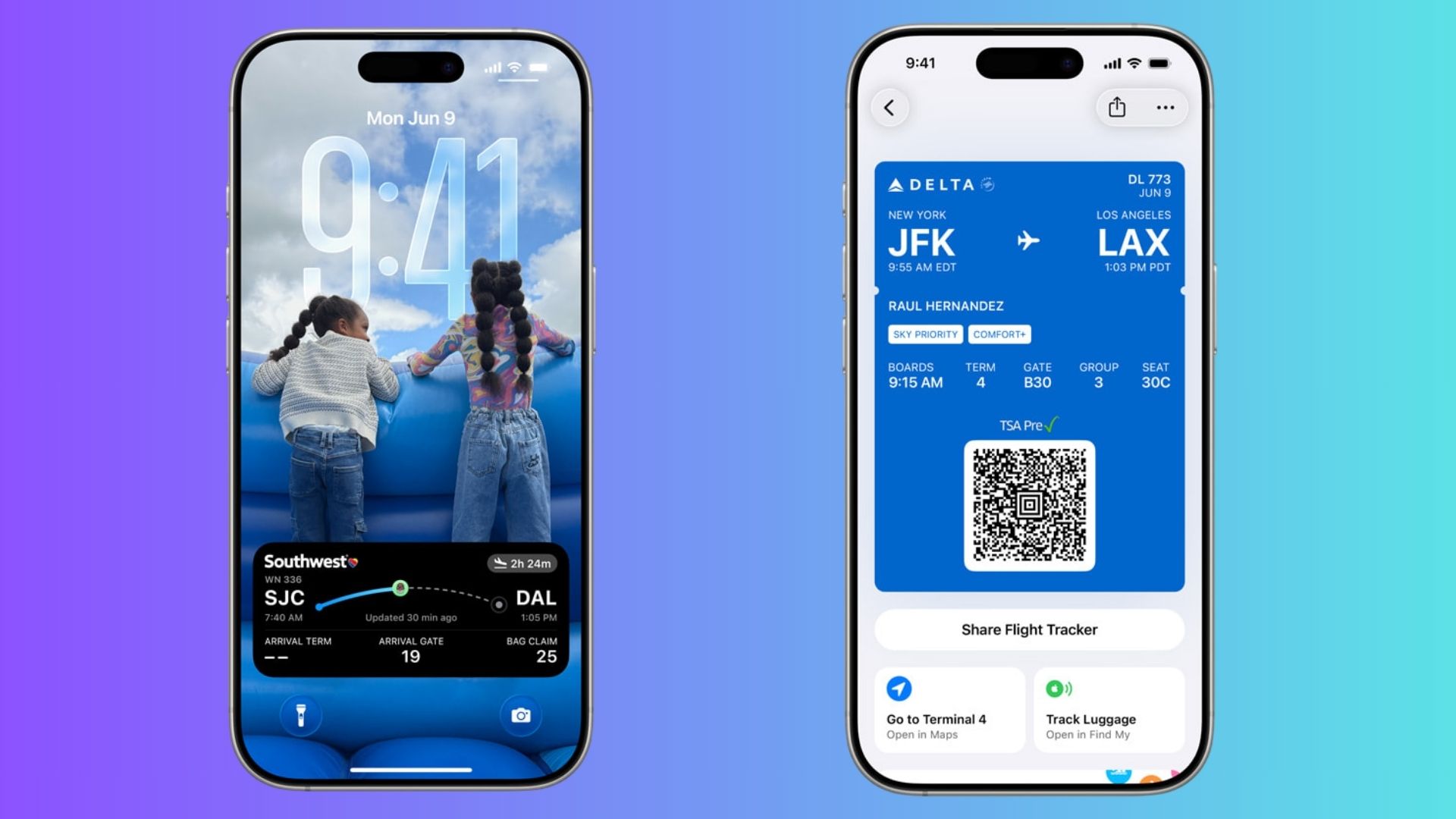
Boarding Pass Live Activities Arrive in Apple Wallet with iOS 26
iOS 26 updates Wallet boarding passes with Live Activities on Lock Screen, terminal maps, and integrated Find My luggage tracking.
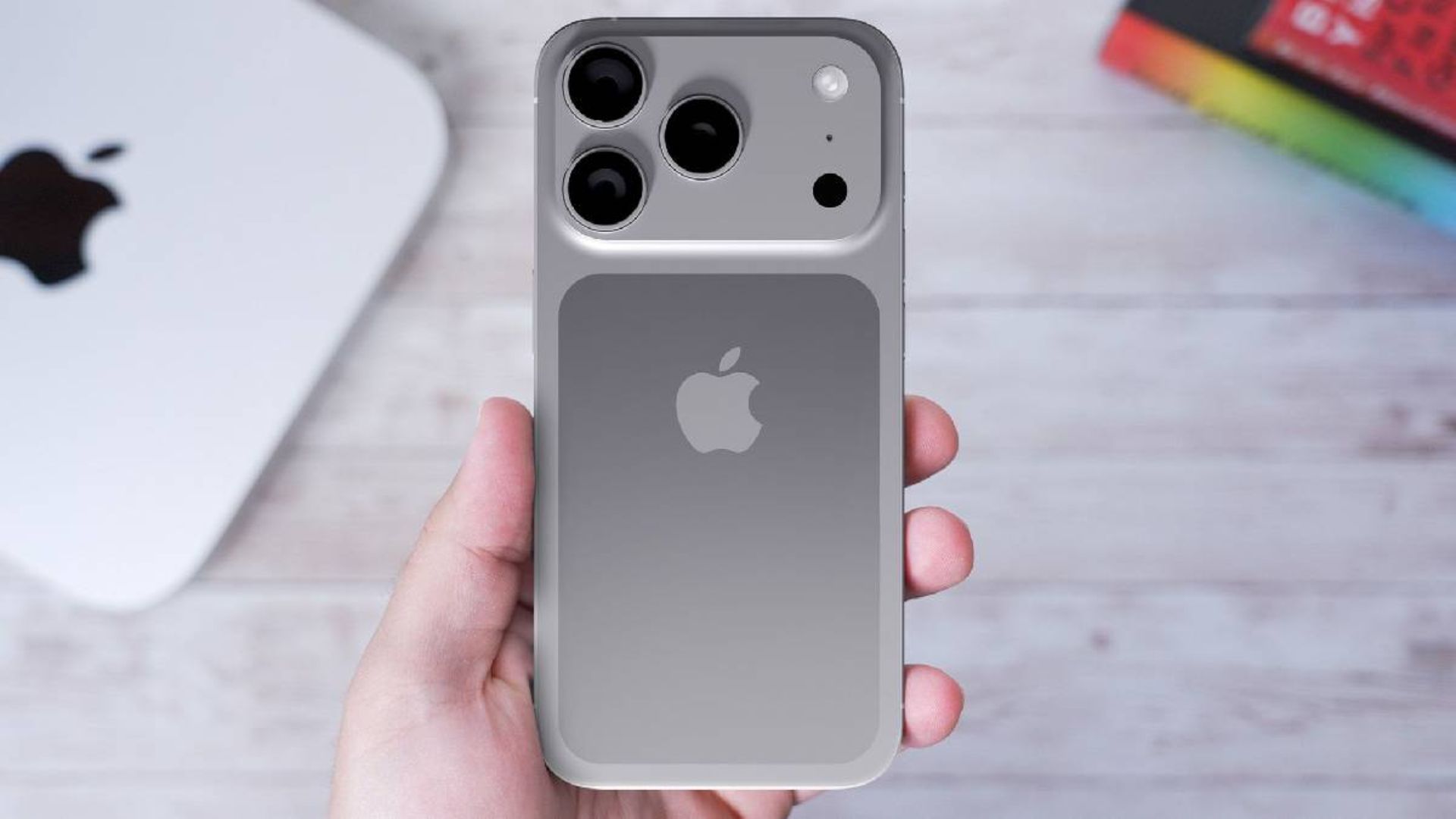
The Safer Way to Wipe Your iPhone Before a Trade-In
Keep Stolen Device Protection on and avoid trade-in delays. Erase your iPhone at home, disable Find My, and remove eSIM securely.
![Getting an iPhone 17 Student Discount [Mega Guide]](https://www.macobserver.com/wp-content/uploads/2025/09/iphone-17-student-discount.jpg)
Getting an iPhone 17 Student Discount [Mega Guide]
This guide explains every legitimate way a student can lower the price of a new iPhone 17. While policies can vary by country and retailer, you can use the checklist and workflow below to find the absolute best option for you.
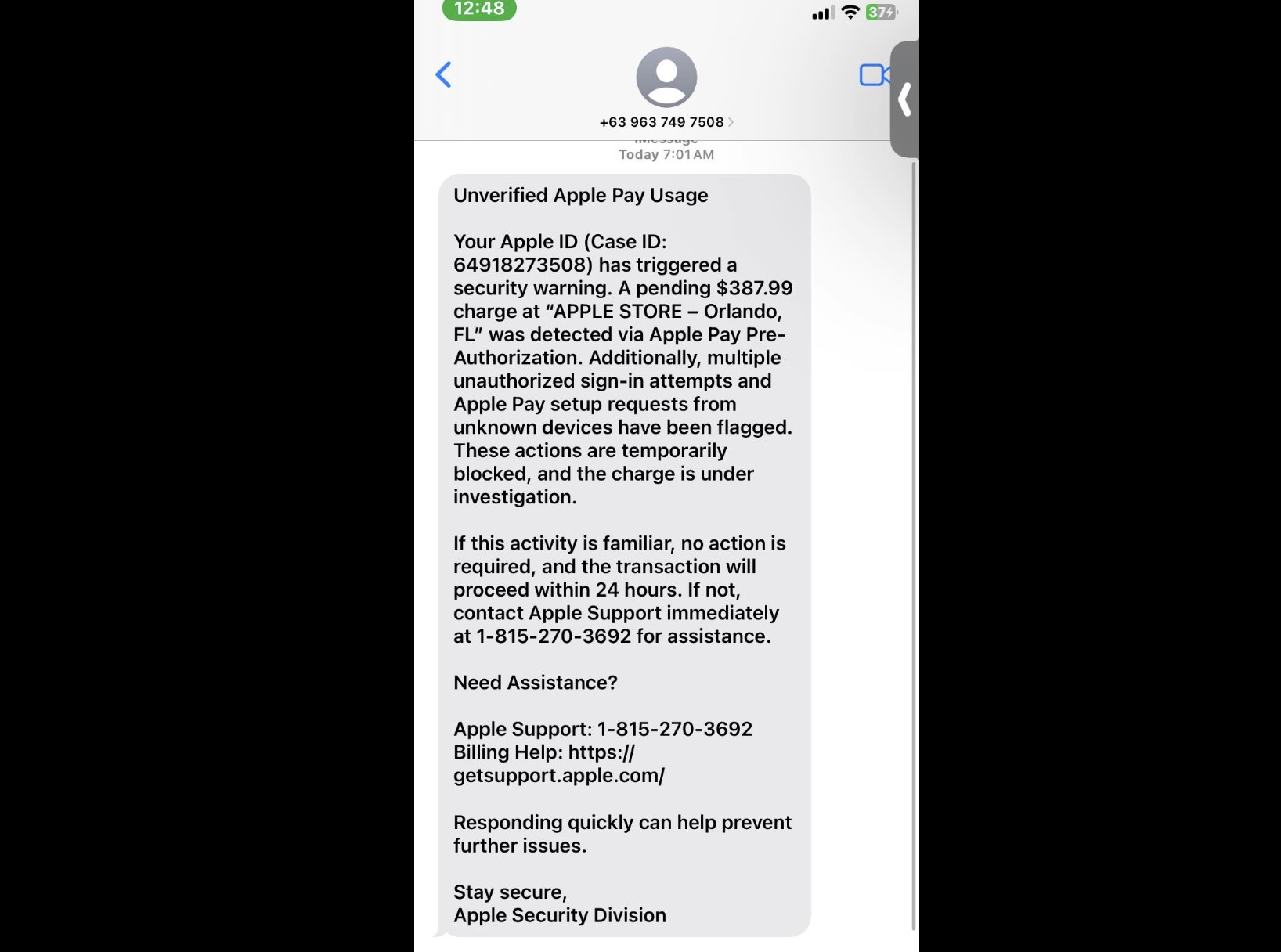
That Unverified Apple Pay Text Is a Scam: Here’s What to Do
A deceptive text message is making the rounds, designed to panic you into giving up your most sensitive information. The message often claims your Apple Pay has been suspended or that a transaction is unverified, creating a false sense of urgency to trick you into reacting without thinking. This notification is a phishing scam, and interacting with it can compromise your financial and personal data.

Apple Store Hours: The Complete Guide to US Locations
Apple’s retail stores are a cornerstone of its brand, offering a direct connection to its products and services in meticulously designed spaces. For millions, they are the go-to destination for everything from purchasing a new iPhone to getting expert help at the Genius Bar.

How to Fix FaceTime Not Working on iOS 26
Most FaceTime problems in iOS 26 can be fixed with a restart, toggling FaceTime in settings, or resetting network preferences.

How to Clear Search History on iOS 26 (Safari, Spotlight & More)
Clearing search history on iOS 26 isn’t one single switch — it depends on where you’ve been searching.
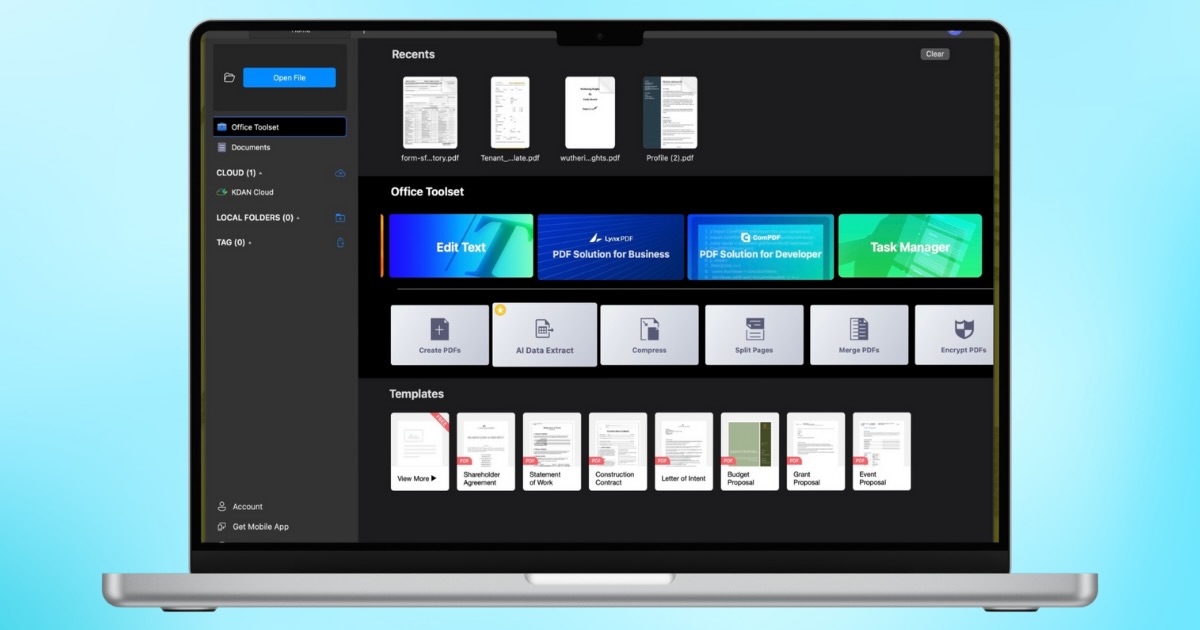
KDAN PDF: The PDF Tool You Didn’t Know Your Mac Needed
For anyone who needs a streamlined document workflow, KDAN PDF has a wide-array of tools backed by the power of AI.

How to Turn Off Full-Screen Screenshot Previews in iOS 26
The full-screen screenshot UI in iOS 26 makes sense if you want instant access to smart features. But if you’d rather keep things simple, you can turn it off.

Restore Videos to 4K with AI: Aiarty Video Enhancer Test 2026
Aiarty Video is a good tool for hobbyists, professionals, or anyone looking to keep memories and restore old video footage to crisp 4K.

iOS 26 AirPods Update: Every New Feature You Get
The iOS 26 AirPods update makes your earbuds more useful than ever. From sharper call quality to Live Translation and even acting as a camera remote.
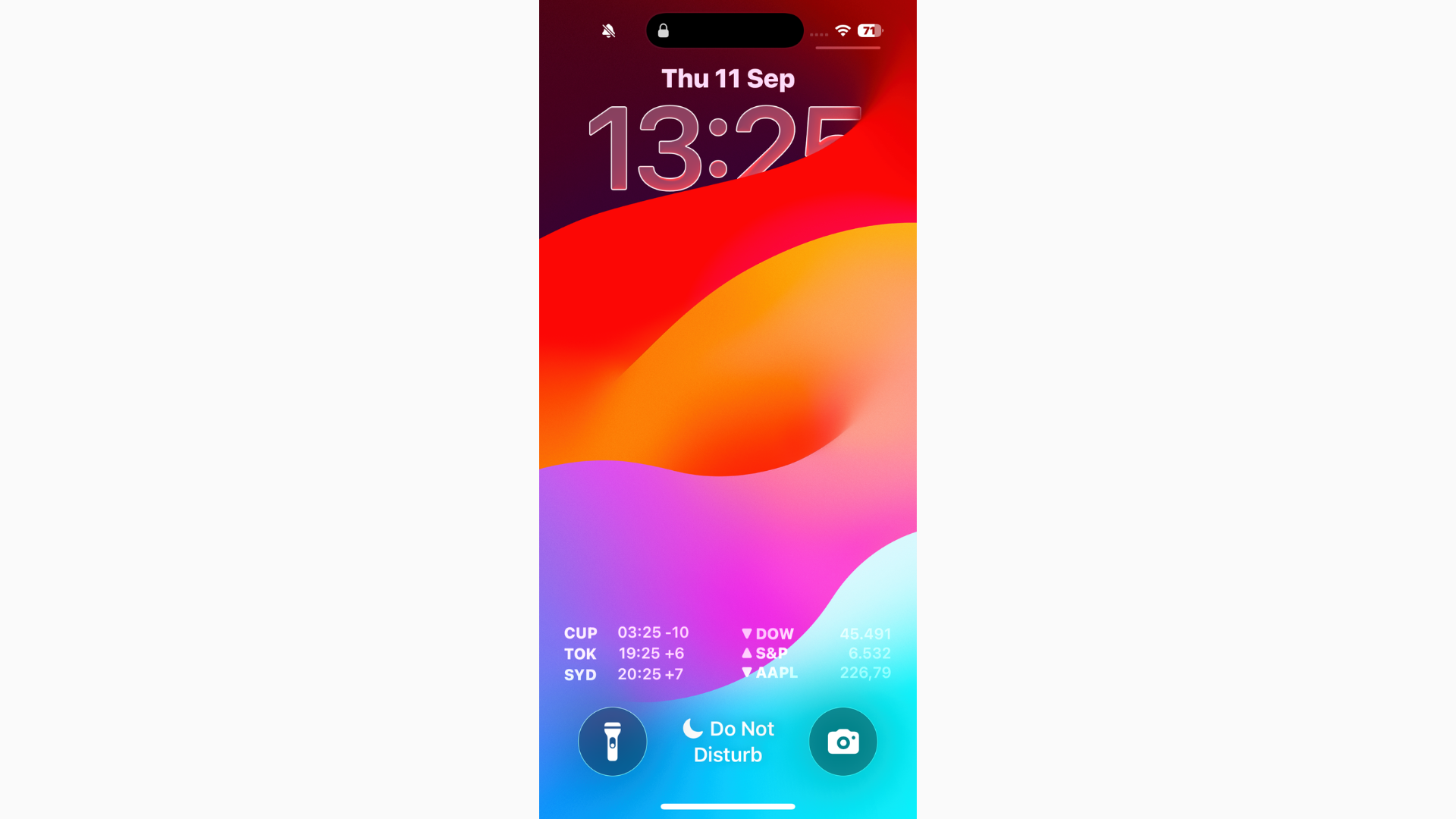
Can’t Read Notifications in iOS 26? Here's the Fix
If you can’t read notifications in iOS 26, start by turning on Reduce Transparency for a more solid background.
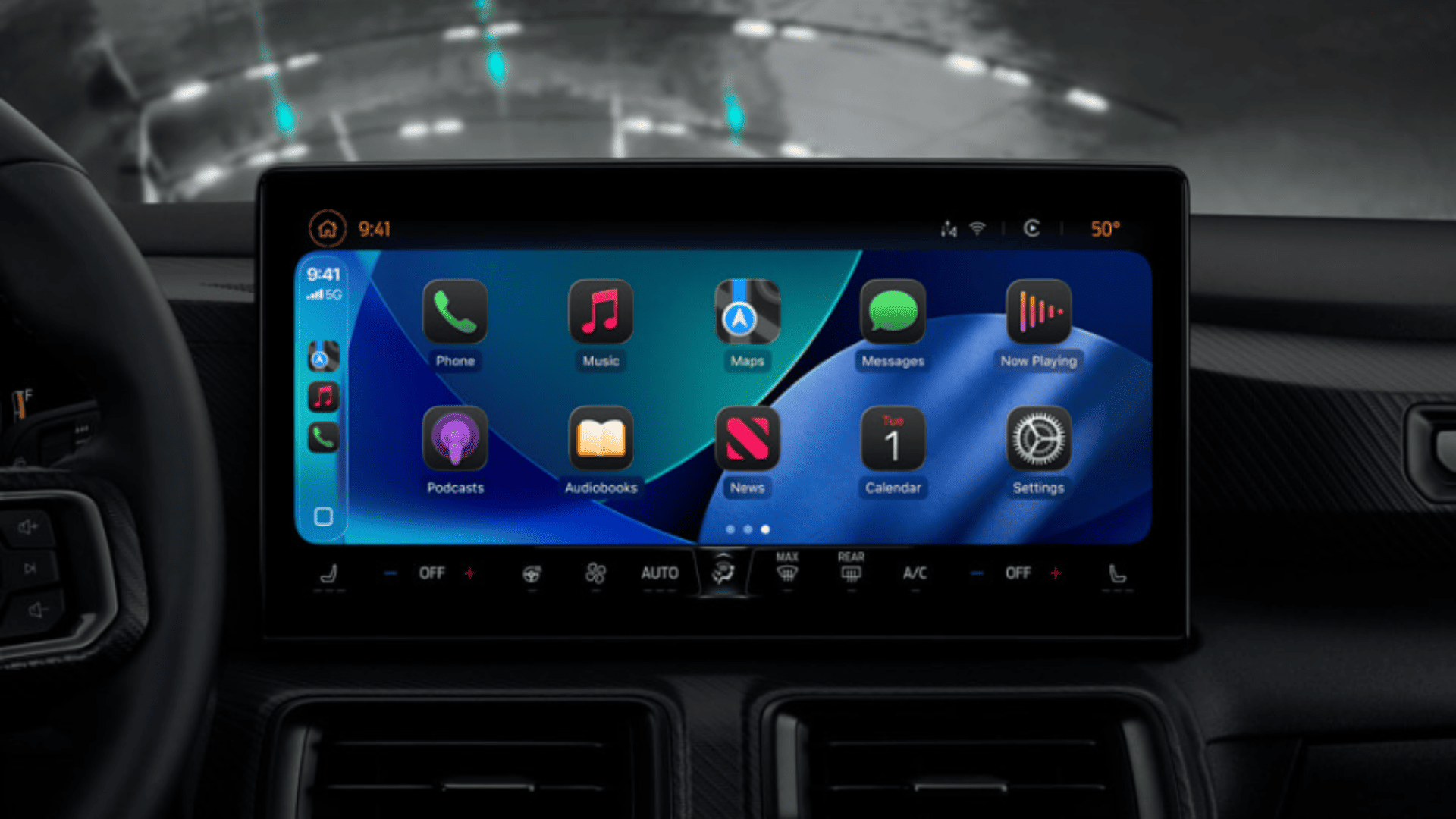
iOS 26 CarPlay Video Streaming: How It Works and What to Expect
With iOS 26, Apple is finally allowing video playback in CarPlay, but only while parked, and only if your car maker supports it.
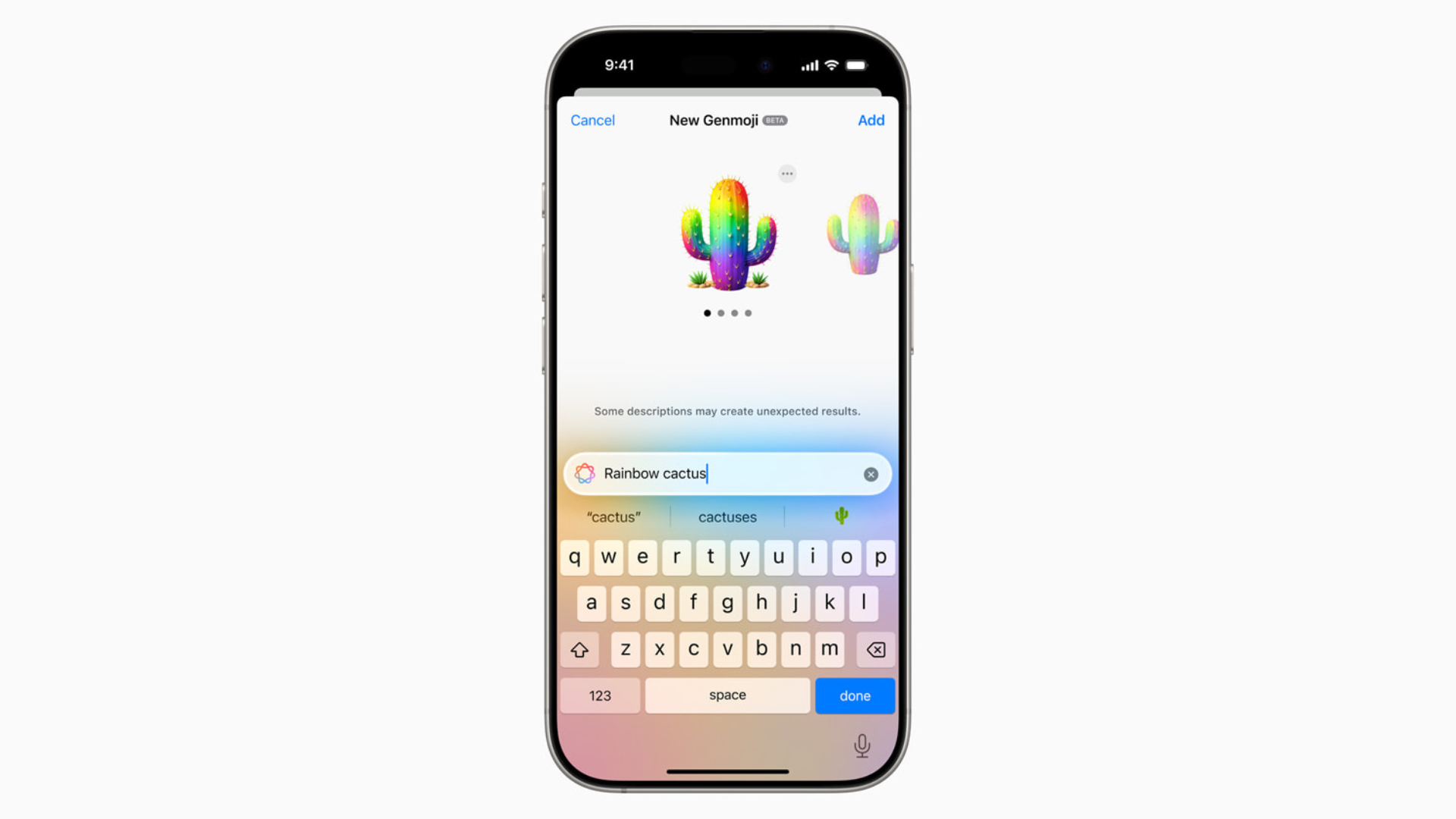
How to Make Your Own Emojis in iOS 26 with Genmoji
With Genmoji in iOS 26, you’re no longer stuck with the standard emoji set. You can generate custom icons that match your personality, your friends, or even your pets.

How to Downgrade From iOS 26 to iOS 18.5
Apple is currently signing iOS 18.5, which means you can downgrade your device as long as that window stays open.

How to Downgrade From macOS Tahoe to macOS Sequoia
To downgrade from macOS 26 Tahoe to macOS Sequoia, turn off beta updates, back up your data, reinstall macOS. Here are the details.

iOS 26 Requirements: Can Your iPhone Run It?
Before you dive into iOS 26 and its new features, you’ll want to know whether your iPhone actually supports the update.

Apple Has 10 Upcoming Products Beyond iPhones and Watches
Apple plans 10 more products including M5 Macs, iPad Pro, iPhone 17e, updated Vision Pro, and HomePod mini refresh.
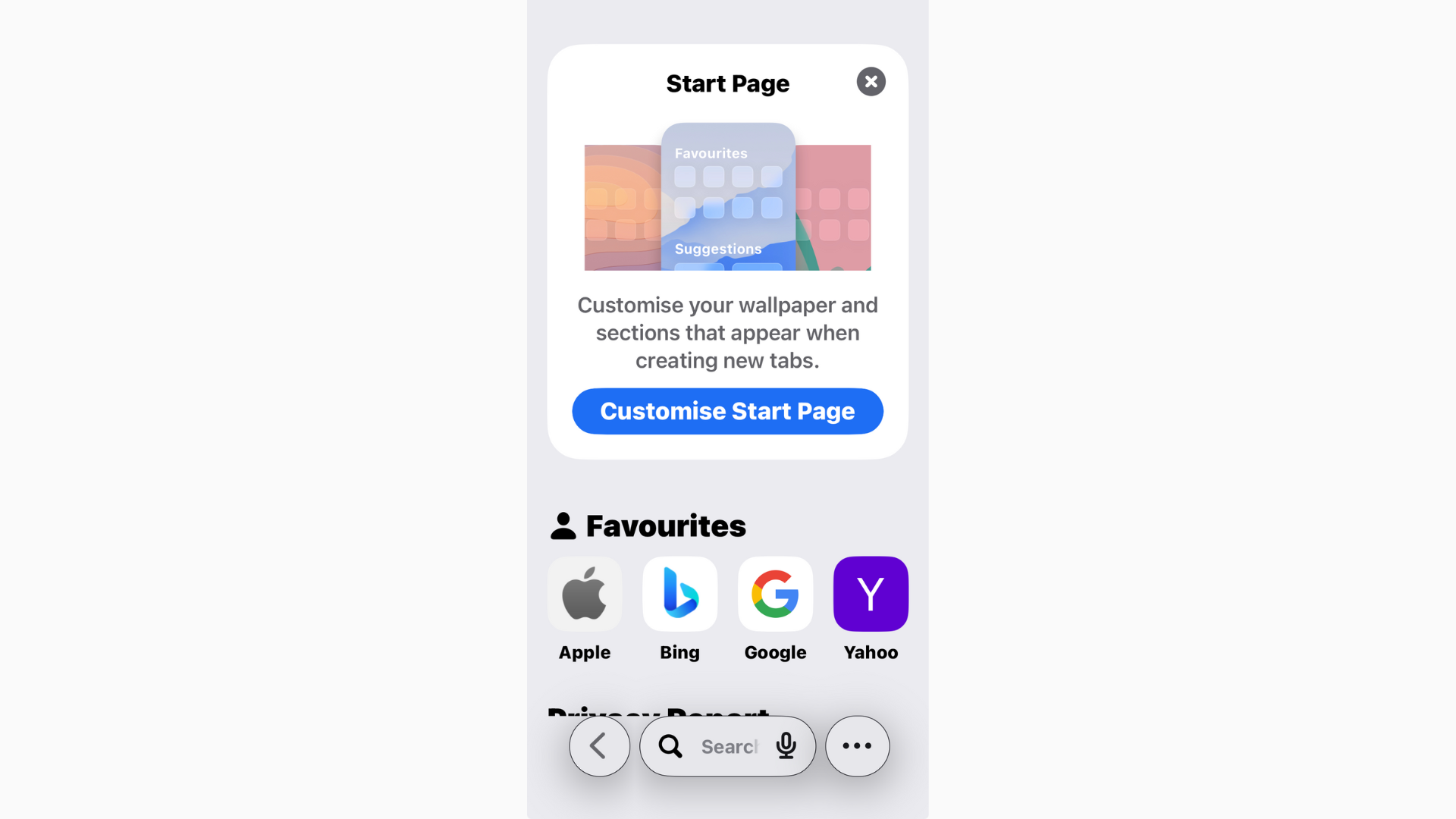
How to View Safari History in iOS 26
Safari in iOS 26 has picked up a fresh look and some new features, but one thing hasn’t changed: you can still view your browsing history