
Apple rolls out macOS Tahoe 26.1 public beta 1 with build 25B5042k, offering early access, stability improvements, and setup instructions.
OS 26 Updates

How to Fix No Sound for Text Messages, Keyboard, and Emails After iOS 26
Most sound issues after iOS 26 come down to the mute switch or Do Not Disturb mode being active. Flip the switch, check the moon icon, and restart your phone.

iOS 26 Icons Look Blurry or Out of Focus? How to Fix it
After updating to iOS 26, some iPhone users have noticed that app icons look softer, faded, or even blurry.

How to Fix Screen Issues on iOS 26 (White Screen of Death)
Some iPhone owners upgrading to iOS 26 have run into a dreaded issue: the white screen of death.

macOS Tahoe 26.1 Developer Beta 1 Released
Apple releases macOS Tahoe 26.1 developer beta 1 with build 25B5042k, focusing on bug fixes, stability, and performance improvements.

Apple Releases iOS 26.1 Developer Beta 1
Apple released iOS 26.1 developer beta 1 with bug fixes, performance improvements, and Liquid Glass refinements ahead of public beta.

How to Fix Touch ID Not Working on macOS Tahoe
Some Intel-based Macs are hitting a strange Touch ID bug after upgrading to macOS Tahoe 26. Owners of the 2019 MacBook Pro report that the fingerprint sensor works only part of the time.

Fix: macOS Tahoe Won’t Install on Mac Studio M3 Ultra
Until Apple ships a patched build, likely as macOS 26.0.1 or a supplemental update, your best bet is a Recovery reinstall.

How to Fix Apps Crashing/Freezing on iOS 26
iOS 26 is supposed to bring polish with Liquid Glass and new Apple Intelligence tools. Instead, some iPhone owners are watching core apps collapse in their hands.
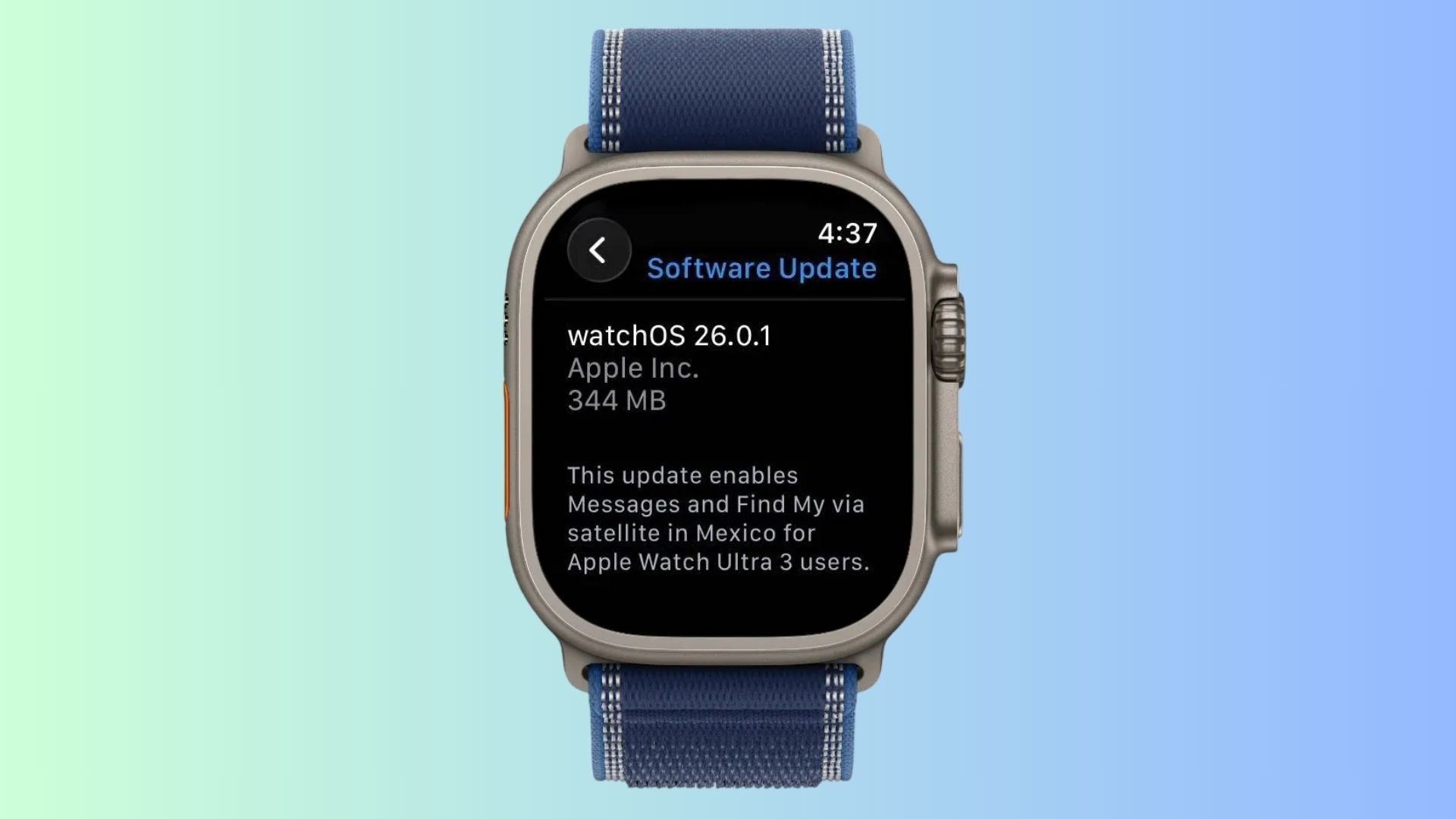
Apple Releases watchOS 26.0.1 for Apple Watch Ultra 3
Apple rolls out watchOS 26.0.1 for Apple Watch Ultra 3, enabling Messages and Find My via satellite in Mexico.
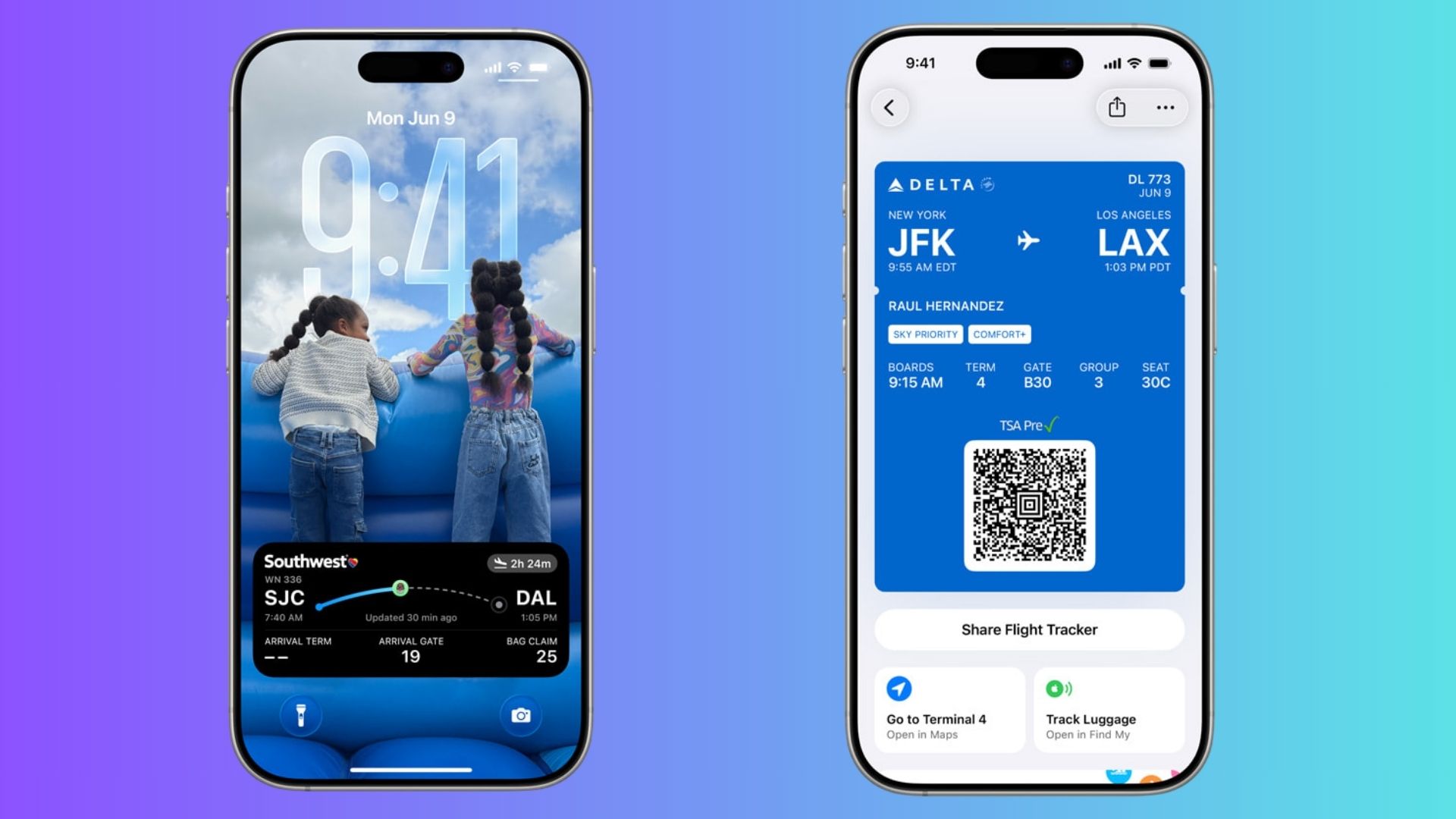
Boarding Pass Live Activities Arrive in Apple Wallet with iOS 26
iOS 26 updates Wallet boarding passes with Live Activities on Lock Screen, terminal maps, and integrated Find My luggage tracking.

How to Fix FaceTime Not Working on iOS 26
Most FaceTime problems in iOS 26 can be fixed with a restart, toggling FaceTime in settings, or resetting network preferences.

How to Clear Search History on iOS 26 (Safari, Spotlight & More)
Clearing search history on iOS 26 isn’t one single switch — it depends on where you’ve been searching.

How to Turn Off Full-Screen Screenshot Previews in iOS 26
The full-screen screenshot UI in iOS 26 makes sense if you want instant access to smart features. But if you’d rather keep things simple, you can turn it off.

Apple Rolls Out Two New Apps Across Devices in Latest Software Updates
Apple adds Apple Games and Preview apps in iOS 26, iPadOS 26, and macOS Tahoe, unifying gaming and boosting productivity features.
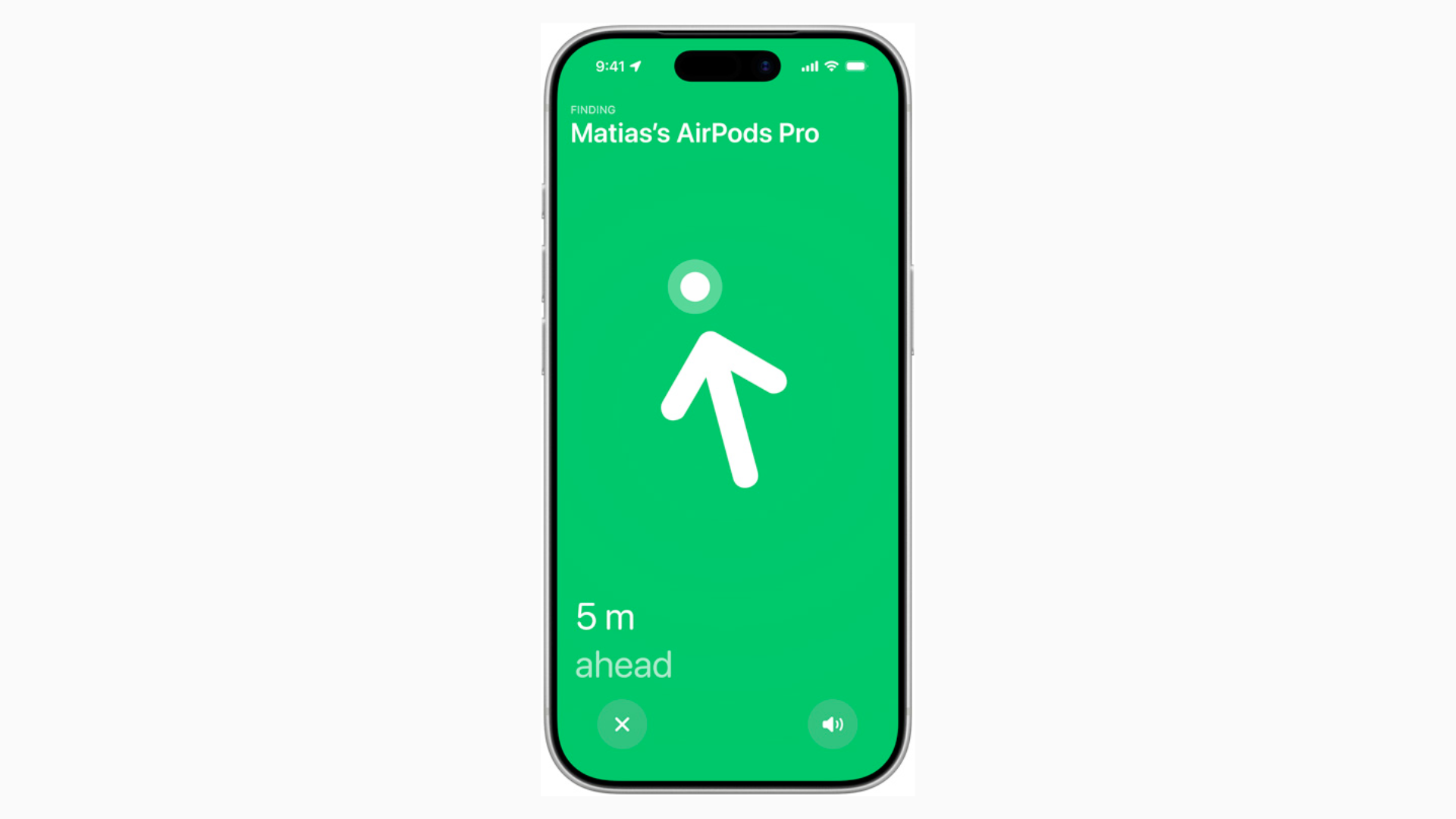
Improved Precision Finding with AirPods Pro 3 Only Works with iPhone 17
Improved Precision Finding on AirPods Pro 3 is one of those features that seems small until you use it. But you’ll only get the full experience with an iPhone 17.

iOS 26 AirPods Update: Every New Feature You Get
The iOS 26 AirPods update makes your earbuds more useful than ever. From sharper call quality to Live Translation and even acting as a camera remote.
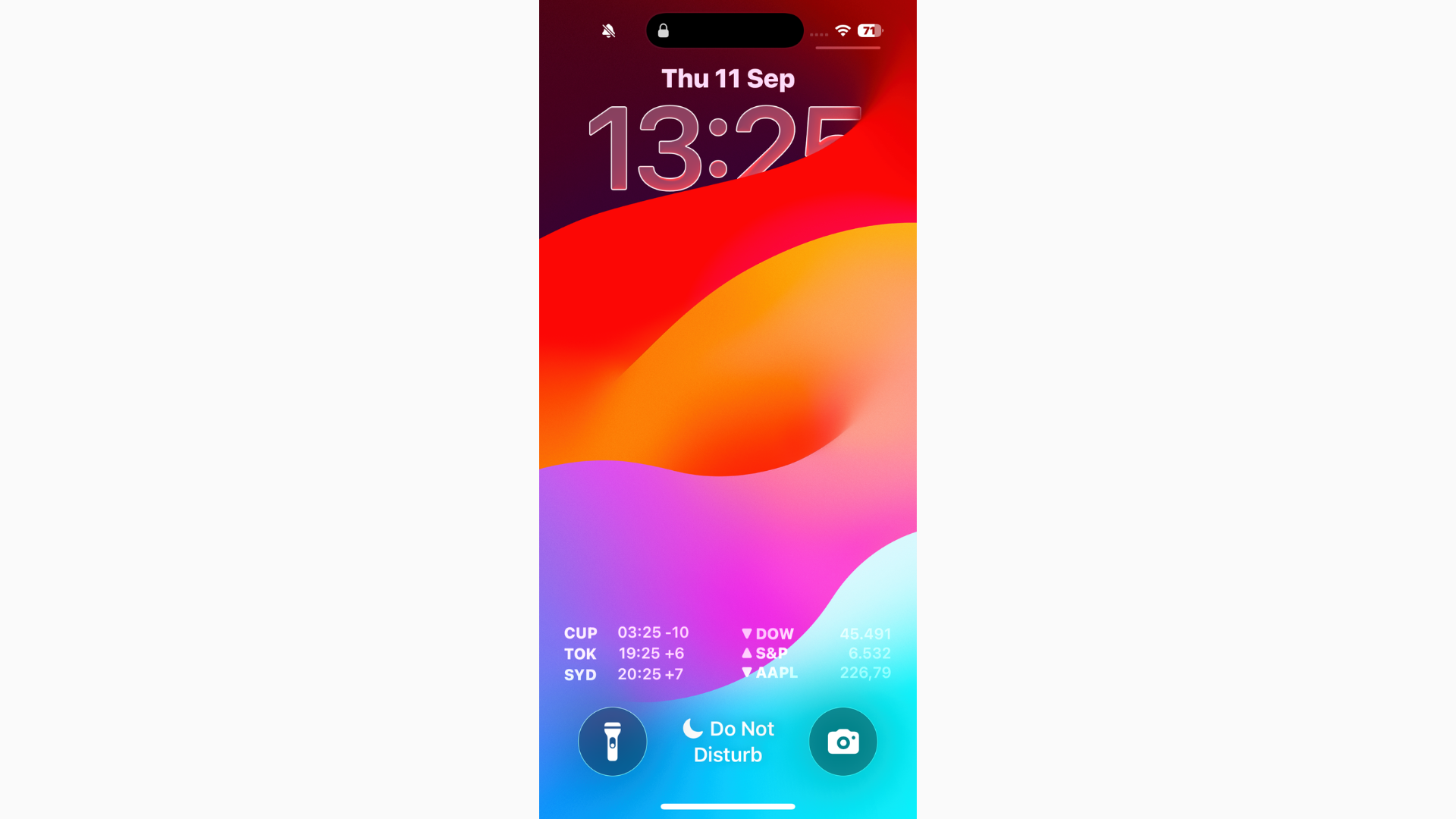
Can’t Read Notifications in iOS 26? Here's the Fix
If you can’t read notifications in iOS 26, start by turning on Reduce Transparency for a more solid background.
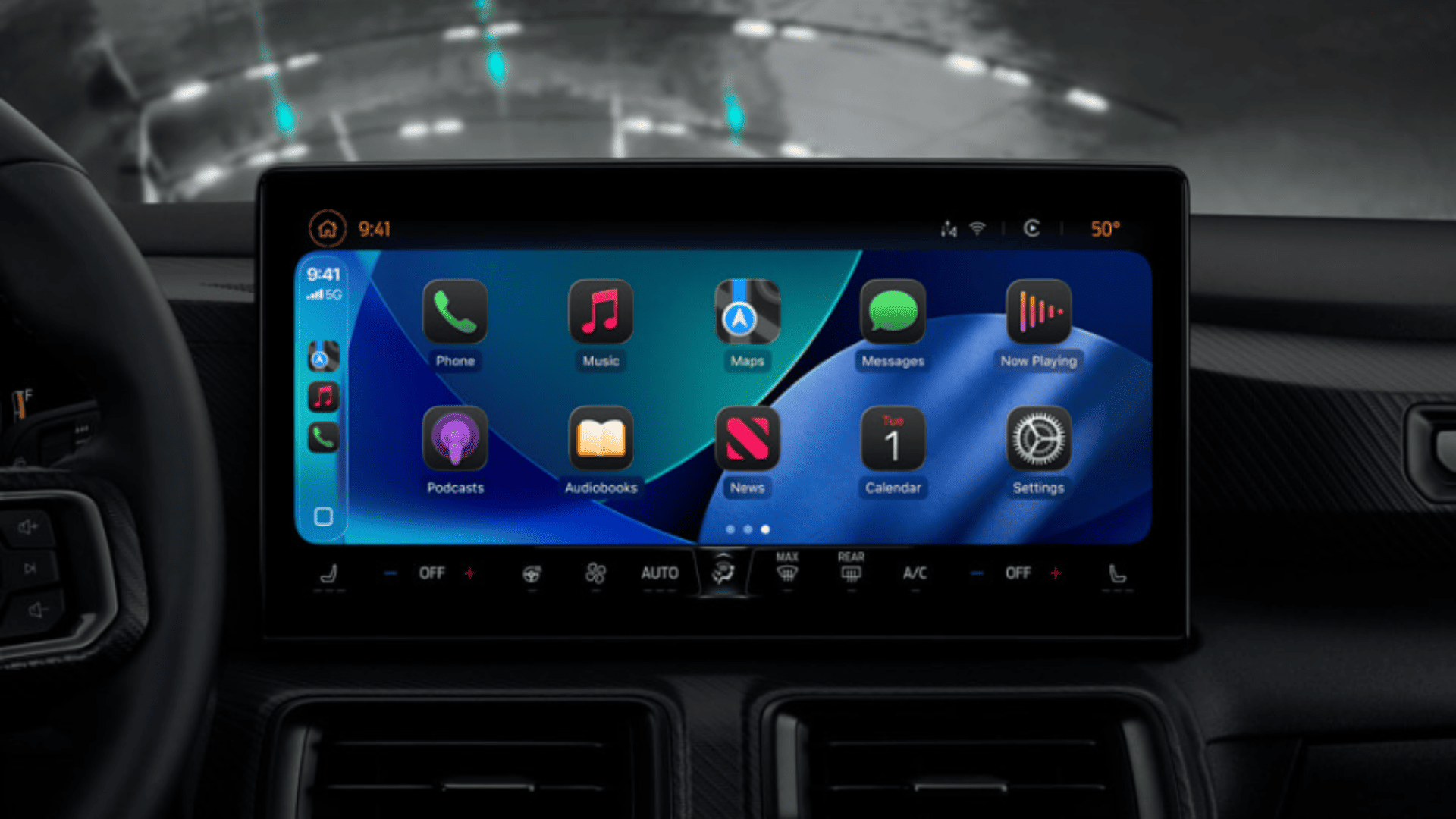
iOS 26 CarPlay Video Streaming: How It Works and What to Expect
With iOS 26, Apple is finally allowing video playback in CarPlay, but only while parked, and only if your car maker supports it.
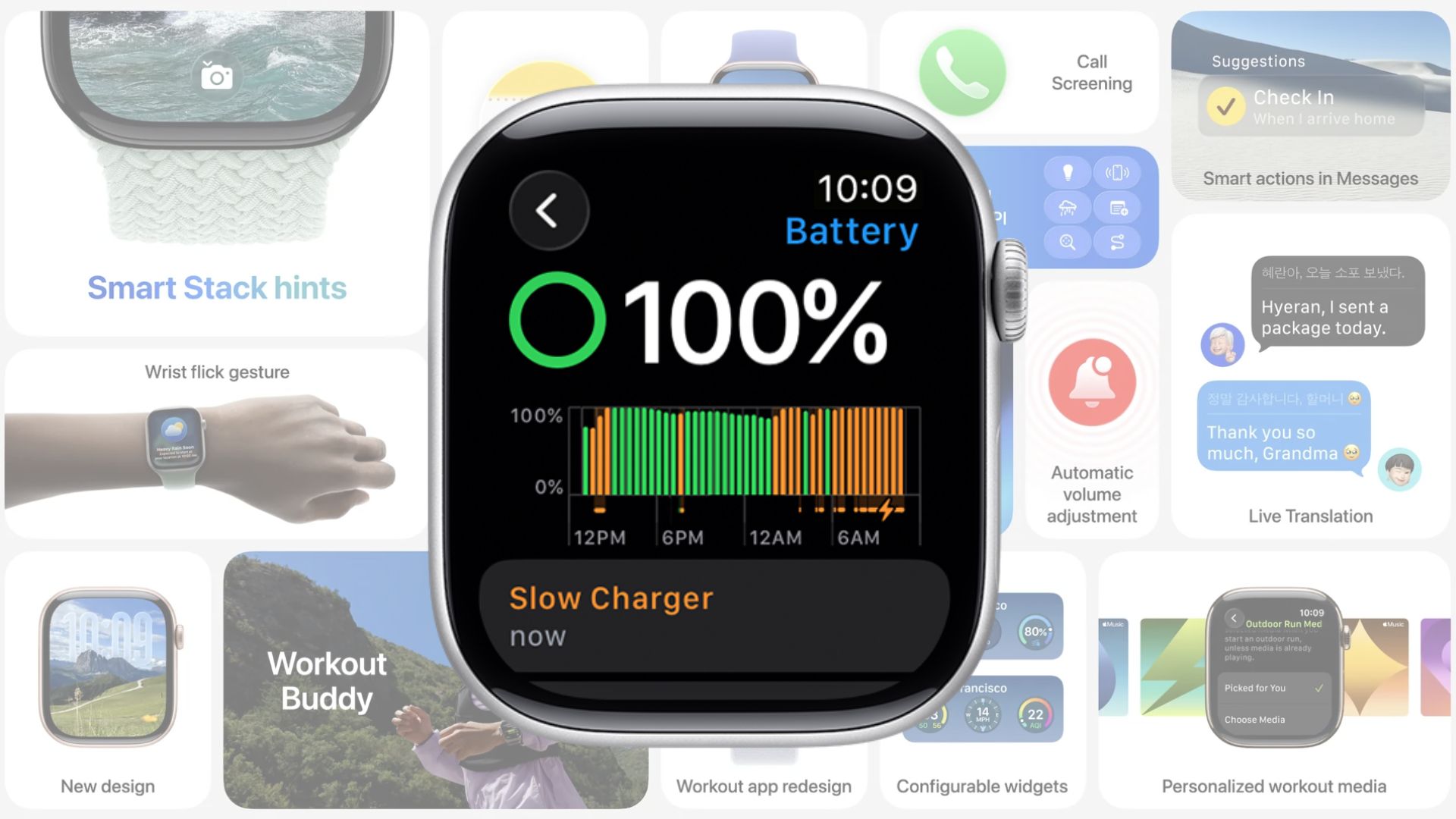
Slow Charger Warning Now Part of watchOS 26
watchOS 26 warns when your Apple Watch charges slowly. Use a USB-C Power Delivery charger and cable for faster charging.

Apple Adds Recovery Assistant to macOS Tahoe
Learn how to use macOS Tahoe Recovery Assistant to fix Mac startup issues, recover iCloud data, and troubleshoot devices.
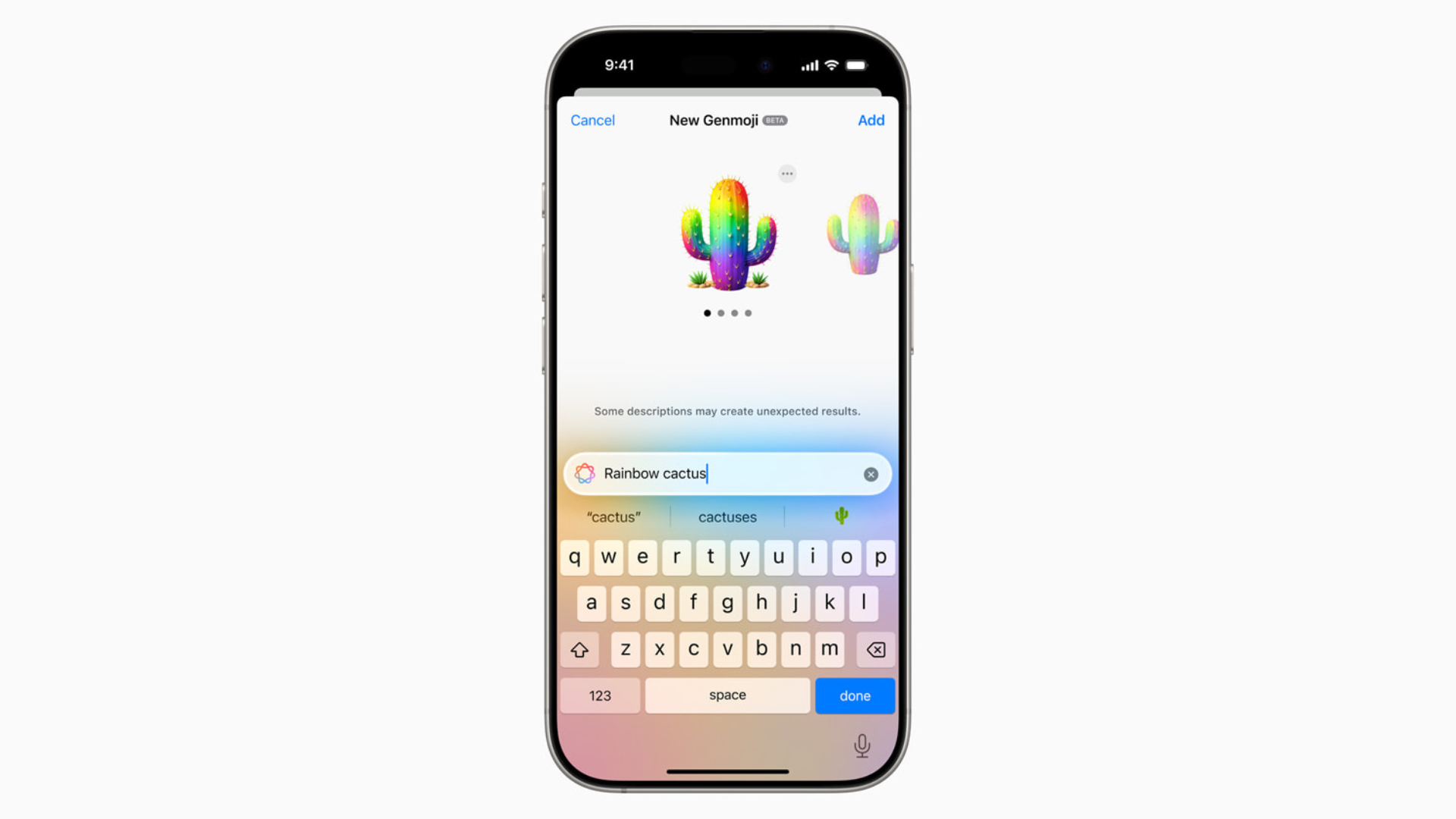
How to Make Your Own Emojis in iOS 26 with Genmoji
With Genmoji in iOS 26, you’re no longer stuck with the standard emoji set. You can generate custom icons that match your personality, your friends, or even your pets.

How to Downgrade From iOS 26 to iOS 18.5
Apple is currently signing iOS 18.5, which means you can downgrade your device as long as that window stays open.

iOS 26 Requirements: Can Your iPhone Run It?
Before you dive into iOS 26 and its new features, you’ll want to know whether your iPhone actually supports the update.