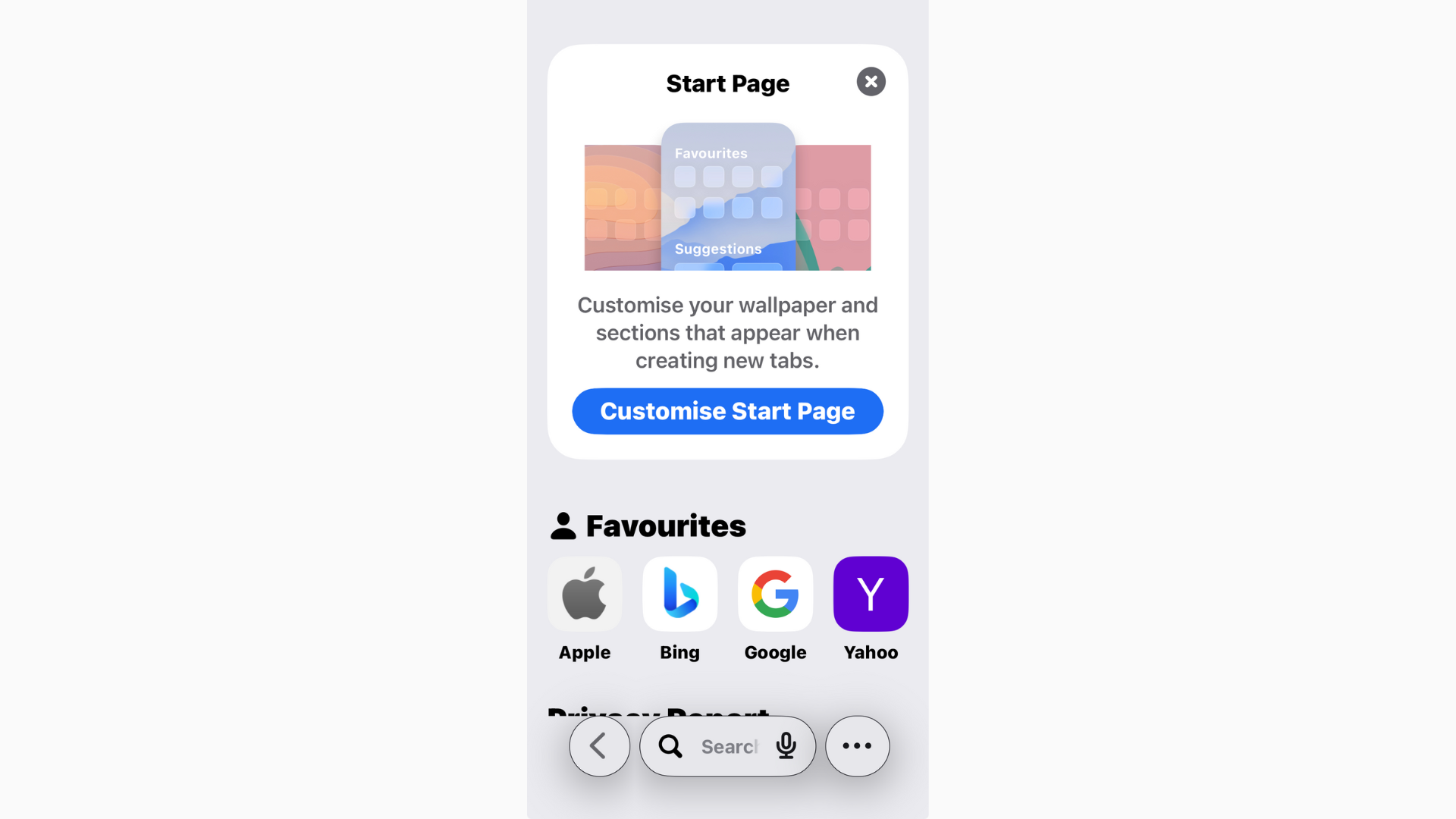
Safari in iOS 26 has picked up a fresh look and some new features, but one thing hasn’t changed: you can still view your browsing history
OS 26 Updates
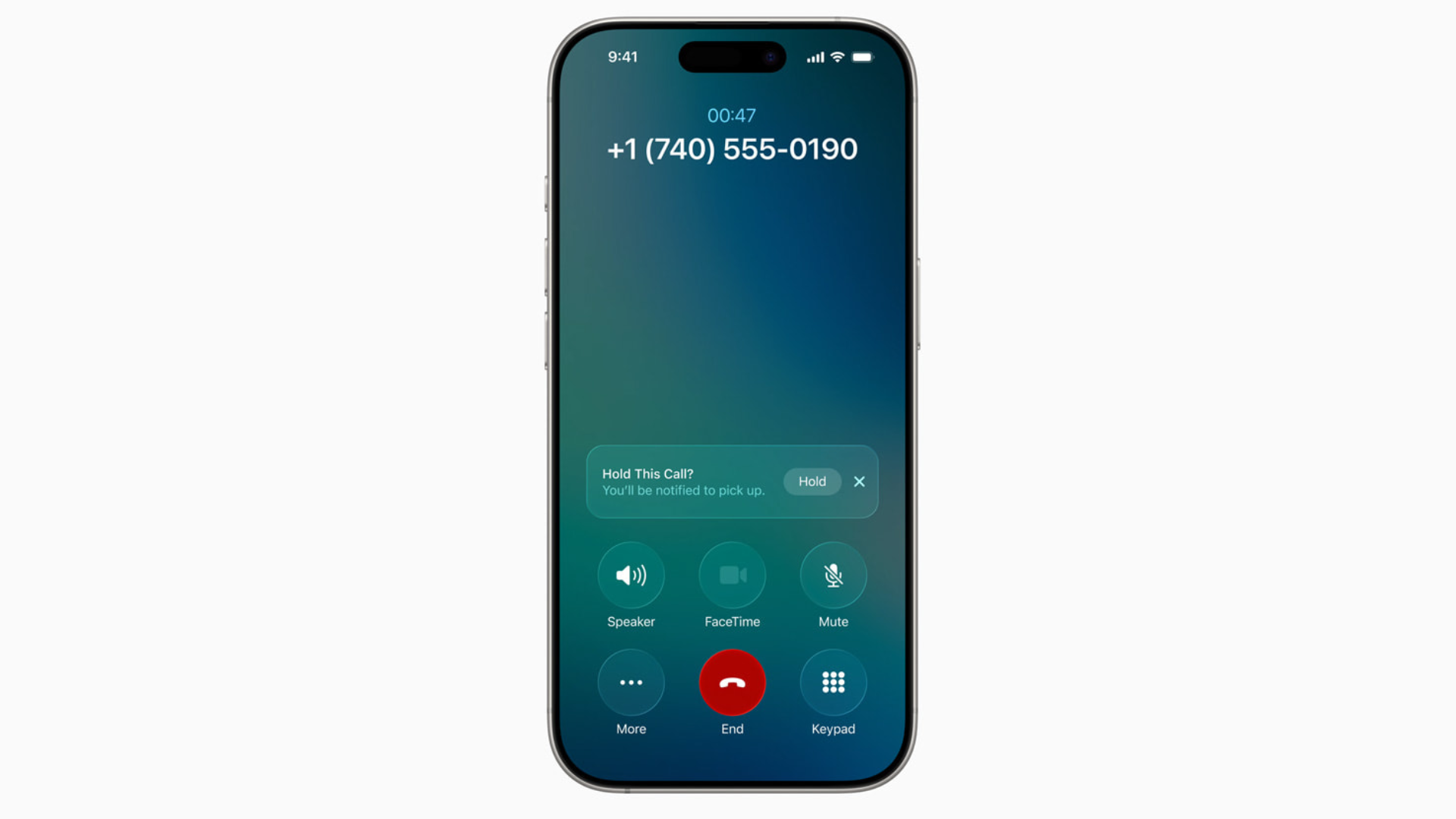
iOS 26 Hold Assist: What It Is and How to Use It
Nobody enjoys sitting through endless hold music. With iOS 26, Apple finally added a feature to make it less painful: Hold Assist.
How to Fix iPhone Freezing in iOS 26: Causes and Solutions
Freezing and lag in iOS 26 usually come from background reindexing, visual effects, or early bugs. Restart, free up storage, reduce animations, and check for patches.
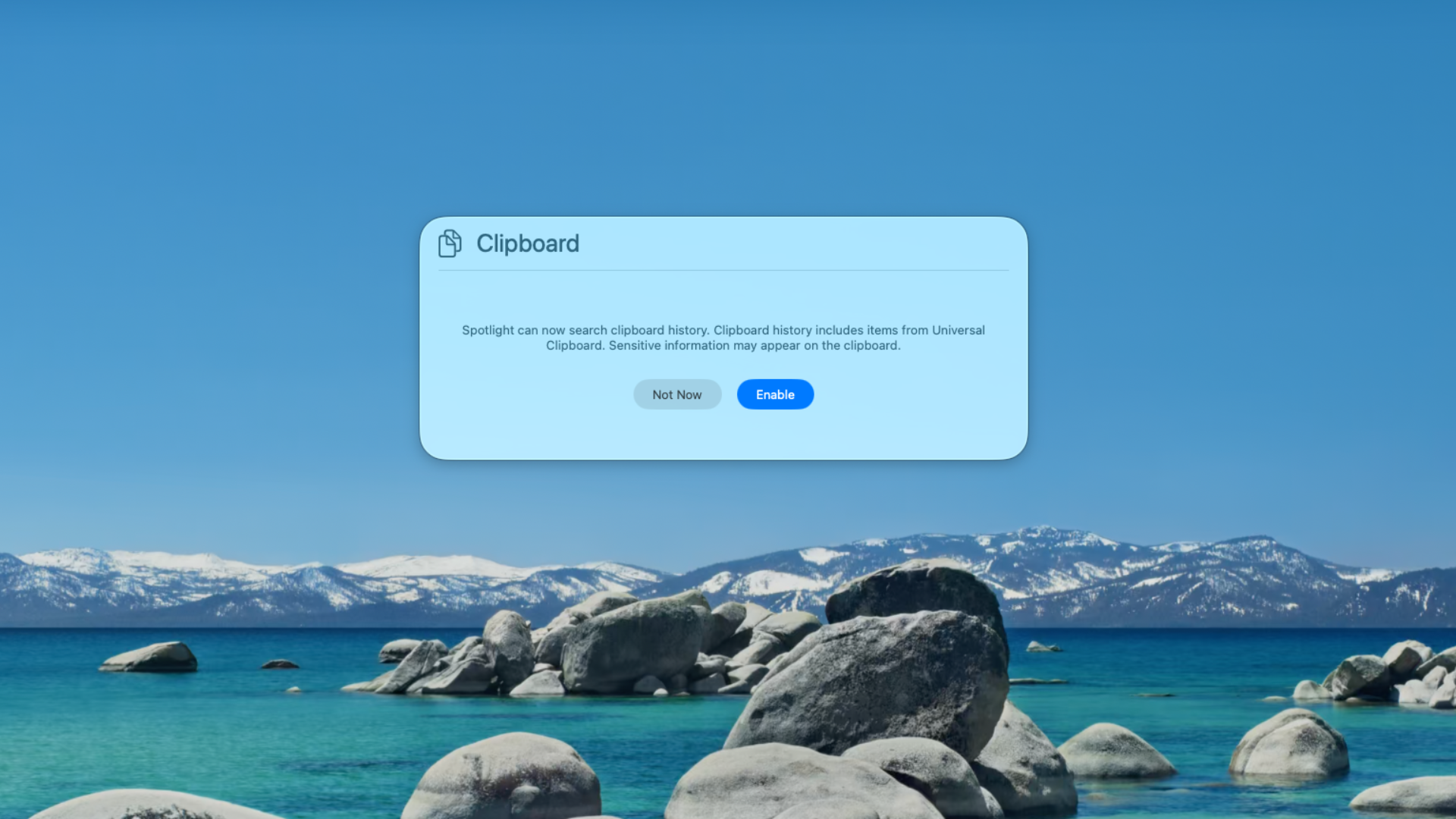
How to Use Clipboard History on macOS Tahoe
With macOS Tahoe (26), Apple has finally built a Clipboard History right into Spotlight.

Can You Download macOS Tahoe from the App Store?
If your Mac supports Tahoe, it’s faster and simpler to update via System Settings. The App Store version, once it arrives, won’t be any different — it’s just another entry point.
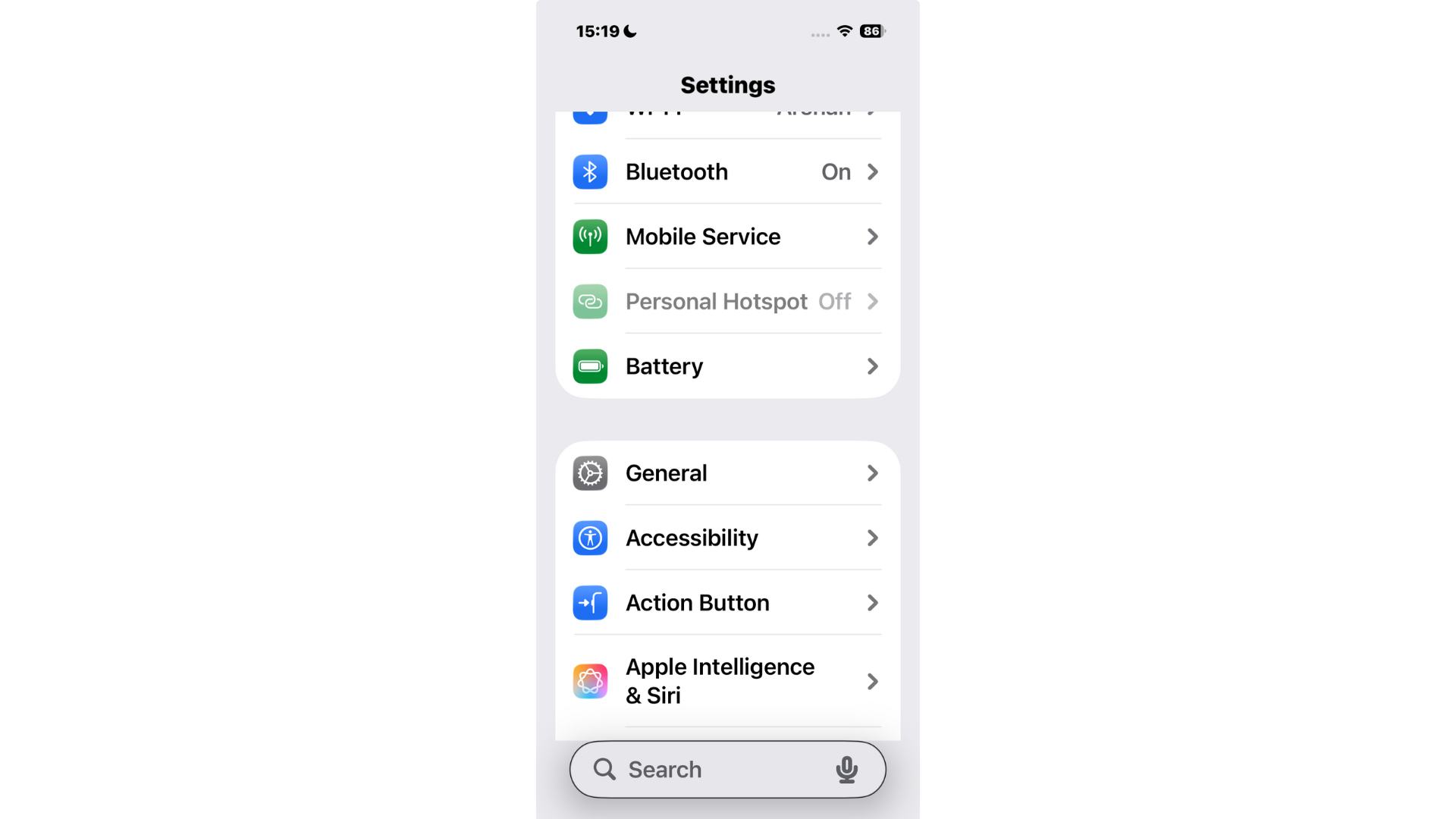
How to Move the Search Bar to the Top on iPhone (iOS 26)
For now, you can’t move the search bar back to the top in iOS 26’s built-in apps like Settings and Notes.

How to Make Apps Clear on iPhone in iOS 26
One of the flashiest parts of iOS 26 is the new Liquid Glass design. It gives widgets, backgrounds, and even app icons a translucent look that reacts to your wallpaper.

10 iOS 26 Hidden Features That You May Not Know About
iOS 26 is packed with surprises. Explore hidden features like lyric translation, adaptive power mode, custom snooze times, and more.

iOS 26 Dark Mode Update Sparks User Complaints Over ‘Tilted’ Icons
iOS 26’s redesigned Dark Mode is receiving criticism from iPhone users who say the new look is uncomfortable, distracting, and in some cases even dizzying.

macOS Tahoe Not Showing Up? Fixes and What to Know
Apple released macOS Tahoe (26) alongside iOS 26, iPadOS 26, and watchOS 26, but some Mac users are finding that the update simply doesn’t appear in System Settings.

Should You Upgrade to iOS 26? Yes, Here's Why
Is iOS 26 worth upgrading to? We break down benefits, risks, performance issues, storage demands, and Apple’s focus on productivity.
How to Make iOS 26 Less Animated
Learn how to reduce animations in iOS 26 with step-by-step settings to improve comfort, clarity, performance, and battery life.

How to Fix iOS 26 Screenshot Issues (7 Easy Methods)
After updating to iOS 26, some iPhone users have noticed and reported issues on several forums while trying to take screenshots. From screenshots not saving to glitches when sharing them, these problems are common after major updates.

Best iOS 26 Wallpapers (4K Options and Apps for iOS Devices)
Wallpapers are one of the easiest ways to give your iPhone a fresh look, and iOS 26 makes them more immersive than ever. With the new Liquid Glass design, wallpapers interact with system elements like icons, widgets, and the Lock Screen clock, making your device feel dynamic and personalized.

Critical macOS Sonoma 14.8 Update With 39 Security Fixes Released
Apple released macOS Sonoma 14.8 on September 15, 2025, a significant security update that addresses 39 vulnerabilities across the operating system. The patches resolve serious issues ranging from potential data exposure and application sandbox escapes to bugs that could allow an attacker to gain full root control of a machine. Given the breadth and severity of the fixes, this update is essential for all Sonoma users.

Older iPhone/iPad? Install iOS 15.8.5 for a key security fix
Apple has released iOS 15.8.5 and iPadOS 15.8.5 (September 15, 2025), a security-only update for legacy devices that don’t run newer iOS versions. It addresses a single ImageIO vulnerability (CVE-2025-43300) that could trigger memory corruption when processing a malicious image. Apple says there’s a report this bug may have been exploited in an extremely sophisticated, targeted attack.

iOS 16.7.12, iPadOS 16.7.12 released as security updates for older devices
Apple has pushed a security-only update for older devices: iOS 16.7.12 and iPadOS 16.7.12, released today (September 15, 2025). The update patches an ImageIO vulnerability (CVE-2025-43300) that could allow memory corruption when processing a malicious image. Apple says it’s aware of a report that this issue may have been used in an “extremely sophisticated” attack against specific, targeted individuals.

tvOS 26 vs tvOS 18: Ultimate Comparison
Thinking about updating your Apple TV but not sure what really changes? Here’s a clear, no-nonsense comparison of tvOS 26 and tvOS 18 that helps you decide fast, then dives deeper if you want the details.

macOS Tahoe 26 Released: What’s New and How to Update Your Mac
macOS Tahoe introduces Liquid Glass design, powerful Spotlight, automation upgrades, and iPhone features. Learn what’s new and how to update.

What is the iOS 26 Build Number (final release)
The public build number for iOS 26.0 is 23A341. Apple’s Release Candidate last week was 23A340, and devices on the RC are getting a small day-one update to the final.

How Long Does iOS 26 Take to Wownload?
Short answer: on typical home Wi-Fi, expect roughly 5–25 minutes to download iOS 26. The update itself is about ~6 GB, so your exact time depends on your connection speed and launch-day server load. See our size breakdown here: “iOS 26 Update Download Size sits at around 6GB.”

iPadOS 18.7 or iPadOS 26: which one to install?
People are searching “iPadOS 18.7” today because Apple is doing for iPad exactly what it did for iPhone: shipping a final maintenance update on the old line while launching the big annual upgrade.

MacOS Sequoia 15.7 released for users keeping Sequoia
Apple is rolling out macOS Sequoia 15.7, a maintenance update focused on security and stability. Apple’s notes for the 15.7 release candidate flagged security fixes, and today’s rollout arrives alongside the big macOS “Tahoe” 26 upgrade for those ready to jump to the new design.

iOS 26 Update Download Size sits at around 6GB
iOS 26 is rolling out for everyone today and it’s a chunky download. On the phone I used to check it – an iPhone 14 Pro Max – the update shows 6.17 GB. Your number may be a little higher or lower depending on model, region, and what’s already on your device.