

When you plug an iOS device into your Mac, you might have noticed that iTunes and Photos want to open. If you’re looking to sync music over to your device or import pictures, that’s great; however, if all you wanna do is charge the device while you’re at your computer, then having to quit a couple of pesky programs is less awesome.
Both applications have a way to disable this behavior, though, so hooray! Let’s look at how to do that in iTunes first. Start by plugging in the device, and then if necessary, click on the small icon in the toolbar to access its settings.

When that next screen appears, look under the “Summary” tab to find “Automatically sync when this [device] is connected” (which may instead say “Open iTunes when this [device] is connected”).

So uncheck that box and click “Apply” in the bottom-right corner.
Photos’ option is just as easy to find. Plug in your iPhone or iPad as before, and then depending on your configuration, you may have to either click on the “Import” tab at the top…

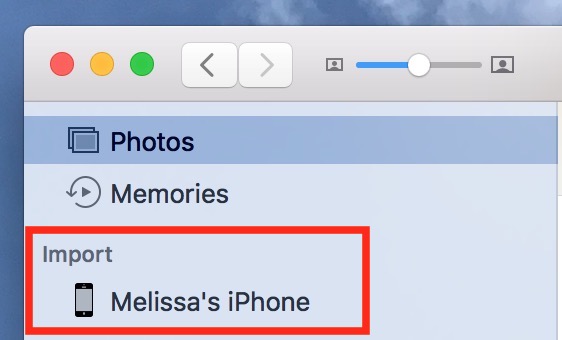
…or choose the device itself from your sidebar.
Then you should see a little checkbox near the top-left of the window labeled “Open Photos for this device.”

Uncheck that, and you’re all done! When you plug in that iPhone or iPad now, neither program will open.
I remember back in the long-long ago when I used to be jazzed that apps would try to be helpful in this way, but now with iCloud Photo Library and Apple Music, I just never intend to sync when I plug in. Far more often, I’m sitting at a coffee shop in danger of my iPhone dying if I don’t give it some juice. Thank goodness I can avoid annoyances even with my irresponsible battery habits!
Don’t miss the best of The Mac Observer
Set us as a preferred source and our Apple reporting ranks higher in your Google Search results and Discover feed — one tap, no account changes.


Discussion