
The AirPods Pro 3 bring better audio, new health features, and even live translation (full guide here). But one thing hasn’t changed: you’ll only get the best sound and comfort if the ear tips fit properly.
How-To

How to Fix Touch ID Not Working on macOS Tahoe
Some Intel-based Macs are hitting a strange Touch ID bug after upgrading to macOS Tahoe 26. Owners of the 2019 MacBook Pro report that the fingerprint sensor works only part of the time.

Fix: macOS Tahoe Won’t Install on Mac Studio M3 Ultra
Until Apple ships a patched build, likely as macOS 26.0.1 or a supplemental update, your best bet is a Recovery reinstall.

How to Fix Apps Crashing/Freezing on iOS 26
iOS 26 is supposed to bring polish with Liquid Glass and new Apple Intelligence tools. Instead, some iPhone owners are watching core apps collapse in their hands.

How to Fix FaceTime Not Working on iOS 26
Most FaceTime problems in iOS 26 can be fixed with a restart, toggling FaceTime in settings, or resetting network preferences.

How to Clear Search History on iOS 26 (Safari, Spotlight & More)
Clearing search history on iOS 26 isn’t one single switch — it depends on where you’ve been searching.

How to Turn Off Full-Screen Screenshot Previews in iOS 26
The full-screen screenshot UI in iOS 26 makes sense if you want instant access to smart features. But if you’d rather keep things simple, you can turn it off.
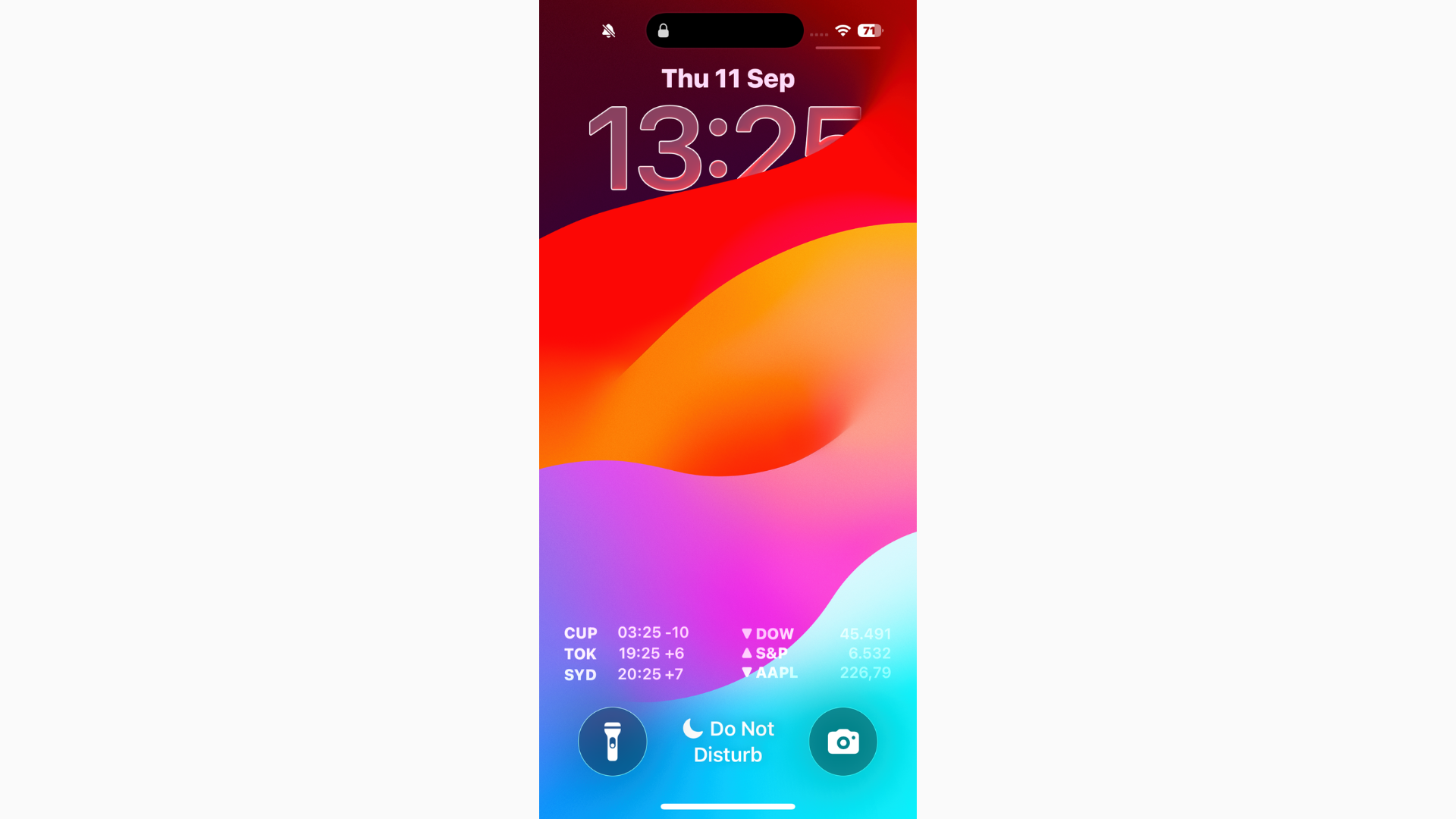
Can’t Read Notifications in iOS 26? Here's the Fix
If you can’t read notifications in iOS 26, start by turning on Reduce Transparency for a more solid background.
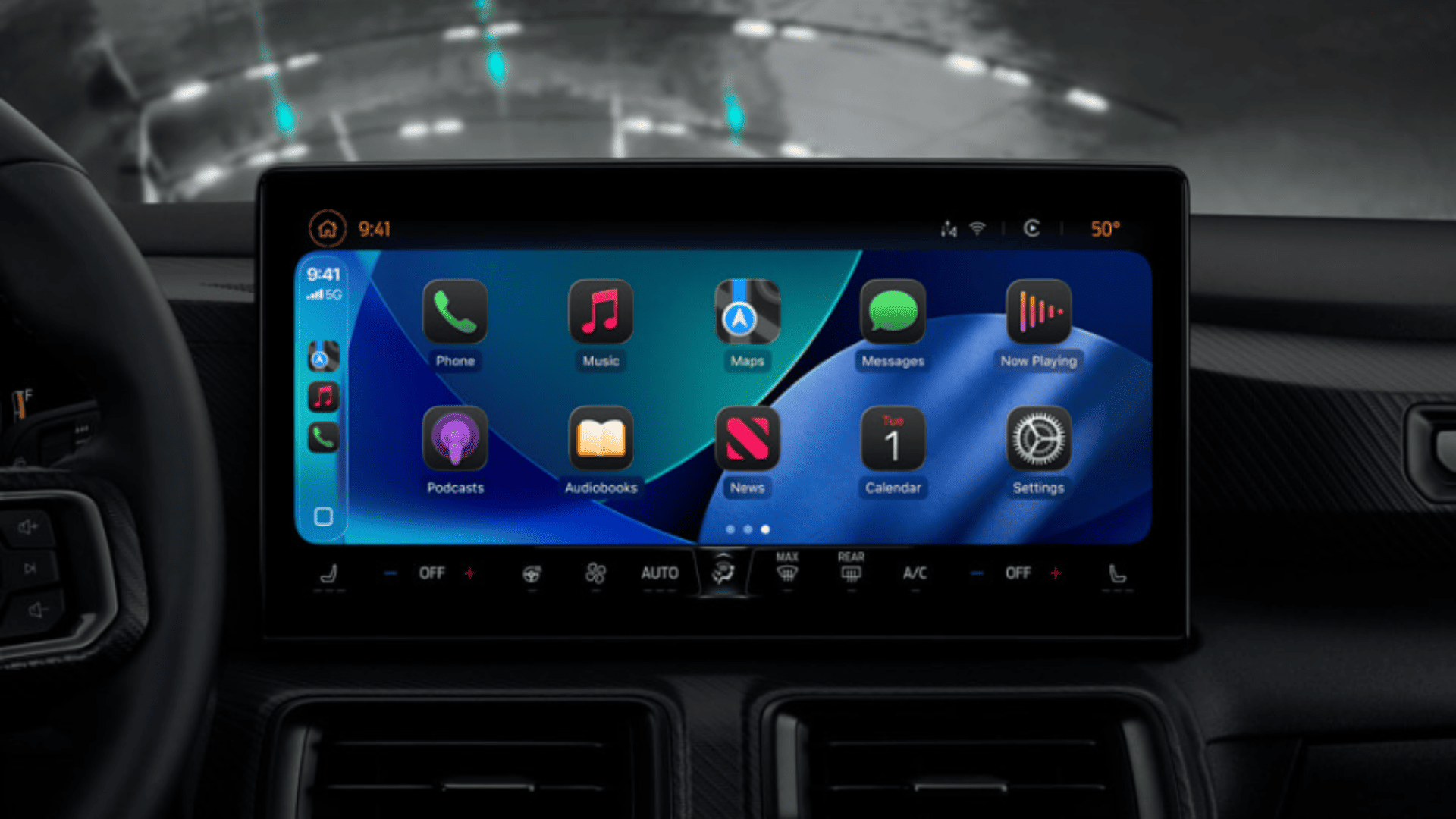
iOS 26 CarPlay Video Streaming: How It Works and What to Expect
With iOS 26, Apple is finally allowing video playback in CarPlay, but only while parked, and only if your car maker supports it.
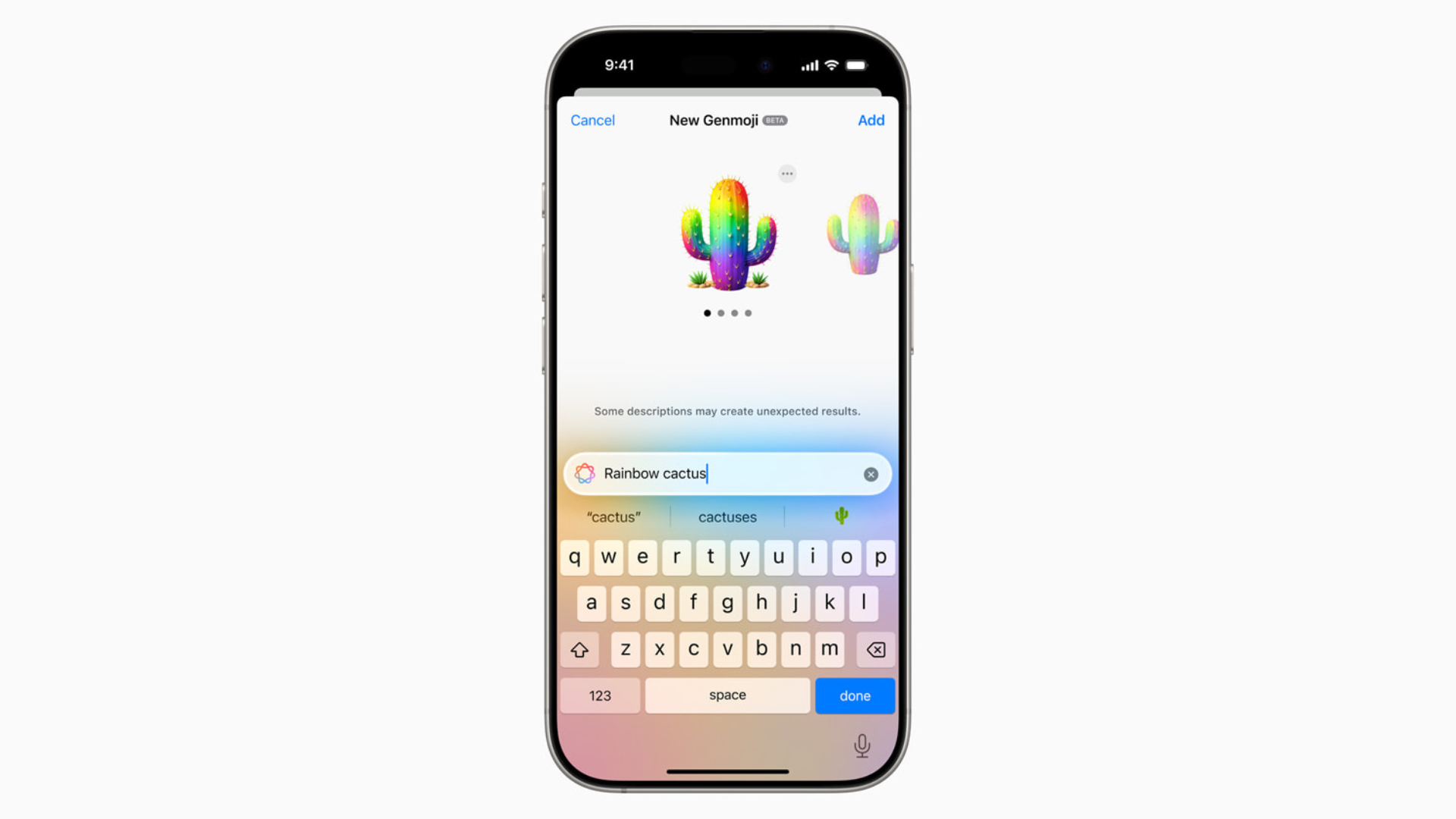
How to Make Your Own Emojis in iOS 26 with Genmoji
With Genmoji in iOS 26, you’re no longer stuck with the standard emoji set. You can generate custom icons that match your personality, your friends, or even your pets.

How to Downgrade From iOS 26 to iOS 18.5
Apple is currently signing iOS 18.5, which means you can downgrade your device as long as that window stays open.

How to Downgrade From macOS Tahoe to macOS Sequoia
To downgrade from macOS 26 Tahoe to macOS Sequoia, turn off beta updates, back up your data, reinstall macOS. Here are the details.
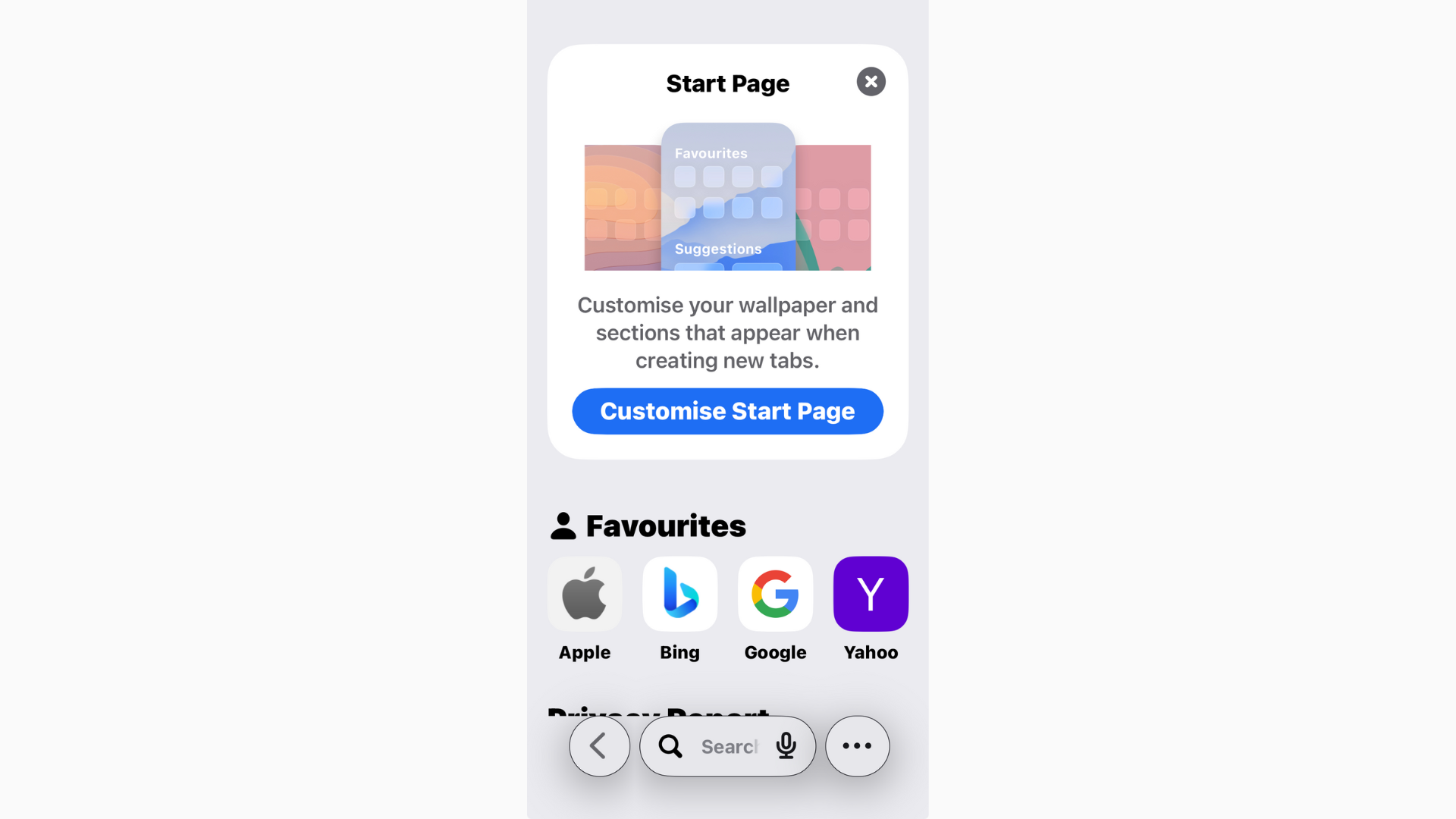
How to View Safari History in iOS 26
Safari in iOS 26 has picked up a fresh look and some new features, but one thing hasn’t changed: you can still view your browsing history
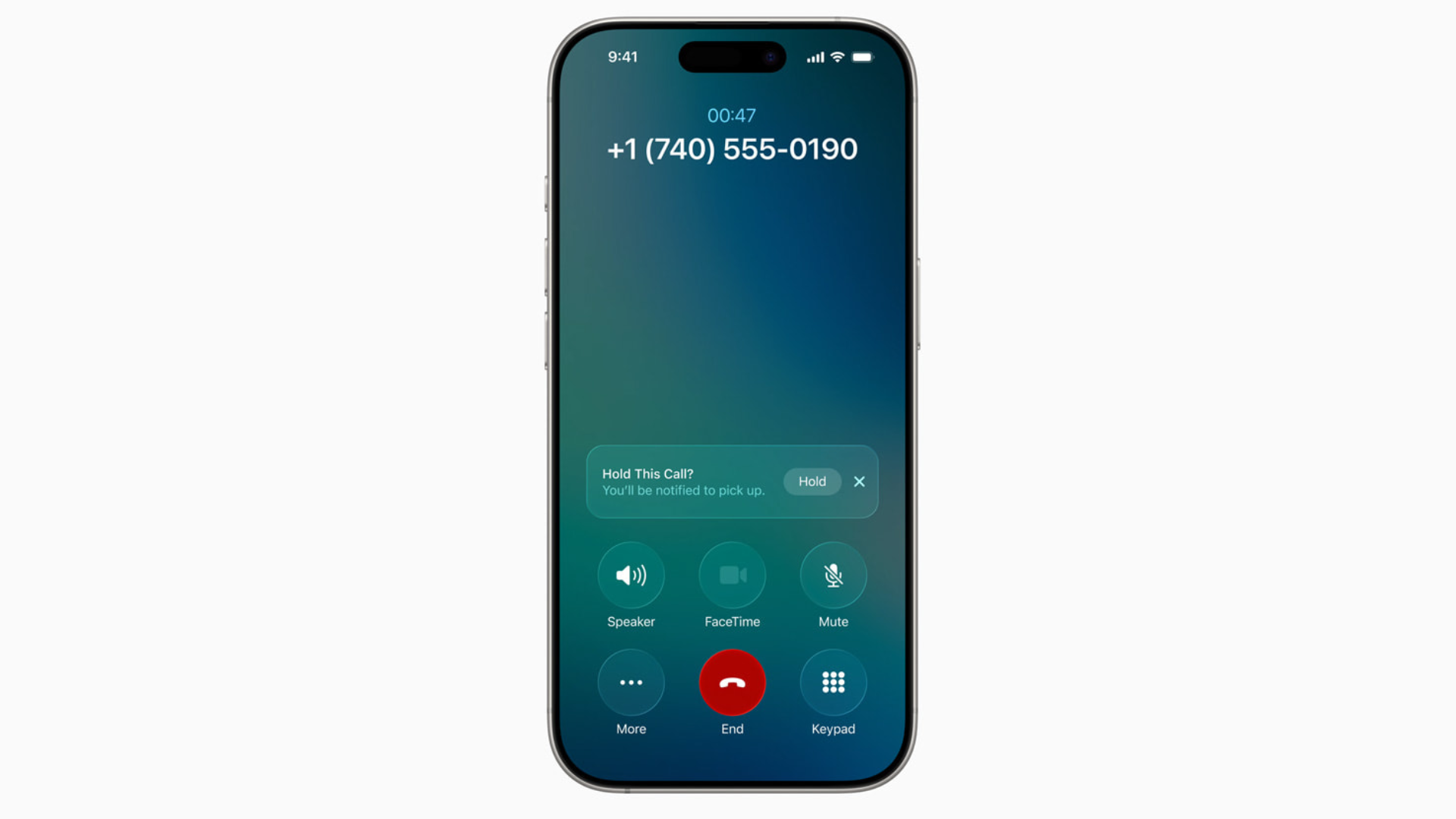
iOS 26 Hold Assist: What It Is and How to Use It
Nobody enjoys sitting through endless hold music. With iOS 26, Apple finally added a feature to make it less painful: Hold Assist.

Fix: iPhone Stuck on “Preparing Update” on iOS 26
If your iPhone is stuck on Preparing Update in iOS 26, don’t panic. Free up space, restart, or delete and re-download the installer.
How to Fix iPhone Freezing in iOS 26: Causes and Solutions
Freezing and lag in iOS 26 usually come from background reindexing, visual effects, or early bugs. Restart, free up storage, reduce animations, and check for patches.
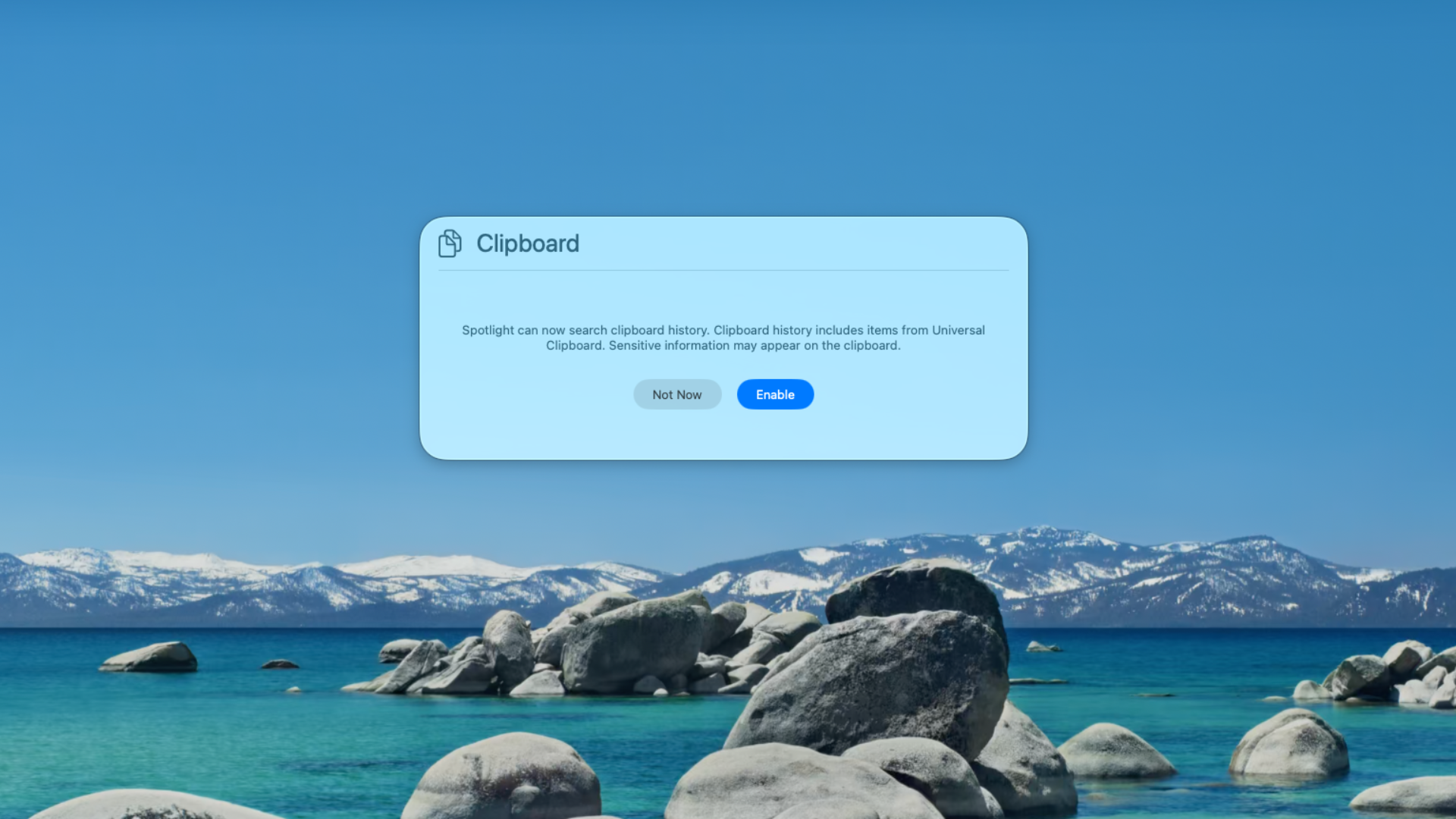
How to Use Clipboard History on macOS Tahoe
With macOS Tahoe (26), Apple has finally built a Clipboard History right into Spotlight.

Can You Download macOS Tahoe from the App Store?
If your Mac supports Tahoe, it’s faster and simpler to update via System Settings. The App Store version, once it arrives, won’t be any different — it’s just another entry point.
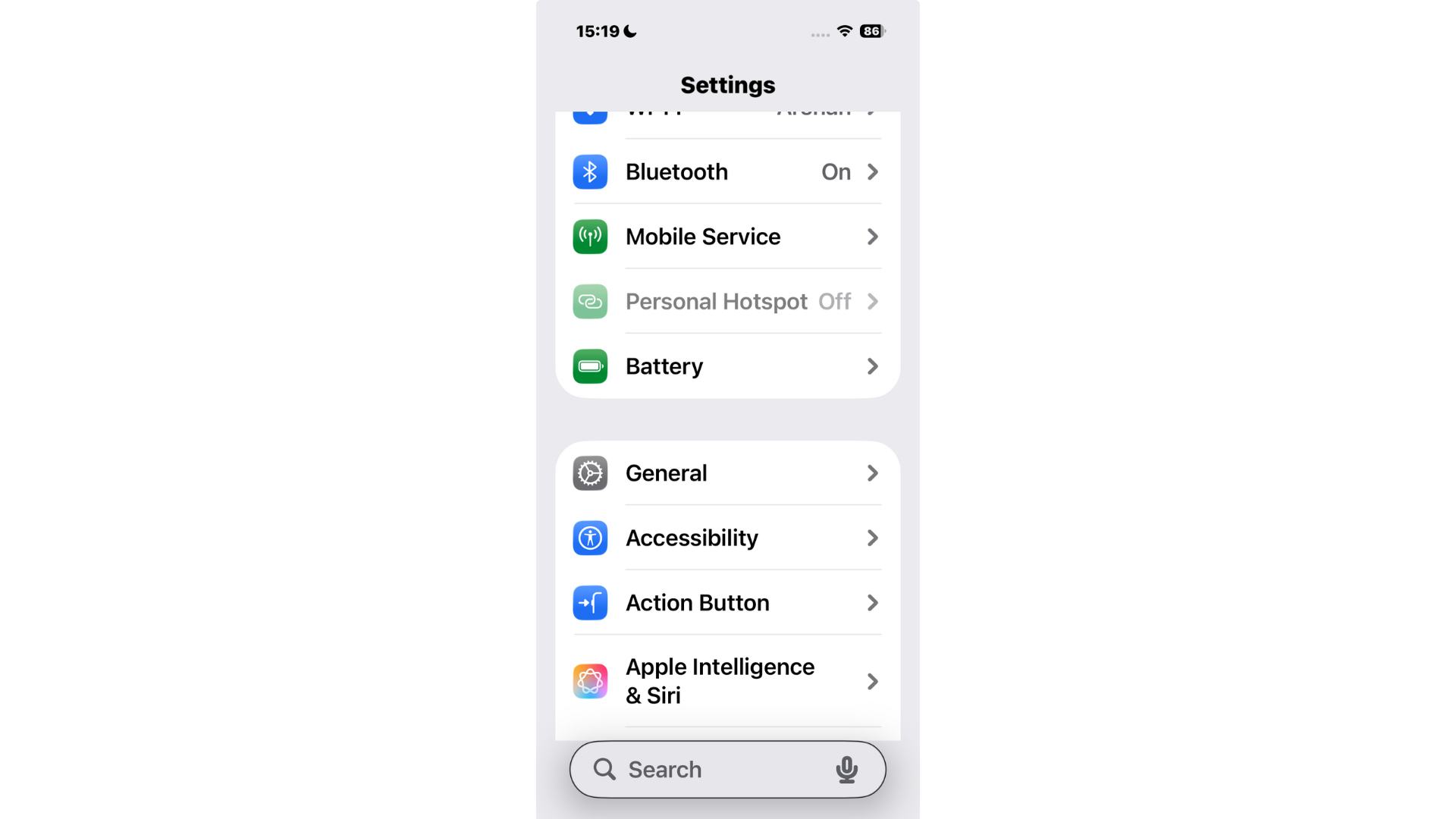
How to Move the Search Bar to the Top on iPhone (iOS 26)
For now, you can’t move the search bar back to the top in iOS 26’s built-in apps like Settings and Notes.

How to Make Apps Clear on iPhone in iOS 26
One of the flashiest parts of iOS 26 is the new Liquid Glass design. It gives widgets, backgrounds, and even app icons a translucent look that reacts to your wallpaper.

macOS Tahoe Not Showing Up? Fixes and What to Know
Apple released macOS Tahoe (26) alongside iOS 26, iPadOS 26, and watchOS 26, but some Mac users are finding that the update simply doesn’t appear in System Settings.

How to Make iOS 26 Less Animated
Learn how to reduce animations in iOS 26 with step-by-step settings to improve comfort, clarity, performance, and battery life.

How to Disable Liquid Glass on iPhone iOS 26
Some find Liquid Glass distracting or harder to read, especially against busy wallpapers. The good news? You can tone it down.

iOS 26: How to Change Liquid Glass Color on iPhone
One of the most noticeable changes in iOS 26 is Apple’s new Liquid Glass design language. But Apple didn’t stop there.