
Combine emojis on iPhone iOS 26 with Genmoji and stickers to create fun, unique blends for expressive chats.
How-To

How to Answer Calls on AirPods Pro 3: Easy Guide for Beginners
Learn how to answer calls on AirPods Pro 3 using touch controls and Siri. Step-by-step tips to manage calls hands-free with ease.

How to Reset AirPods Pro 3: A Detailed Guide
Learn how to reset AirPods Pro 3 with this simple step-by-step guide. Fix connectivity, sound, or charging issues in minutes.

How to Remove Apple Intelligence in iOS 26: A Step-by-Step Guide
Learn how to remove Apple Intelligence in iOS 26 and turn off AI features for better privacy and performance.

How to Share Location on iOS 26: Quick Guide for iPhone Users
Learn how to share your location on iOS 26 with family and friends using Messages, Find My, and other methods for real-time tracking.

iOS 26 Tips and Tricks: How to Maximize Your iPhone Experience
Discover the best iOS 26 tips and tricks to customize your iPhone and make the most of new features in Apple’s latest update.

How to Change Font on iPhone (iOS 26 Guide with Tips & Fixes)
Want a fresh look for your iPhone? Learn how to change font on iPhone iOS 26, customize styles, and fix common issues with simple steps.

How to Create Polls in Messages on iOS 26 (Step-by-Step Guide)
Learn how to create polls in Messages on iOS 26 with this simple guide. Discover how to make your chats more engaging and interactive.

How to Use Shortcuts App on iOS 26: A Beginner’s Guide
Master the Shortcuts app on iOS 26. Learn how to create, edit, and automate tasks on iPhone with step-by-step tips for smarter workflows.

How to Stop Screen Recording on Mac: Quick and Easy Methods
Learn how to stop screen recording on Mac using shortcuts, menu bar, or QuickTime. Fix stuck recordings with simple troubleshooting steps.

How to Reset PRAM on Mac: A Detailed Guide
Learn how to reset PRAM on Mac with this detailed guide. Fix startup, sound, display, and battery issues using a simple reset process.

How to Update AirPods Pro 2: Step-by-Step Guide
Learn how to update AirPods Pro 2 firmware with this step-by-step guide. Ensure the best sound, features, and performance for your earbuds.

Skip the Upgrade: Affordable Ways to Expand Your iPhone Storage for Less
Running out of iPhone storage? Discover affordable ways to expand iPhone storage without buying an expensive model.

How to Split Screen on iPadOS 26: A Complete Guide
Learn how to split screen on iPadOS 26 with this step-by-step guide. Master the Slide Over, Split View, and multitasking features easily.

How to Fix “Use as Ringtone iOS 26 Not Working” on iPhone
Is the “Use as Ringtone” option missing or not working after updating to iOS 26? Learn why this happens and how to fix this issue.

Should You Replace Your Apple Watch Battery? Everything You Need to Know
Is battery life fading on your Apple Watch? Apple will test the battery and replace it when it no longer holds enough charge, free under AppleCare+.
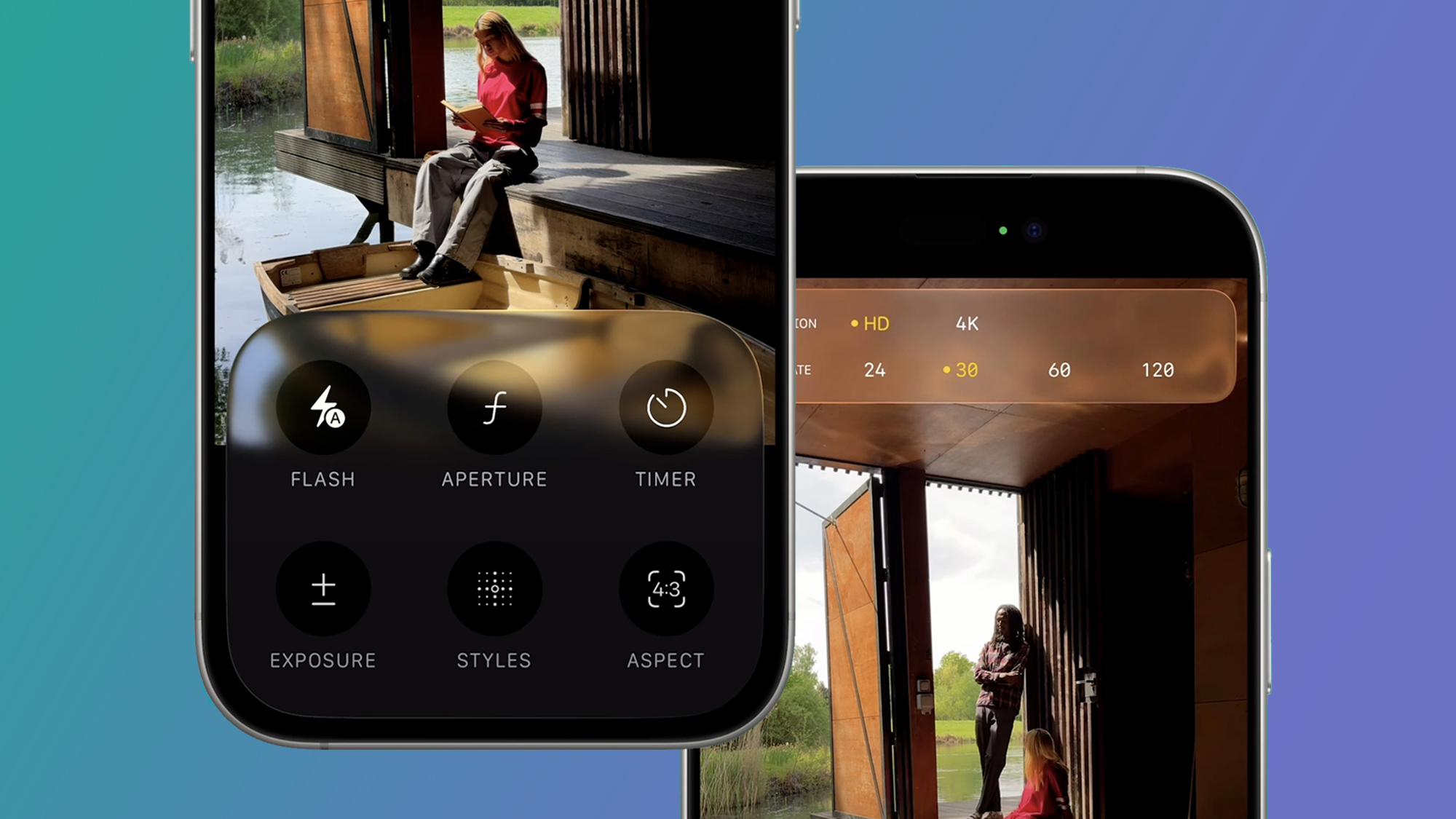
How to Use Portrait Mode on iOS 26: A Complete Guide
Want to master iOS 26’s Portrait Mode? Our guide reveals how to use 3D Spatial Scenes and other new features to take stunning, pro-quality photos.

How to Fix No Sound for Text Messages, Keyboard, and Emails After iOS 26
Most sound issues after iOS 26 come down to the mute switch or Do Not Disturb mode being active. Flip the switch, check the moon icon, and restart your phone.

iOS 26 Icons Look Blurry or Out of Focus? How to Fix it
After updating to iOS 26, some iPhone users have noticed that app icons look softer, faded, or even blurry.

How to Fix Screen Issues on iOS 26 (White Screen of Death)
Some iPhone owners upgrading to iOS 26 have run into a dreaded issue: the white screen of death.

Refurbished iPhone 17: Should You Buy One?
A refurbished iPhone 17 can be a smart buy, especially if you get one from Apple directly. You’ll save money, get the same warranty, and avoid the risks of unknown condition.

Buying an iPhone 17 on Back Market: What You Need to Know
Back Market is one of the more trusted players in refurbished devices. They list iPhones that have been cleaned, tested, and graded before resale.

How to silence your iPhone 17 quickly
If your iPhone 17 keeps chiming at the worst times, there are multiple fast ways to shut it up. Below you’ll find the most reliable options, from the Action button to Focus modes, plus tips to control vibrations and the camera shutter.

Apple Devices App: Easy Windows Guide for iPhone owners
The Apple Devices app replaces the old “device” part of iTunes on Windows. Use it to install updates, make encrypted local backups, restore a glitchy iPhone, and move files by cable—fast and without iCloud.