
Learn how Vision Pro portable chargers can extend your runtime, what specifications to look for, and which battery packs other owners use.
Tips
Is Apple Card Shutting Down in 2024?
There have been a lot of rumors about Apple Card shutting down in 2024, but we’re setting the record straight.
Apple Watch Acting Crazy? Settle Down with These Solutions
If your Apple Watch is acting crazy or strange, you can get it back to a working state through these simple solutions.
Are Apple Watches Waterproof? Here's What You Need to Know
Water tends to be the worst enemy of Apple devices, but the Apple Watch has a few tricks up its sleeve to stay nice and dry.
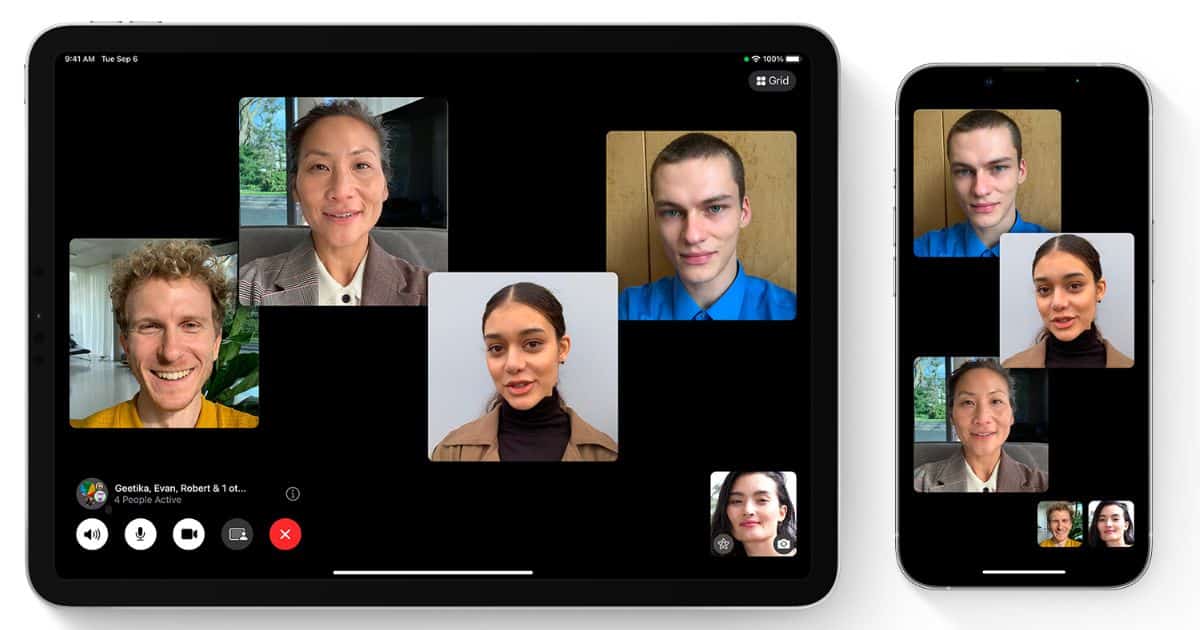
How To FaceTime More Than One Person at a Time
In this guide, we will help you learn how to FaceTime more than one person at a time irrespective of which device they own.
Fix: Apple TV+ App Not Working on Samsung TV
Is the Apple TV+ app not working on your Samsung TV? Here are some troubleshooting steps for when you can’t open the app on your smart TV.
How To Fix "-eh?" on WhatsApp While Sending Screenshots?
Getting -<eh? Error on WhatsApp while sending screenshots? Try these quick solutions mentioned in the guide to fix the error.
iTunes Stuck in Preparing to Sync? 5 Ways to Fix It
iTunes preparing to sync stuck and you can’t get past it? Here are a few ways to solve the issue for good in only a few minutes.
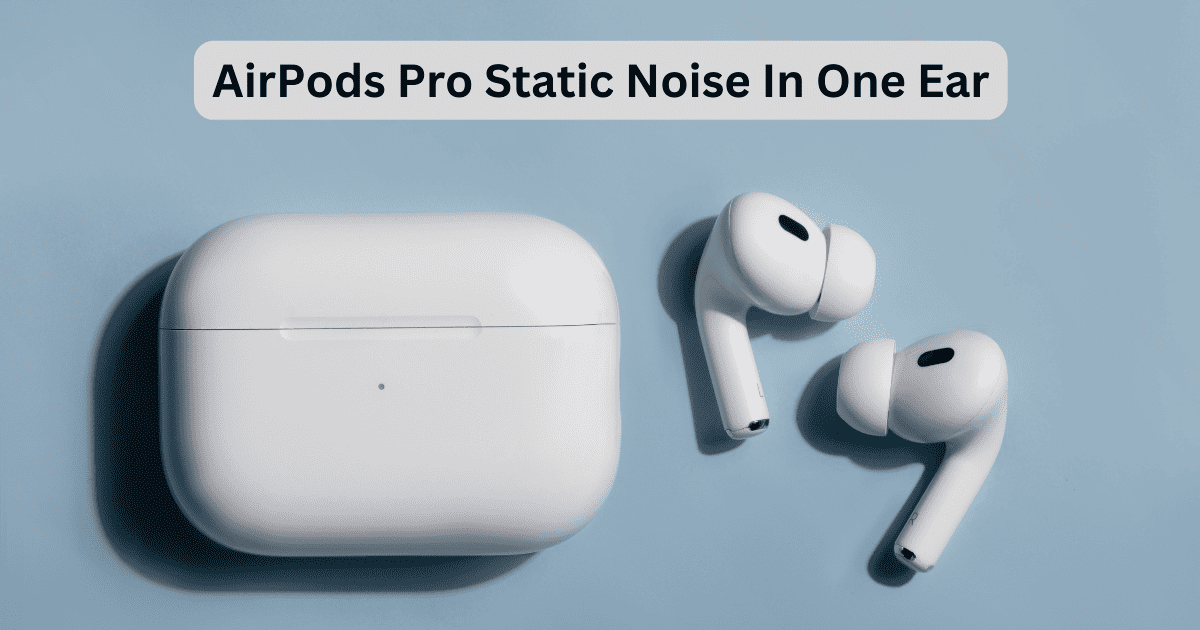
6 Fixes for AirPods Pro Static Noise In One Ear
Is your AirPods Pro experiencing static noise in one ear? Don’t worry; follow the instructions in this guide to fix the problem.
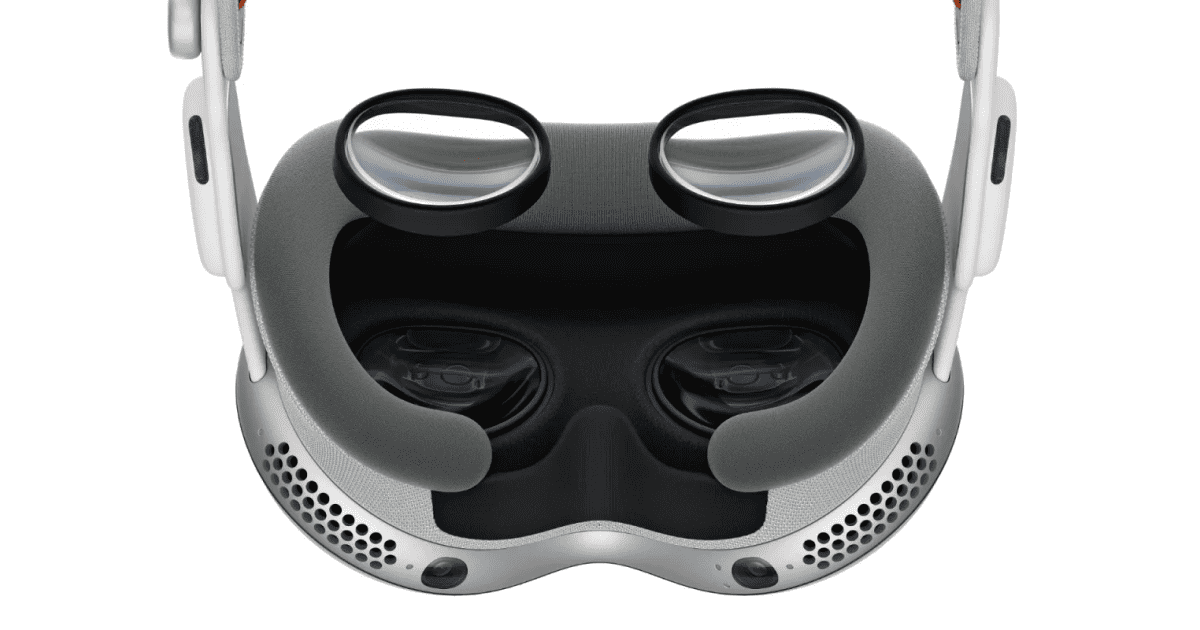
How Much Are the Optical Inserts for Apple Vision Pro and How To Get One?
Do you have vision correction and want to use Apple Vision Pro? Here’s how to purchase Zeiss Optical Inserts for your Apple Vision Pro
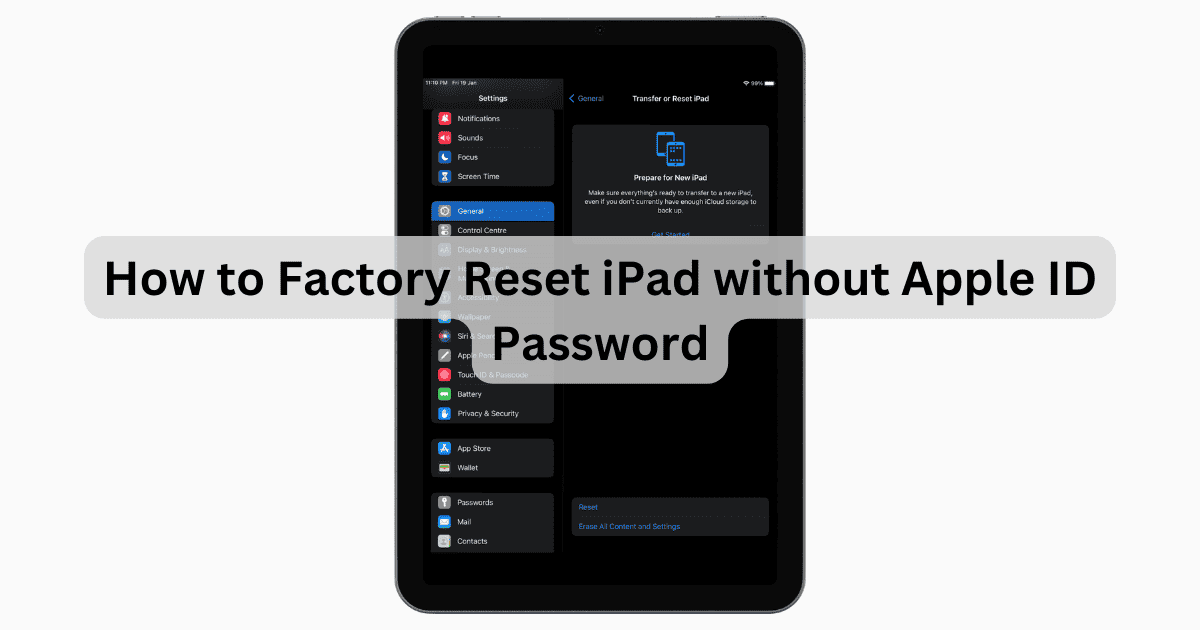
How to Factory Reset iPad without Apple ID Password | Full Guide
Here’s how to factory reset an iPad without your Apple ID password. These solutions will save you both time and money.
4 Fixes for App Store Not Working ('Cannot Connect')
If you find that you cannot connect to the App Store, you may be delighted to know the solution is at your fingertips.
Use Apple ID Account Recovery Without Trusted Phone Number
Follow these troubleshooting steps to reset password for your Apple ID if you forget it and has no access to your phone number anymore.
How To Change Wi-Fi on HomePod
Users may need to know that there’s a way to connect your HomePod to a new Wi-Fi network, though there’s some things users need to know.

Fix: Apple Pencil Is Glitching/Skipping
If you’re experiencing an issue with your Apple Pencil glitching, our guide can give you the details on a working solution.

Best Free Apple Watch Ultra 2 Watch Faces
Looking for the best free Apple Watch Ultra 2 Watch face? This guide has some of the best and coolest options to choose from.

Hisense TV AirPlay Not Working? Here’s How To Fix That
Is AirPlay not working on your Hisense TV? Here are some troubleshooting steps for when you can’t mirror your iPhone, iPad, or Mac.
Apple Music Student Price Breakdown by Countries
Apple offers a great deal on its Music streaming service to students. Find out how prices compare around the world.
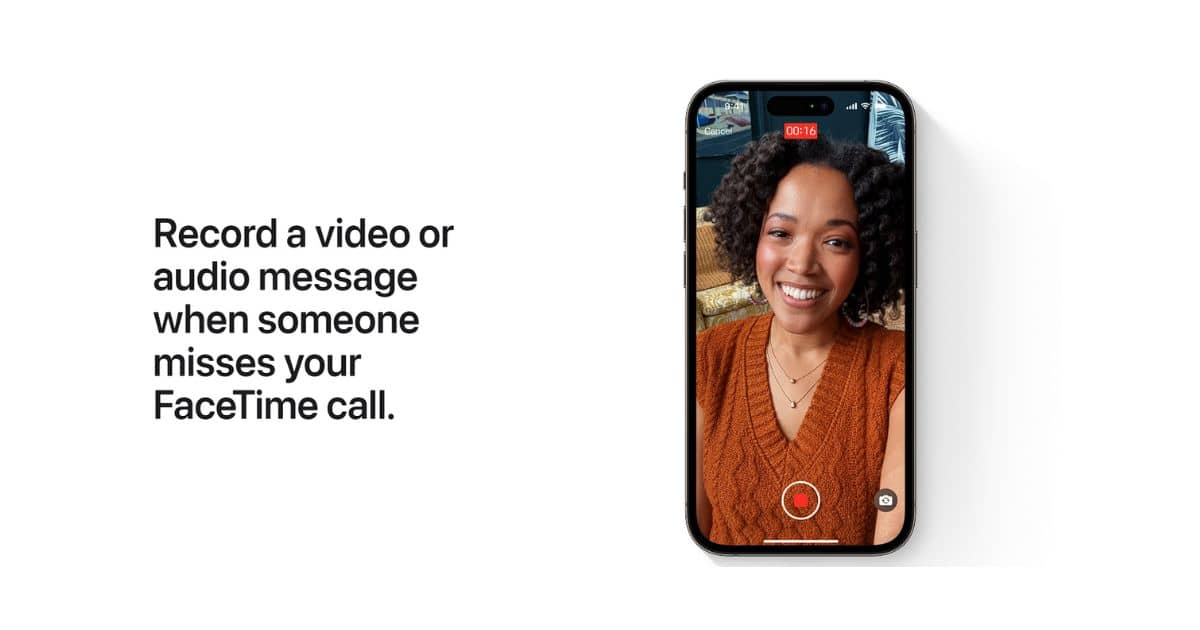
How To Check Facetime Voicemail on iPhone
Apple introduced FaceTime Voicemail for iPhone at WWDC, 2023. Here are the steps to record videos (Voicemail) on FaceTime on your iPhone.
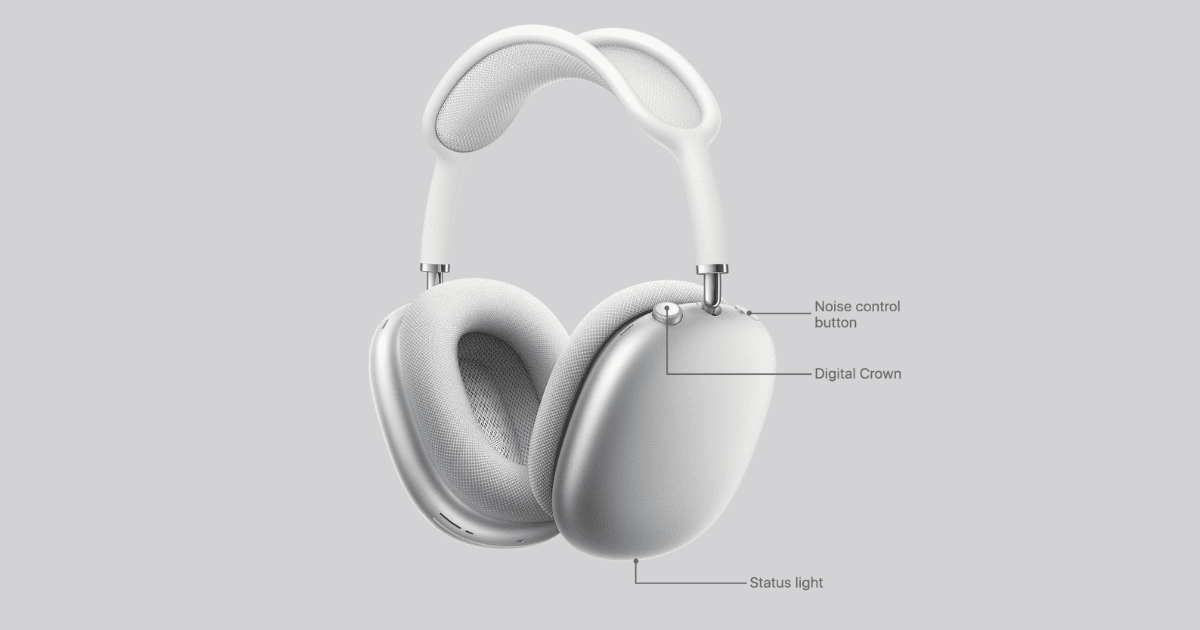
Fix: AirPods Max Connected but No Sound in 6 Ways
Discover how to fix the AirPods connected but no sound issue with our comprehensive guide, offering easy-to-follow troubleshooting steps.
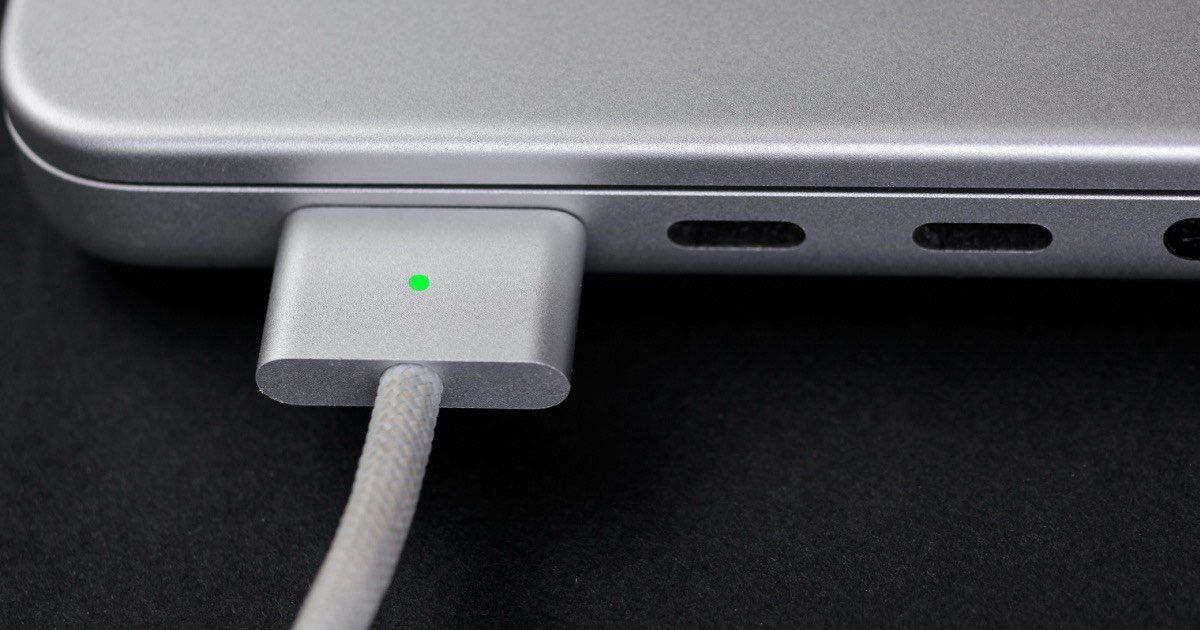
Fix: Battery Status Is ‘Not Charging’ on Macbook Pro
If you’re MacBook Pro battery is not charging, the solution is even closer than you realize through just a few simple steps.
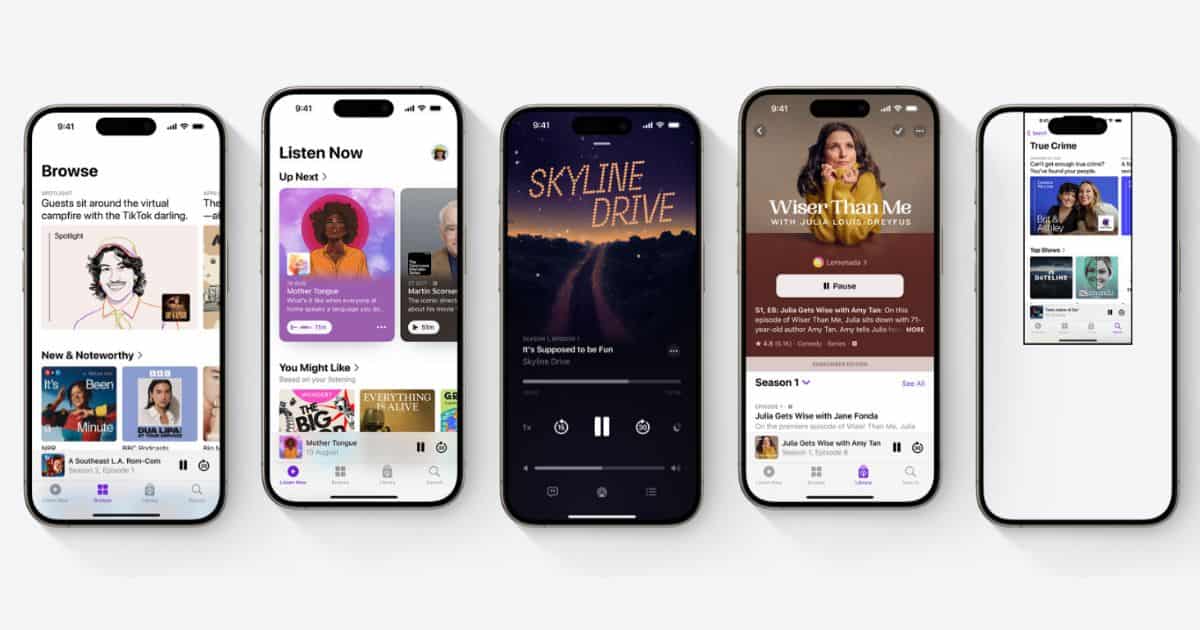
How to Fix Apple Podcasts Not Updating
If the Podcasts app is not displaying newer episodes, we will help you learn how to fix the Apple Podcasts not updating issue on your iPhone.
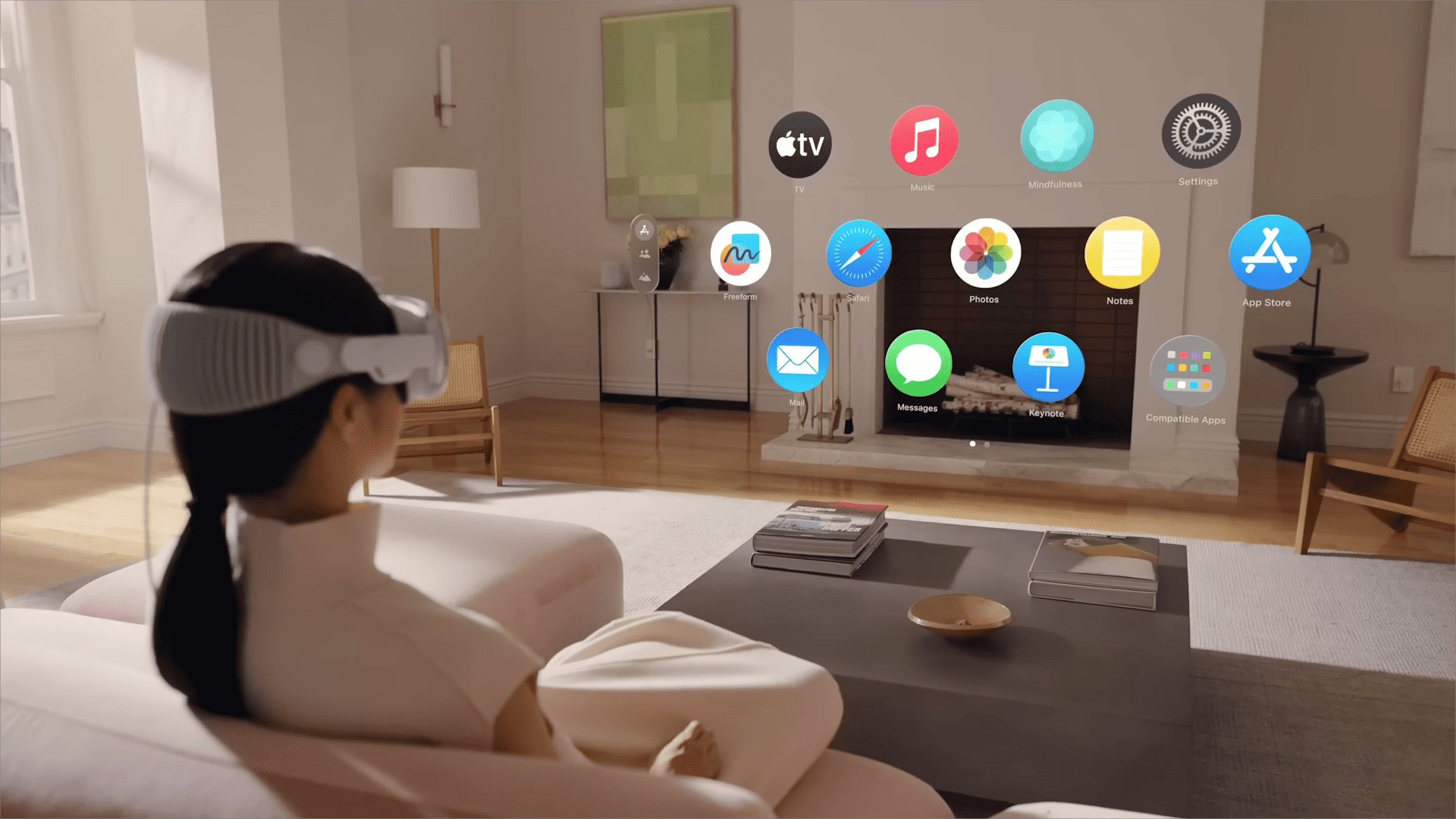
The Best Apple Vision Pro Apps to Use in 2024
Got yourself a new Apple Vision Pro and don’t know which apps to install? Here’s a list of the best Apple Vision Pro apps you can try out.
Fix: Automatic Date and Time Not Working on MacBook Air M1
Don’t let an automatic date and time problem on your M1 MacBook Air waste your time: our guide provides easy solutions.