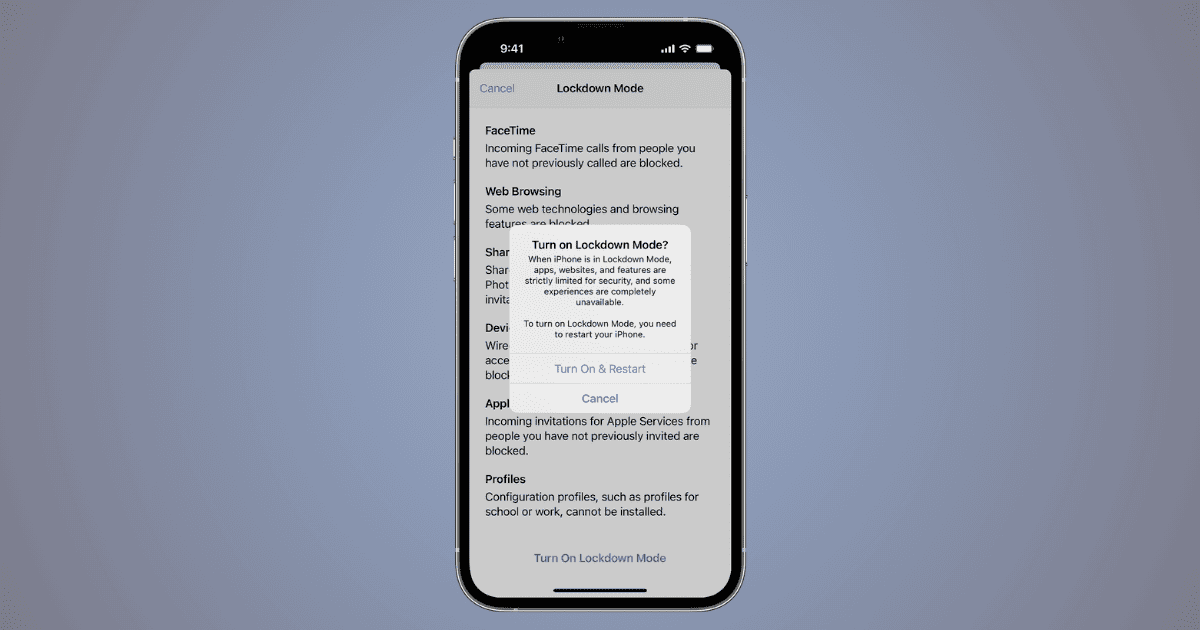
Learn about the iPhone’s lockdown mode for enhanced security. Activate it easily and explore additional Apple device security tips.
Tips

7 Ways To Fix Cannot Verify Server Identity Error on iPad
Learn why the Cannot Verify Server Identity error message pops up on your iPad. Go through a list of effecting and easy solution for the issue.
How To Make Apple Music Louder on iPhone | Full Guide
Looking for the details on how to make Apple Music louder on your iPhone? We’ve got you covered with several solutions, including for Mac.

How to Create Tags in Apple Notes
Uncover the advantages of tags versus folders, and learn how to create, manage, and optimize tags for enhanced productivity.
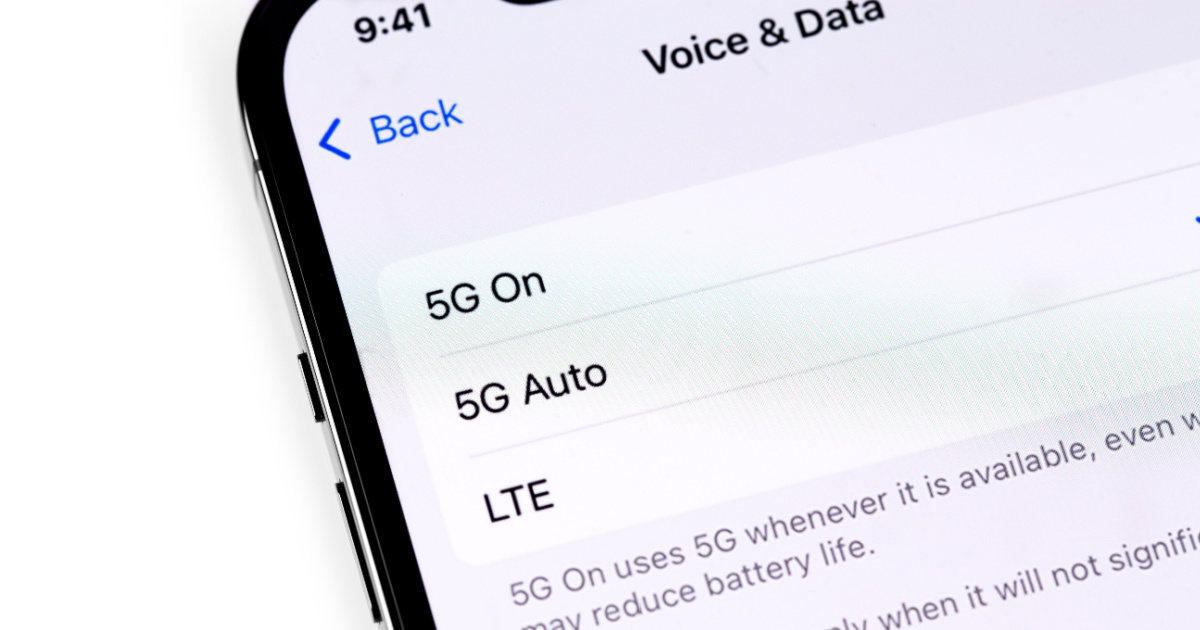
Fixed: Cellular Data Not Working on iPhone or iPad
If you can’t connect to the internet, read along to learn how to easily fix it when cellular data is not working on your iPhone or iPad.

How to Use Spatial Audio When Sharing Audio in tvOS 17
Explore how to use Spatial Audio when sharing audio in tvOS 17 with Apple TV 4K. Dive into its features, benefits, and compatible headphones.

How To Get Face ID Work With Sunglasses | Full Guide
Discover how to make Face ID work with sunglasses! Dive into Face ID mechanics, common issues, and solutions for a seamless experience.
How to Turn on Voice to Text on iPhone
Need to know how to enable voice to text on your iPhone? This handy guide can show you what you need to know.
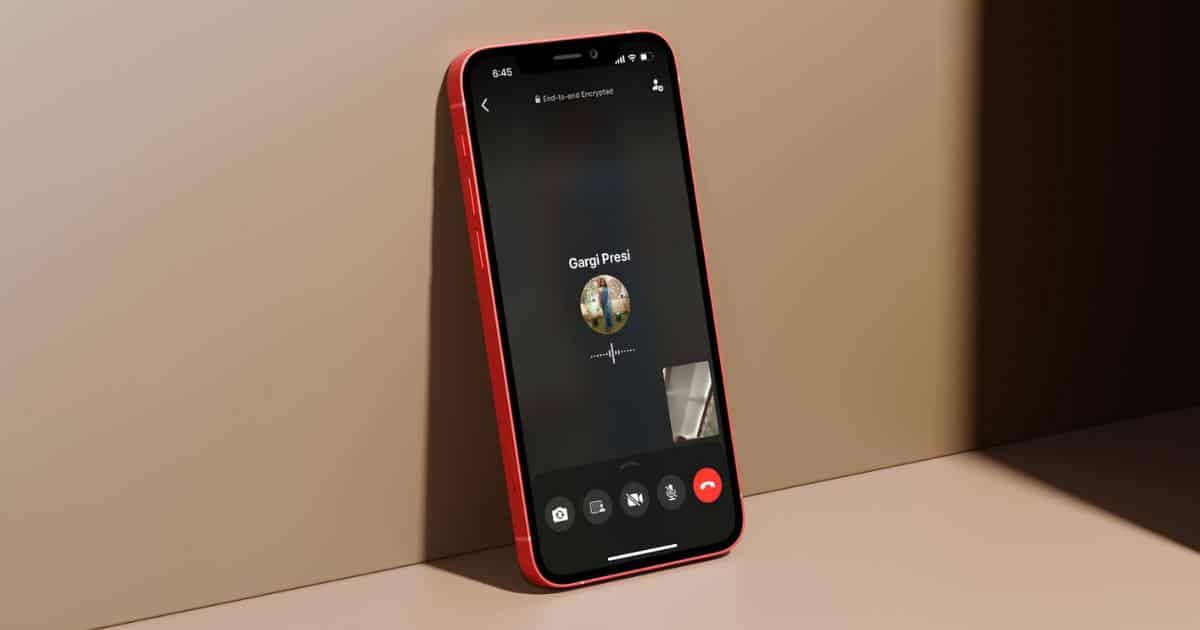
How To Share Screen During a WhatsApp Video Call On iPhone
Learn how to use the screen-sharing feature in WhatsApp video calls and group video calls. And check for WhatsApp updates on App Store.
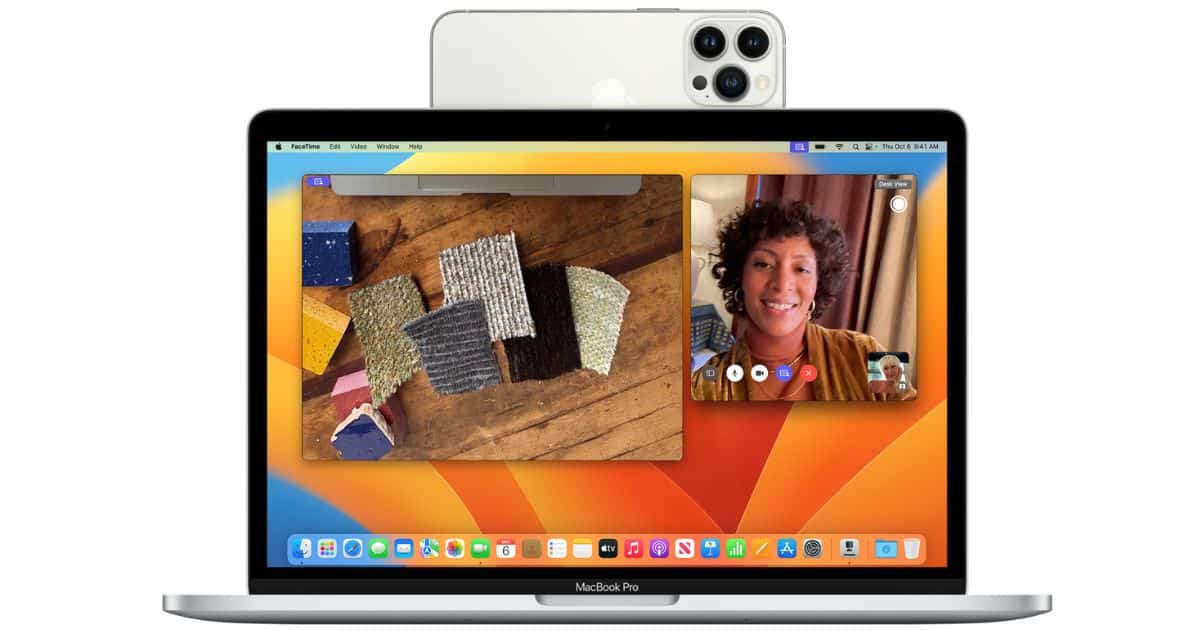
How to Use iPhone As External Mic on Mac and PC
Ready to use your iPhone into an external microphone for your Mac or PC? Dive in now and enhance your audio experience.
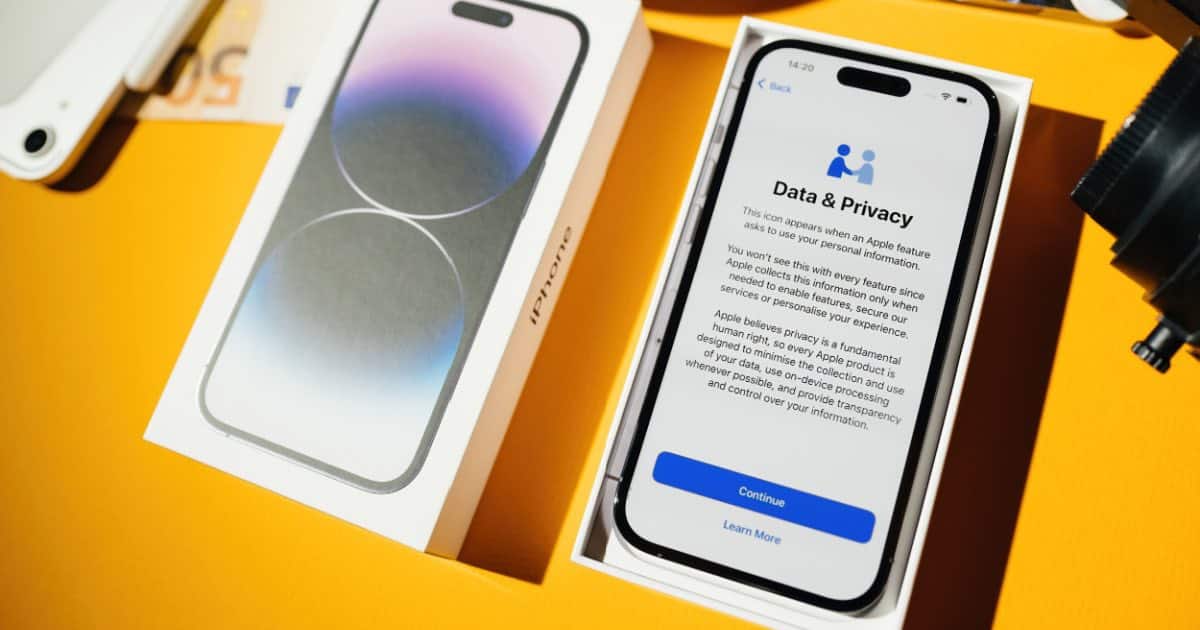
How To Protect Your iPhone Number and Private Data
Need a comprehensive guide on how to protect your iPhone number and private data? Check out our guide which covers a variety of topics.

How to Configure USB & Thunderbolt Security in macOS
Discover Accessory Security Settings through a guide on macOS. Learn four different ways to configure USB and Thunderbolt security.

How to Fix Outlook Rules Not Supported for This Account on Mac
In this guide, we’ll help you fix the “Rules are not supported for this account” error message on the Outlook app for Mac.
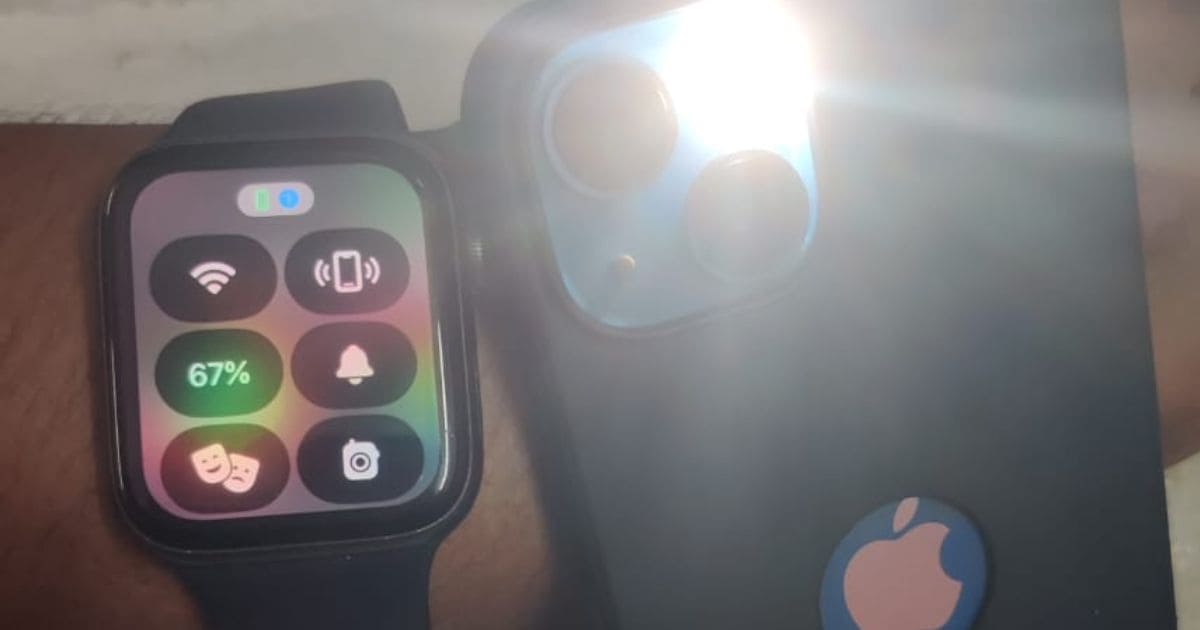
How to Flash Your iPhone's LED from Your Apple Watch
You may know that you can use your Apple Watch to locate your iPhone, but did you know that you can make your phone flash its LED, too? In today’s Quick Tip, we’ve got the details on just how you can do so!

How (And Why) To Install CrossOver 23 on macOS
Learn all about the new updates that are available with CrossOver 23. Read to find out more about bug fixes and other technical updates.
How to Restore from a Time Machine Local Snapshot: Full Guide
Follow along as we learn how to restore from Time Machine local snapshots when your backup drive isn’t available.

Fixed: Spotify Not Downloading Songs on iPhone
If Spotify is not downloading songs on your iPhone, read along as we’ve mentioned all the troubleshooting methods to help fix this error.
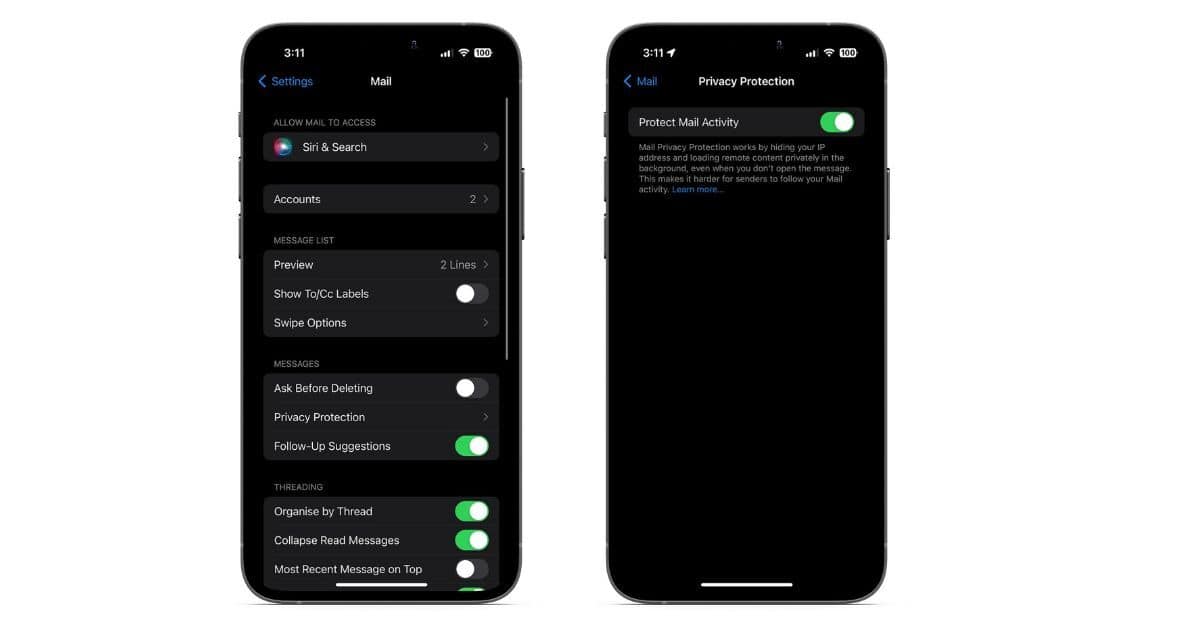
How to Turn on Apple Mail Privacy Protection
In this guide, we’ll help you learn more about Apple Mail Privacy Protection and how to enable and use it on your iPhone, iPad and Mac.
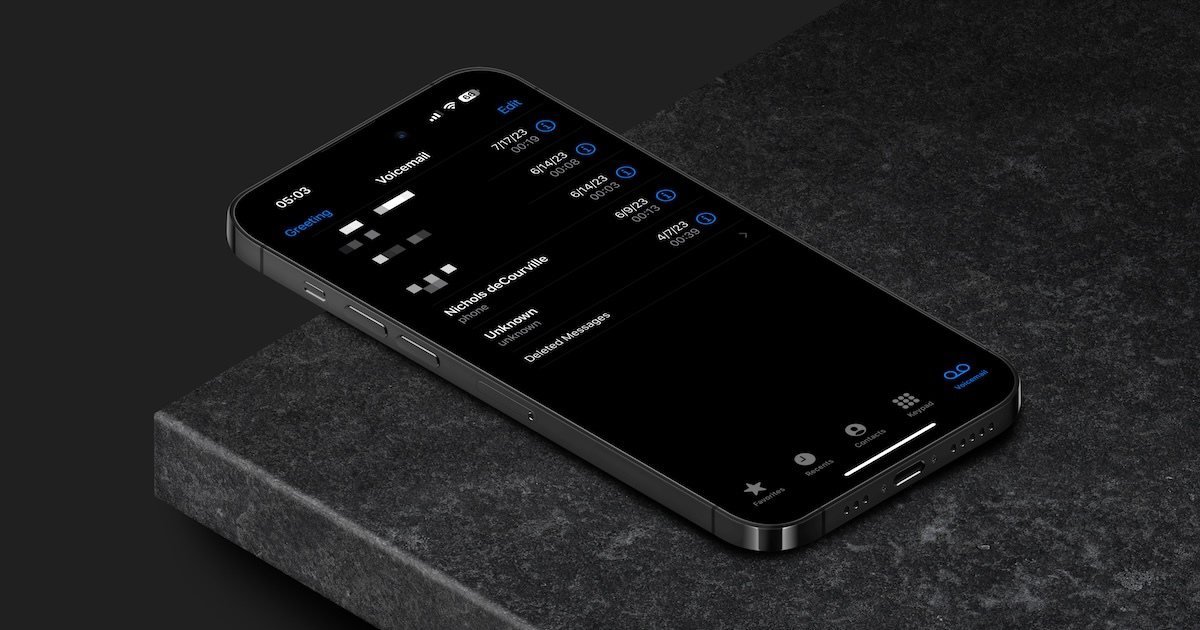
How to Easily Set Up Your Voicemail on iPhone
Discover iPhone voicemail features, set up personalized or default recordings, and master voicemail setup for various carriers with our comprehensive guide.
How To Turn off App Review Requests on iPhone
Here is a guide to help prevent in-app review prompts on your iPhone. Improve your app experience by regaining control over interruptions.
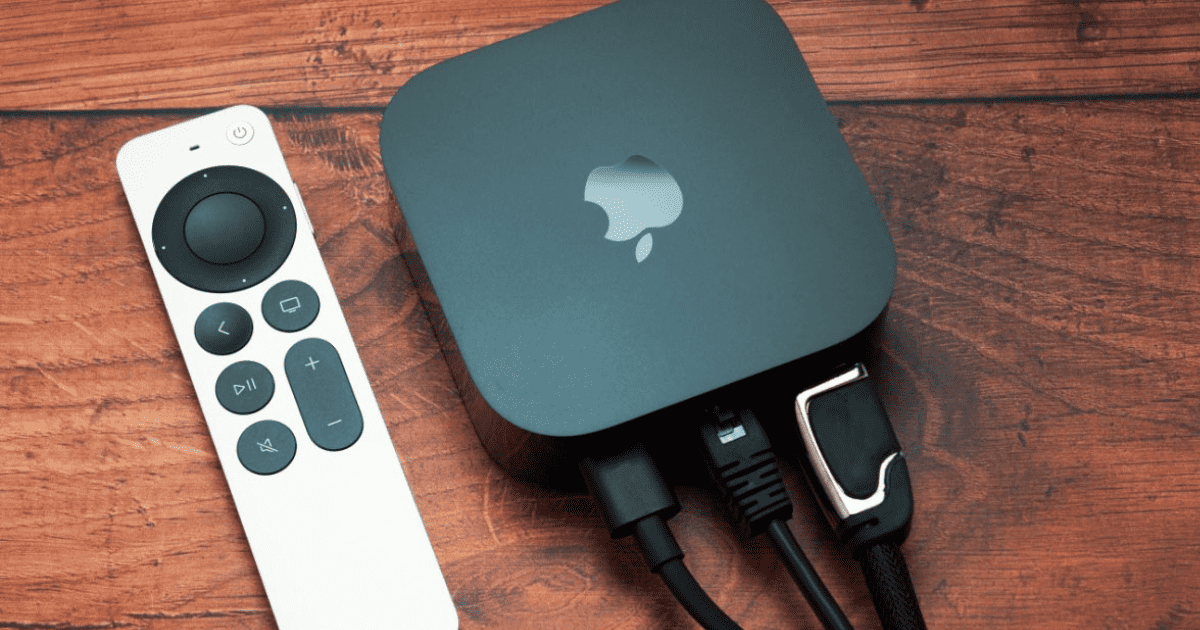
How To Set Up Your Apple TV 4K: A Comprehensive Guide
Unbox your brand new Apple TV 4K and set it up without a hitch with our easy step-by-step guide. Discover how to connect and configure your device for the ultimate viewing experience.
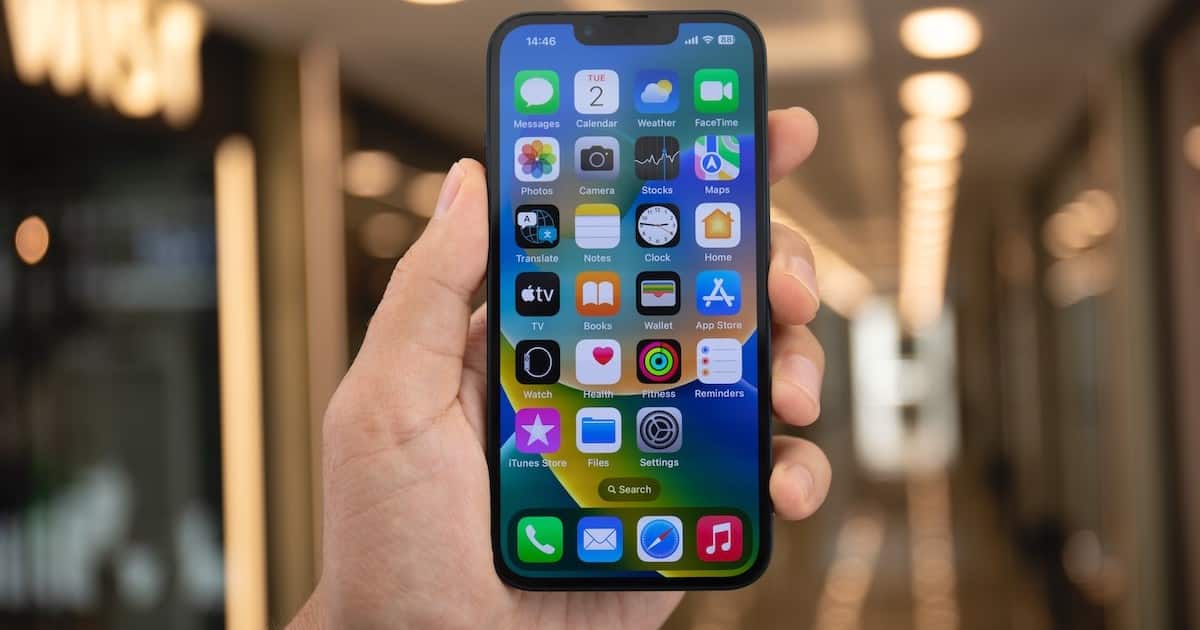
Efficiently Moving Multiple Apps on iOS Using Jiggle Mode
Discover the step-by-step process to efficiently organize your iPhone using the advanced features of iOS’s Jiggle Mode.
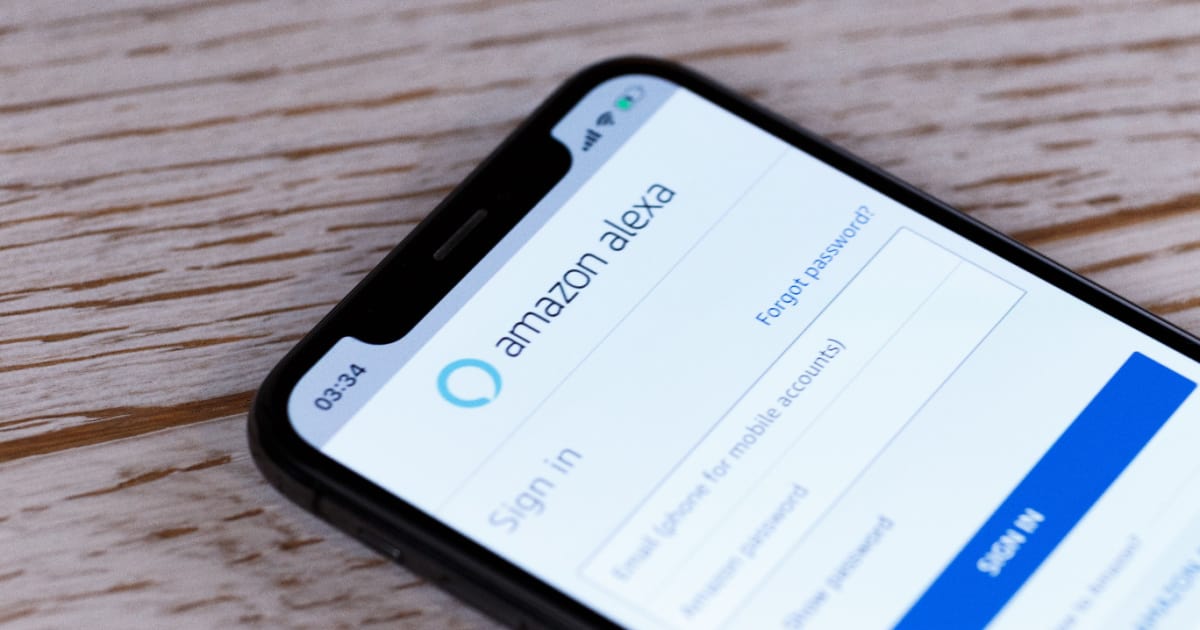
How to Find Your iPhone with Amazon Echo and Alexa
Lost your iPhone in the house? Learn how to find your iPhone using Alexa and Amazon Echo with our easy-to-follow guide.