
Apple Watch Ultra 3 and Series 11 ship with Wi-Fi 4 (802.11n), not Wi-Fi 5/6. On paper that looks archaic. In practice, it’s a calculated battery trade-off for a tiny device that rarely needs phone-grade throughput.

Radu Tyrsina
Radu is the CEO and owner of ReflectorMedia, the parent company of MacObserver
Articles by Radu Tyrsina
Apple Watch Ultra 3 “free” Satellite Bundle Explained
Apple Watch Ultra 3 doesn’t just add range; it adds a lifeline. The headliner is a two-year window where satellite features light up without extra fees. But not everything is truly “free,” and the split matters if you plan to leave cell coverage behind.

Apple Watch 5G RedCap Explained
The new Apple Watch Ultra 3 and Series 11 are here, and their spec sheets boast a major upgrade: 5G connectivity. While this might bring to mind the blazing-fast speeds you get on your iPhone, the reality on your wrist is different.

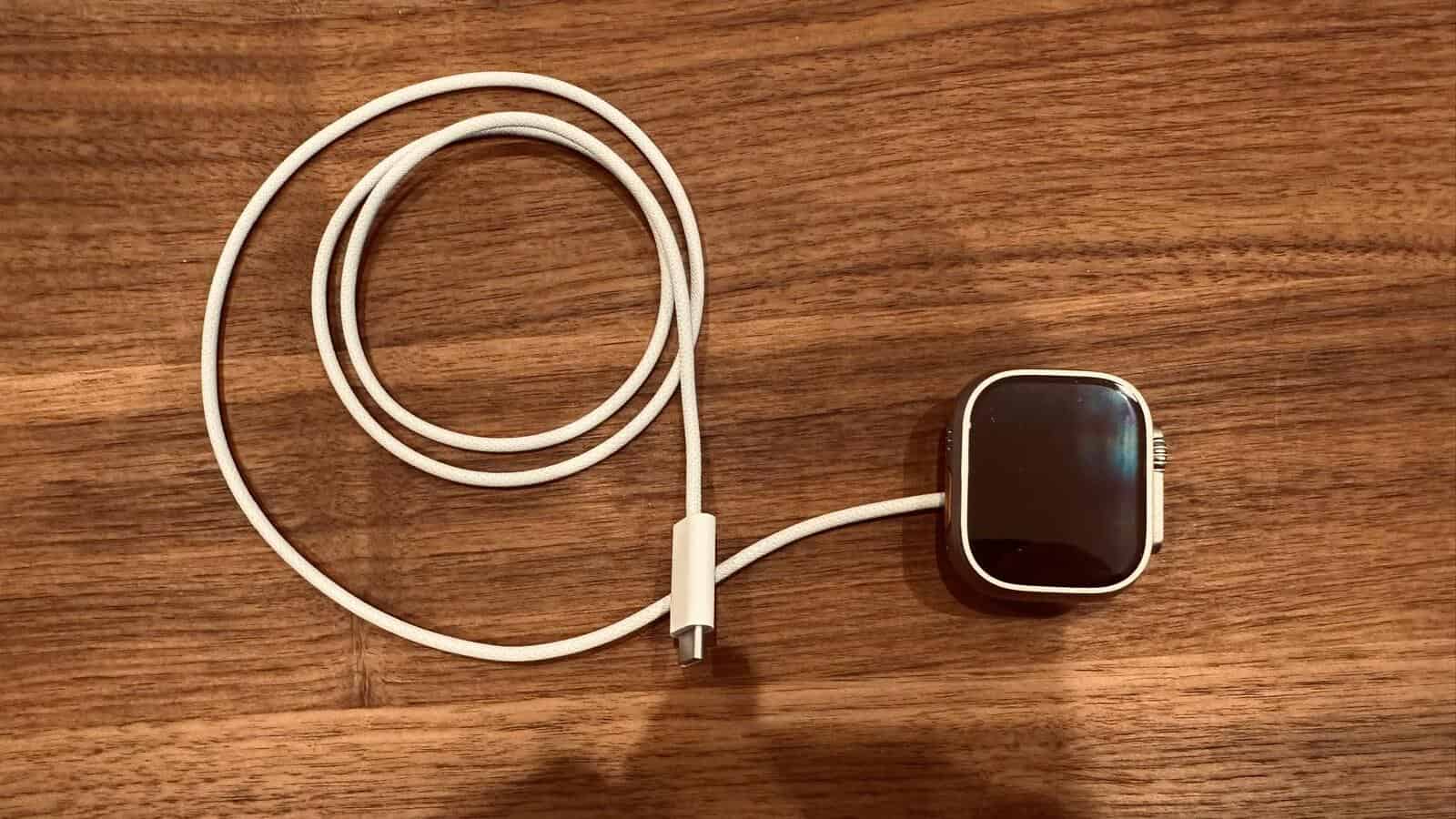
Apple Watch Ultra 3: What's Inside the Box (Real Photos)
If you’re not a fitness die-hard, the Ultra line can feel like overkill. My Apple Watch Series 9 still serves me well, but it felt like the right time to step up and answer the question a lot of people have right now: is the Ultra 3 worth it if you’re not chasing marathons?

What is “Class Progress” on iPhone?
“Class Progress” is an education-only privacy control. It lets students share activity data from learning apps with a teacher through Apple’s Schoolwork/Classroom system. On personal devices, it often appears in Settings search but won’t open because the feature isn’t active.

How to Hide Adobe Creative Cloud Icons on macOS
When you install Adobe apps, macOS can show a whole row of Creative Cloud-branded utilities alongside the main apps. That clutter comes from helper tools and multiple installers Adobe drops in Applications. There’s no native “hide app” toggle in Apple’s new Apps view, but you can clean it up fast with a few safe workarounds.

Apple Watch SE 3: New Gesture Controls Explained (Double Tap + Wrist Flick)
Quick answer: Apple Watch SE 3 adds two system gestures—Double Tap and Wrist Flick—for one-hand control. Double Tap lets you trigger the primary action in many apps (answer a call, play/pause media, advance Smart Stack). Wrist Flick quickly dismisses alerts like timers, calls, and notifications. Both live under Settings → Gestures on the watch, and both work out of the box on SE 3.

Got an A2602 iPad (9th Gen)? iPadOS 26 still supports it
If your tablet shows Model A2602, that means iPad (9th-gen, Wi-Fi)—still eligible for iPadOS 26.

Apple Carplay Ultra vs Android Auto: Real-world Comparison
Choose CarPlay Ultra if you own a recent iPhone, crave a full dashboard takeover with gauges, climate, and car data on every screen, and you’re okay with limited car availability for now. Choose Android Auto if you want maximum car compatibility today, solid split-screen UX, and Google’s newer voice smarts rolling out widely.

Apple Music “Unable to Process request”: Quick Fixes
If Apple Music shows “unable to process request,” it usually points to account auth, payment method, or network issues. Glitches around Media & Purchases sign-in, region mismatches, and cached credentials are common triggers. Use the fast checks below, then walk through the fixes in order to clear the error quickly.

iPhone Preorder “Canceled” but it actually arrived? Explainer
Quick take: This happens every iPhone launch season and it’s almost never a free phone. Most cases are just a payment hold that expired and will post later when Apple finalizes your order.

iOS 26.0.1 Fixes Annoying Lag, But Skips the Big Battery and CarPlay Bugs
Apple’s first minor update for iOS 26 has arrived, and the initial feedback from users presents a classic good news, bad news scenario. The iOS 26.0.1 update delivers on making the system feel noticeably faster and squashing some specific, irritating bugs.

Don't Ignore iPadOS 26.0.1 update as it patches a Critical Security Flaw
Apple quietly released an important security update for iPad users on September 29, 2025, and you will want to install it right away.

HomePod 26.0.1 is here - and it finally fixes that annoying tvOS audio lag
Apple has released HomePod Software version 26.0.1, a maintenance update aimed at improving the performance and security of your smart speaker. The update is available for both the full-sized HomePod and the HomePod mini.

tvOS 26.0.1 fixes Apple TV audio sync — update now
Apple just pushed tvOS 26.0.1 to Apple TV with a targeted fix for the frustrating audio out-of-sync issue affecting some streaming apps. If you’ve noticed lips not matching dialogue, this update is for you.

visionOS 26.0.1 dropped — update your Vision Pro now
Apple has released visionOS 26.0.1 for the Apple Vision Pro, a targeted but crucial update that all users should install immediately. The new software, which arrived on September 29, 2025, focuses primarily on strengthening the device’s security and overall stability.

watchOS 26.0.2 rolls out: a must-install for Apple Watch owners
Apple just dropped a critical software update for the Apple Watch, and you should stop what you are doing and install it now.

iOS 18.7 vs iOS 26: Confused? We answer
Many iPhone owners are seeing two different updates in headlines today and are asking which one they should install. I checked the update on an iPhone 14 Pro Max, but the situation is general.

What is the Preview App in iOS 26? How to use
Preview is Apple’s new, built-in PDF and image app for iPhone and iPad in iOS/iPadOS 26. Think of it as the macOS Preview you already know—now on mobile—so you can open, mark up, sign, fill, combine, and share PDFs and images without third-party tools.

iOS 26 now Predicts Bad Weather on Your Route
Apple’s Weather app now flags severe weather for places you’re likely to visit — not just where you’re standing. The feature also surfaces destination-specific Weather widgets so you can glance at conditions for your upcoming stop on iPhone and Apple Watch.

Is the iPhone 17 Pro Waterproof?
Short answer: No. iPhone 17 Pro is water-resistant, not waterproof. It’s rated IP68 under IEC 60529, which means it can handle immersion up to 6 meters for up to 30 minutes in controlled tests. Liquid damage still isn’t covered by warranty.

Meet 'Veritas': Apple's Secret Weapon to Finally Make Siri Smart
Apple is actively developing a significantly more intelligent version of Siri, and its secret weapon is an internal, ChatGPT-style application codenamed Veritas.

iOS 26 Unlocks a Powerful 3D Graphing Tool in Your iPhone's Calculator
Apple’s Calculator just picked up real 3D graphing inside Math Notes. Type a z = f(x, y) equation and you’ll get a rotatable surface you can pan, pinch, and recolor.

Apple is Turning on a Powerful Safari Anti-Tracking Tool for Everyone
Apple is widening Safari’s privacy shield. Starting with iOS 26 and macOS Tahoe 26, advanced fingerprinting protection is enabled by default in every tab, not just in Private Browsing.