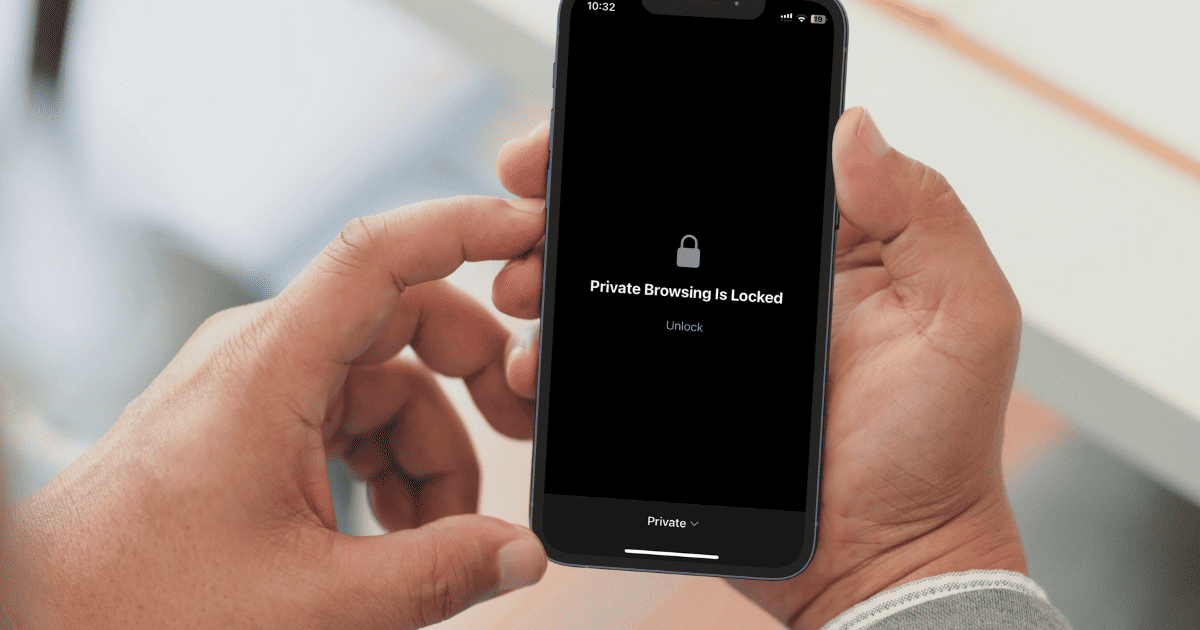
Apple has released a new Face ID lock feature for Private Browsing on Safari. The new feature is available on iOS 17.
Tips
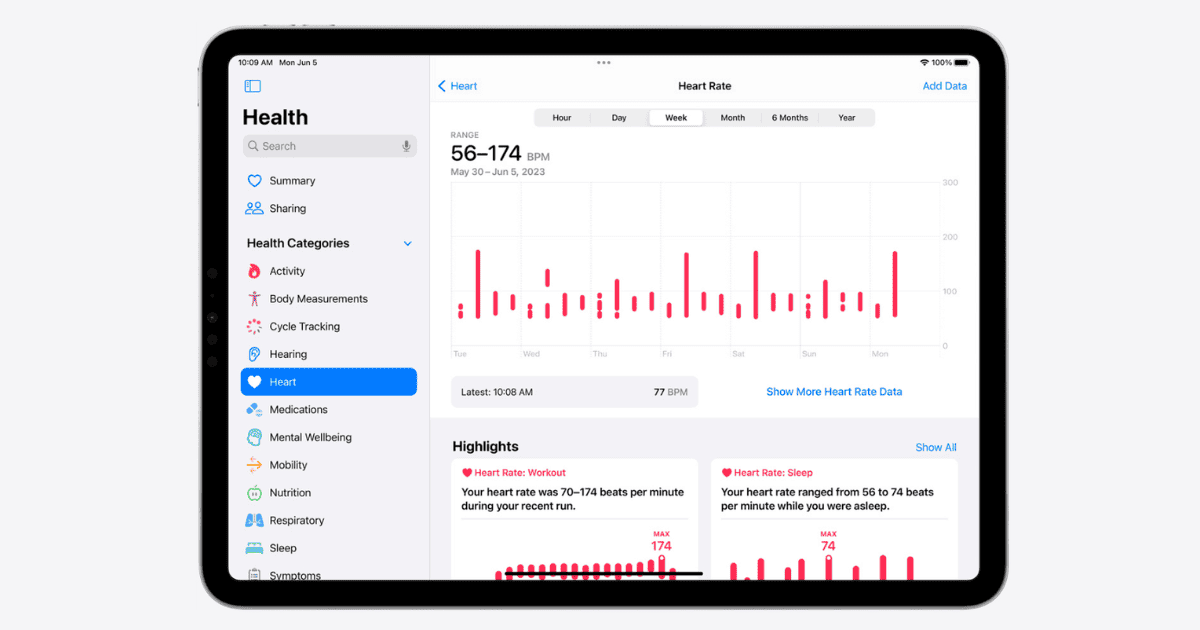
How To Use the New Health App on the iPad
Explore how to use iPadOS 17’s Health app: uncover wellness insights and manage health data to become the best version of you.

Download Official iPadOS 17 Wallpapers
With the release of iPadOS 17, Apple also released exclusive new iPadOS 17 wallpapers which you can download right away through our post.

How to Remove Adware From Your Mac and Stay Protected
If you’re being bothered by unwanted pop-ads when browsing the web, learn how to remove adware from your Mac and stay protected.
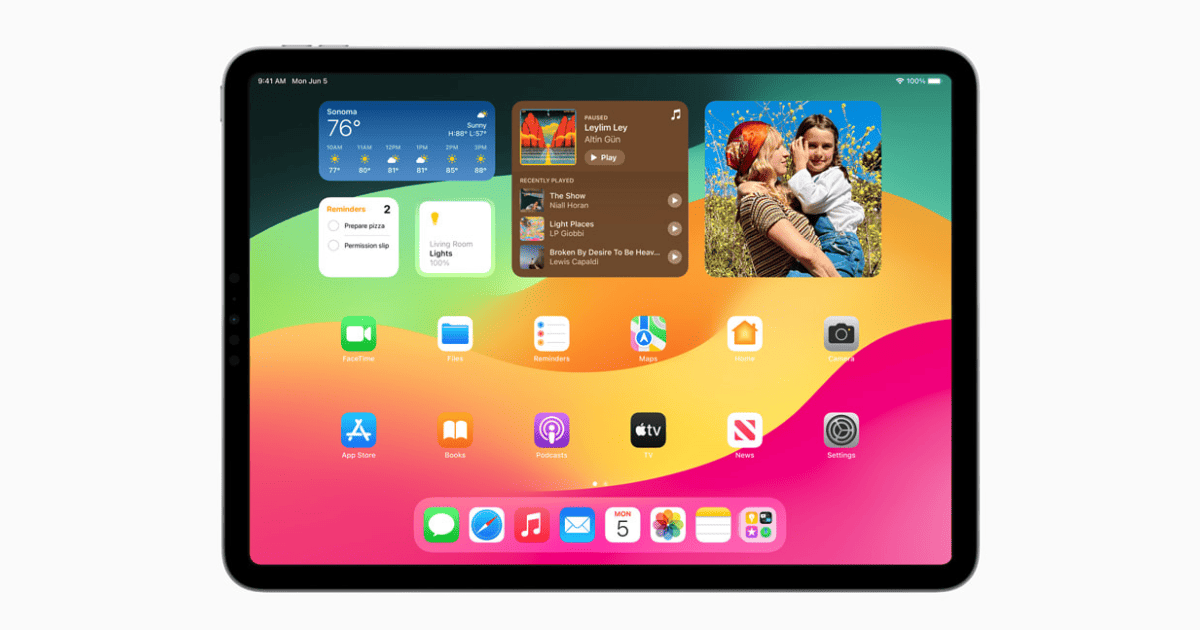
How To Use Widgets & Customize the iPad Lock Screen Just Like on iPhone
Tom prepares you for upcoming features of the iPad – adding widgets and customizing iPad lock screen just like the iPhone.
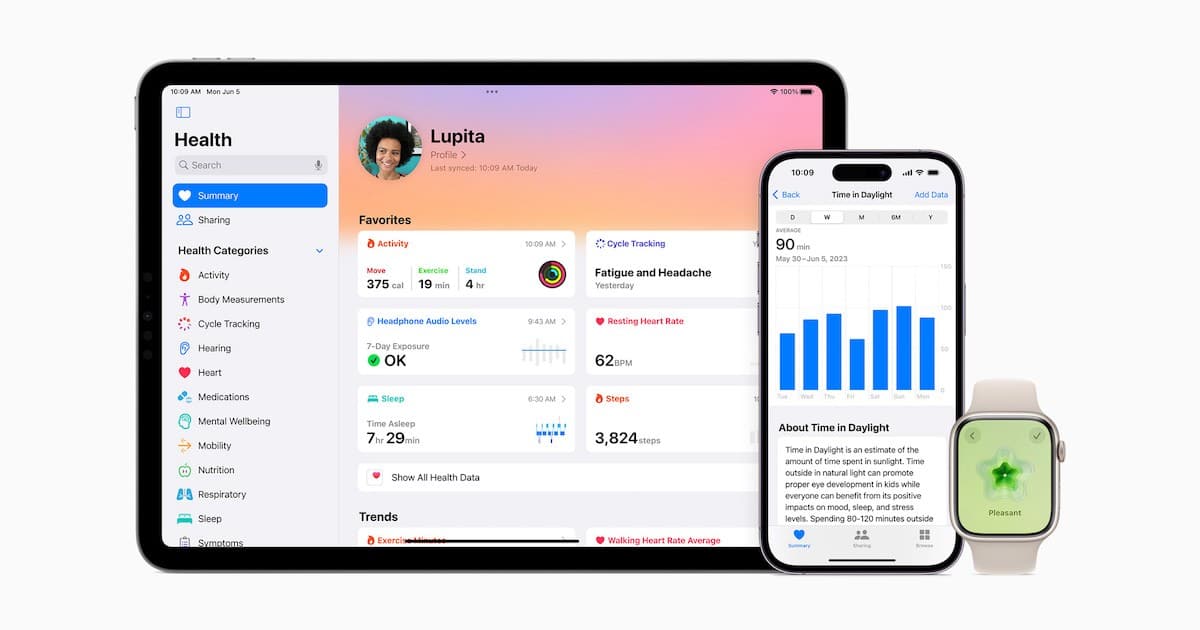
Mental Health and Other Enhancements to Apple's Health App
Along with some major news at WWDC, Apple is making a ton of improvements to the Health app, including a focus on mental health.

How to Use iPhone StandBy Mode as a Mini Smart Display
As of iOS 17, your iPhone has a new StandBy mode that turns it into a mini smart display. Jeff Butts explains how to use and customize it.

iOS 17 Compatible Devices: Is Your iPhone Supported?
Check out the entire list of iPhone that support Apple’s latest iOS 17. It includes older iPhones like the iPhone XR and above.

Download Official macOS 14 Sonoma Wallpapers
If you’re looking to download macOS 14 Sonoma wallpapers in the highest quality, you’ve come to the right place.

How to Download and Install iOS 17 Beta on iPhone Now
Right after Apple announced iOS 17, many folks wanted to have first dibs on it. Here’s how to download and install iOS 17 Beta on iPhone now.
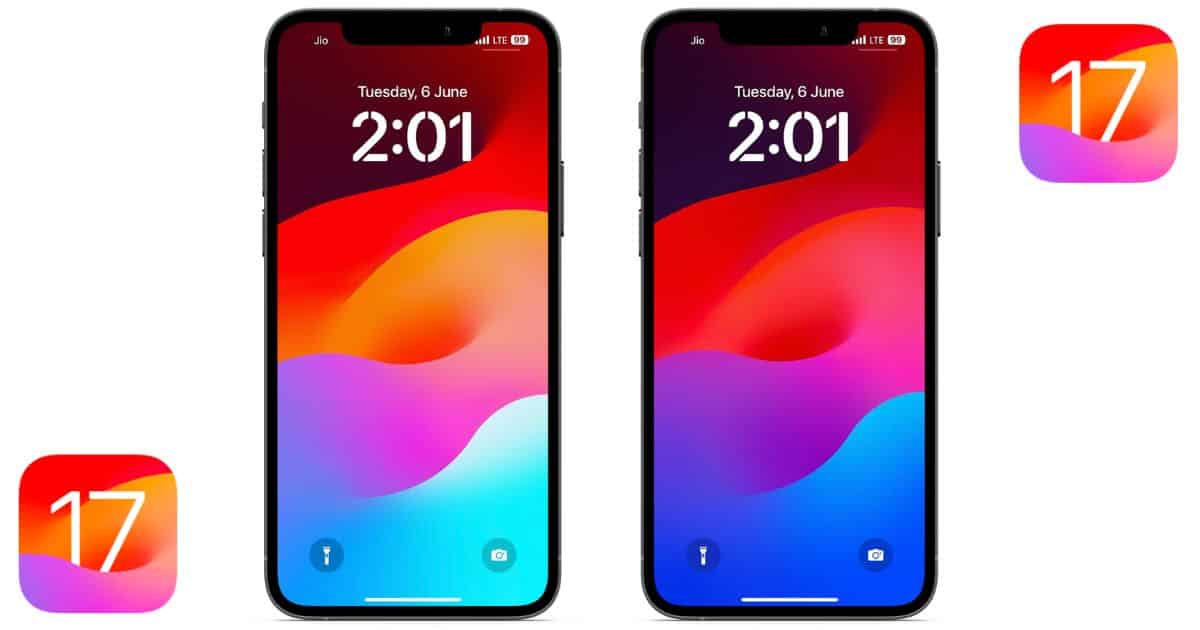
Download the Official iOS 17 Wallpaper for iPhone
If you you’re looking to download iOS 17 wallpapers in the highest resolution and the best quality, we’ve got you covered.

MacBook Air 15-inch vs. MacBook Air 13-inch: Which One Should You Buy?
Apple launched a new 15-inch M2 MacBook Air. Let’s find out what’s new in the 15-inch M2 MacBook Air vs the 13-inch M2 MacBook Air.

Diving Into New Features for Apple TV, AirPods and HomePod
Apple Fans, there’s a lot of new features arriving to Apple TV, HomePod and AirPods. Let’s take a look at what to expect.
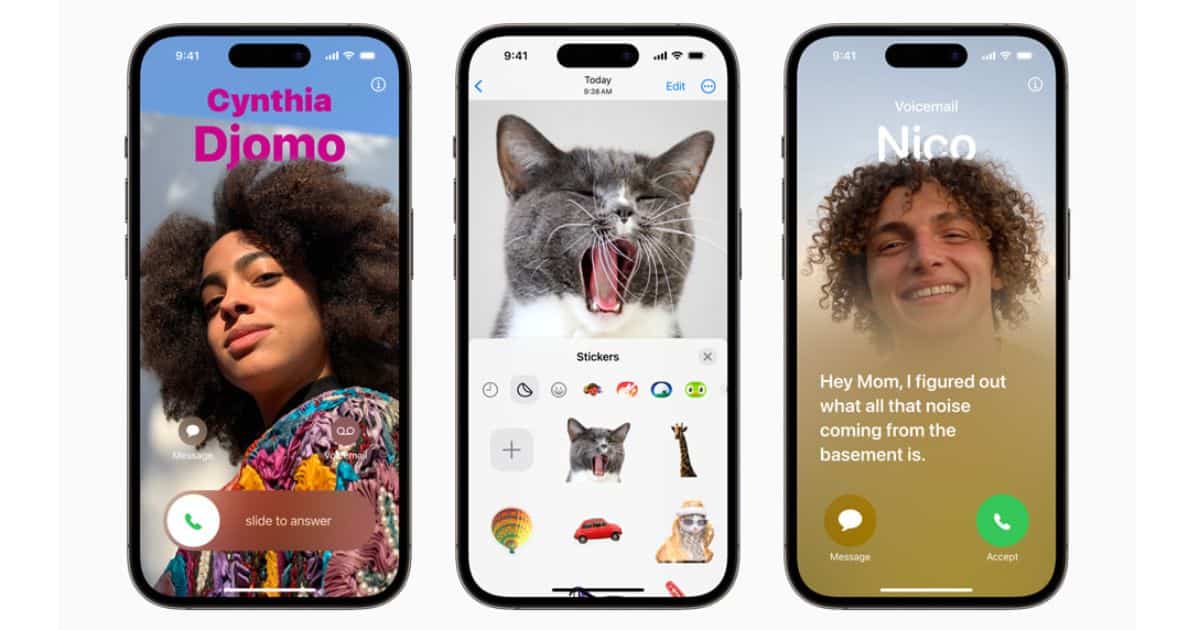
13 Best iOS 17 Features: Live Voicemail, NameDrop, Journal App and More
Apple unveiled iOS 17 at WWDC 2023. We’ve compiled a list of the best new iOS 17 features in this article for you.

Apple M2 Ultra: Everything you Need to Know
Apple has unveiled its fastest chipset, the M2 Ultra. Apple’s latest chipset will be available on new Mac Pro and Mac Studio.

Fix: You Don’t Have Permission to Access .Trash on iPad/iPhone
Getting You don’t have permission to access.Trash on iPad/iPhone. Follow the steps in this article to fix this issue.

Best Mac Optimization Tips for Smooth Performance
Need to optimize your Mac and get it back into tip-top shape? Here’s some of the best methods to get it good as new.

Easy Ways to Backup Snapchat Photos on iPhone
In this guide we’ll help you backup Snapchat photos to iPhone and also upload photos to Snapchat Memories that you can retrieve at any time.
How to Fix Find My iPhone Jumping Locations
Keep reading to discover why the Find My iPhone location keeps bouncing and learn about the steps that can be taken to resolve the issue

How to Find and Remove Duplicate Files on Mac Quickly
Have to many duplicate files on your Mac? While a potentially frustrating experience, there is a way to remove them quickly and with ease.
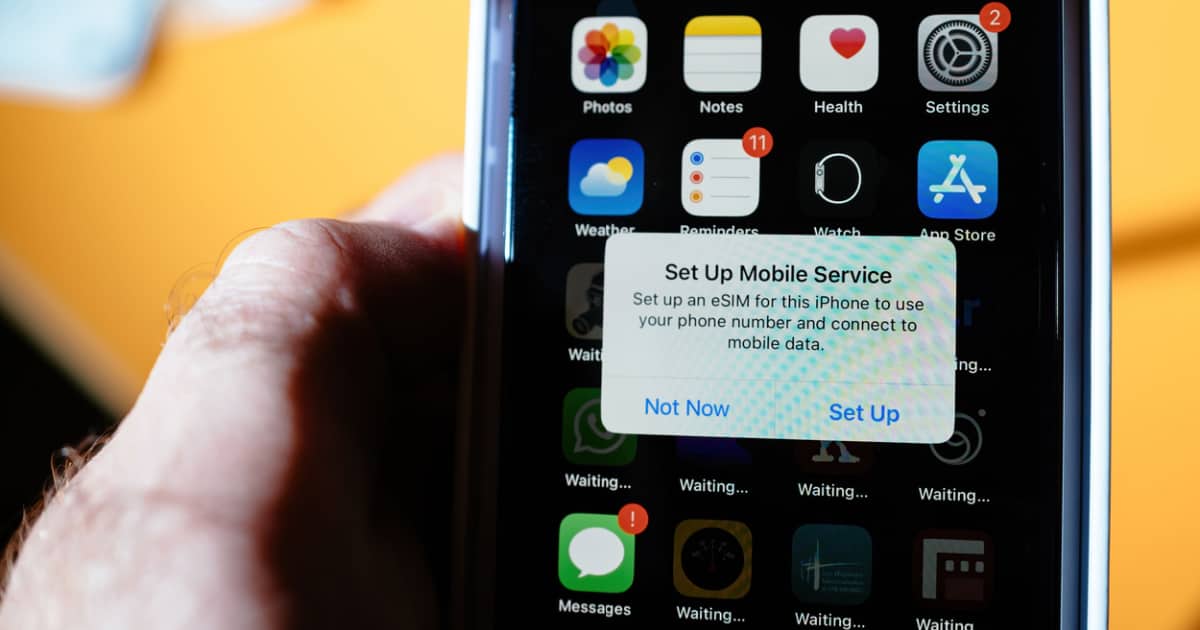
How To Resolve Unsupported eSIM Error on iPhone
Tom Victor provides satisfying answers to these questions: Why does the “Unsupported eSIM Error” occur? Is there a way to resolve this issue?

Browser Hijacked? How to Remove Redirect Virus from Your Mac
If you think your Mac browser’s been hijacked by a redirect virus, Jeff Butts can help you remove it and get your web surfing back to normal.
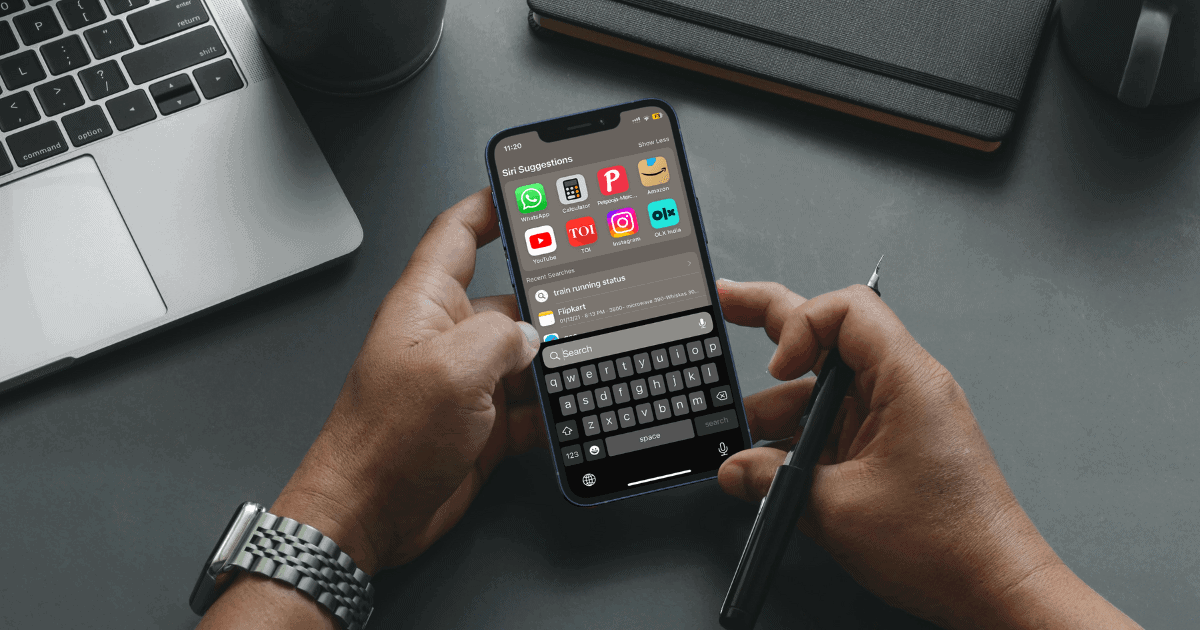
How to Search Anything Using Control F on iPhone
If you’re looking for a feature that can replicate the Control+F or Command+F functionality on iPhone, here’s how to search text on iPhone.
How to Clear Safari Documents and Data on iPhone and iPad
Finding yourself with a bloated phone? Here’s how to clear documents and data from Safari on your iPhone or iPad.