
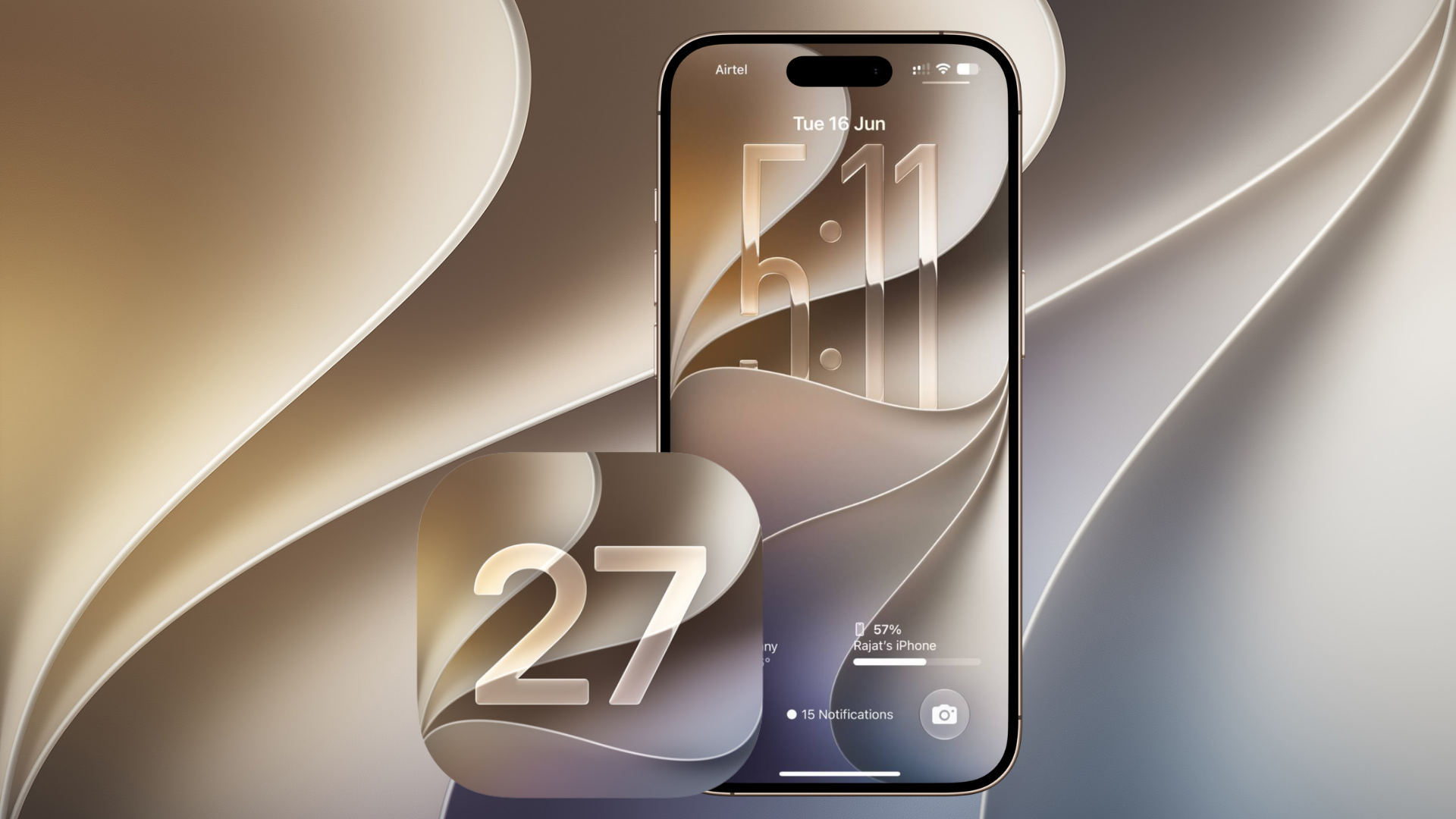
iOS 27.2 developer beta 1 is Apple’s first testing release after iOS 27. Apple has made the build available through its developer beta channel. It introduces a redesigned Health app, expands Siri AI language support, and makes smaller changes to FaceTime, CarPlay Ultra, Apple TV, Podcasts, Music, and the Clock app. Apple can change or remove any of these features before the final release.
Here is every reader-facing change and notable beta-code finding we have covered so far. This article will be updated as Apple seeds later iOS 27.2 builds.
A redesigned Health app
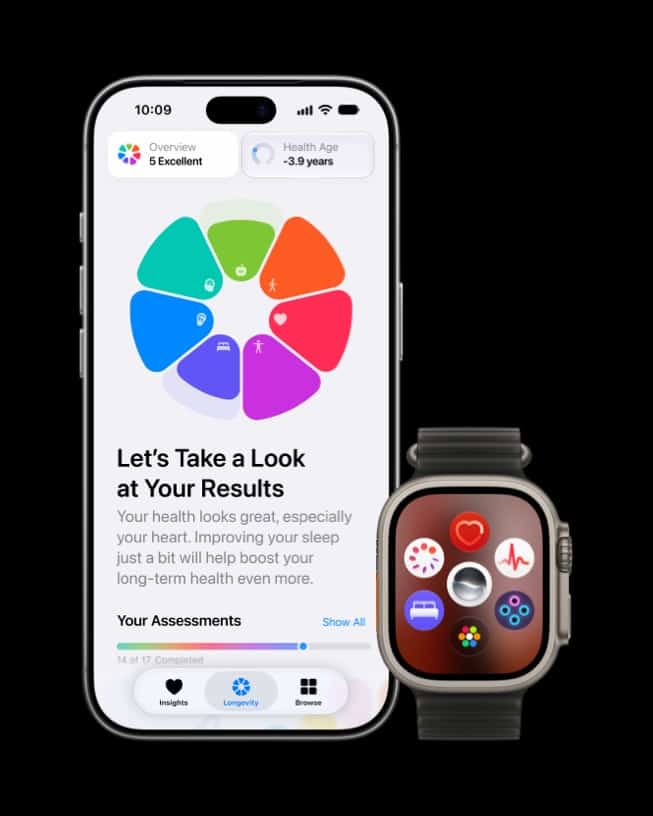
The largest addition is the new Health app, which introduces Insights, Longevity, and Browse. Insights can bring timely health data together, while Longevity adds Health Age and a longer-term view of trends. Our Health app guide and initial beta report explain the feature’s limits, including its reliance on eligible hardware and settings. Apple has also described in its Health announcement how movement evaluations use the iPhone camera and Apple Watch data.
Don’t miss the best of The Mac Observer
Set us as a preferred source and our Apple reporting ranks higher in your Google Search results and Discover feed — one tap, no account changes.
Siri AI adds five languages
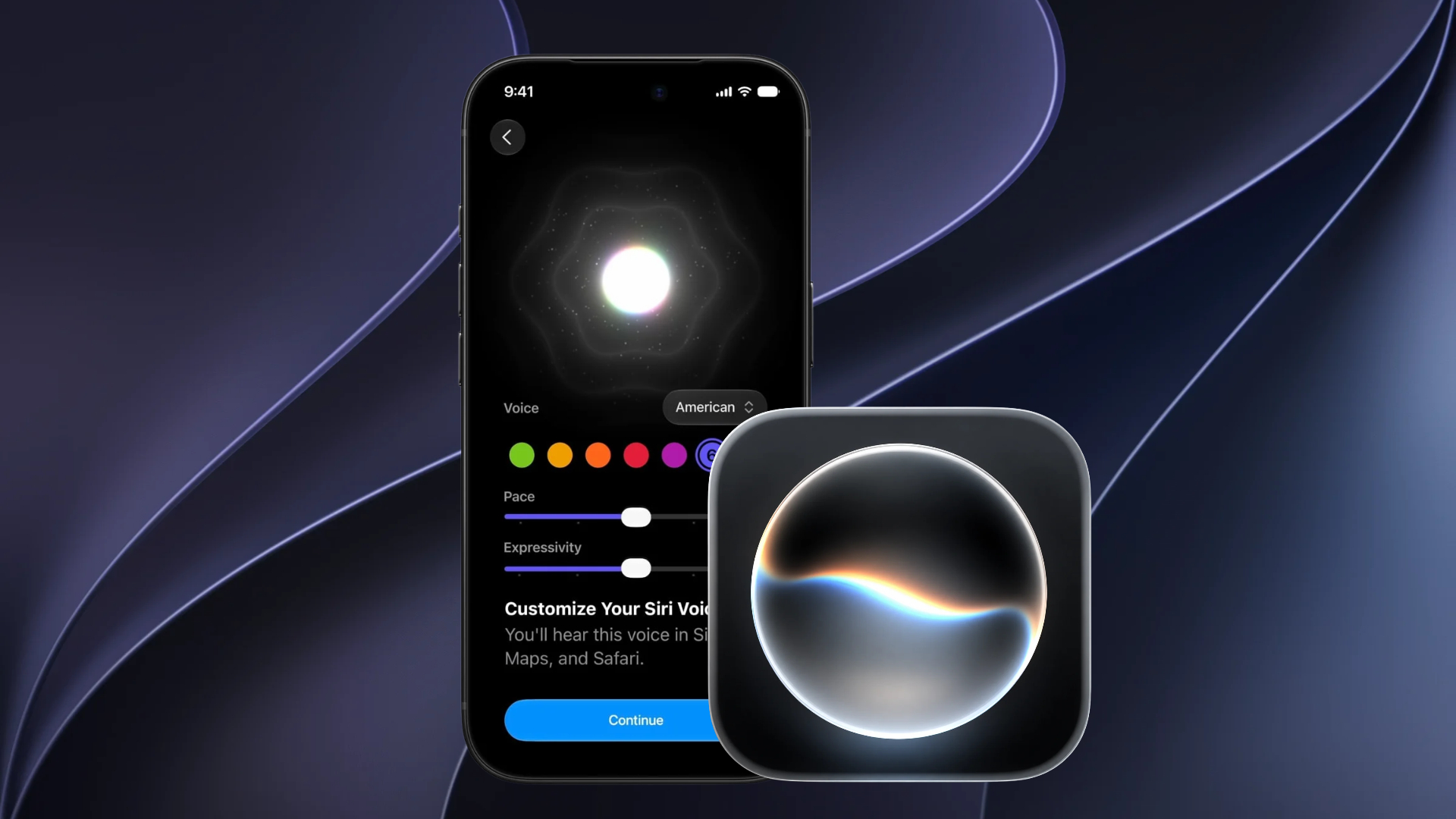
Siri AI now supports French, Japanese, Korean, Portuguese, and Spanish in addition to English for eligible testers. The full language guide covers what is changing, while our earlier Siri AI availability report explains the rollout context. Language selection alone does not guarantee access because Apple Intelligence availability still varies by device and region.
Dual Capture comes to Group FaceTime

Dual Capture in Group FaceTime lets a caller share front- and rear-camera views at the same time. It is useful when the speaker needs to remain visible while showing a project, a room, or an object to the rest of the call. Apple has not yet published final public instructions for the beta control.
Apple TV profiles reach iPhone and iPad
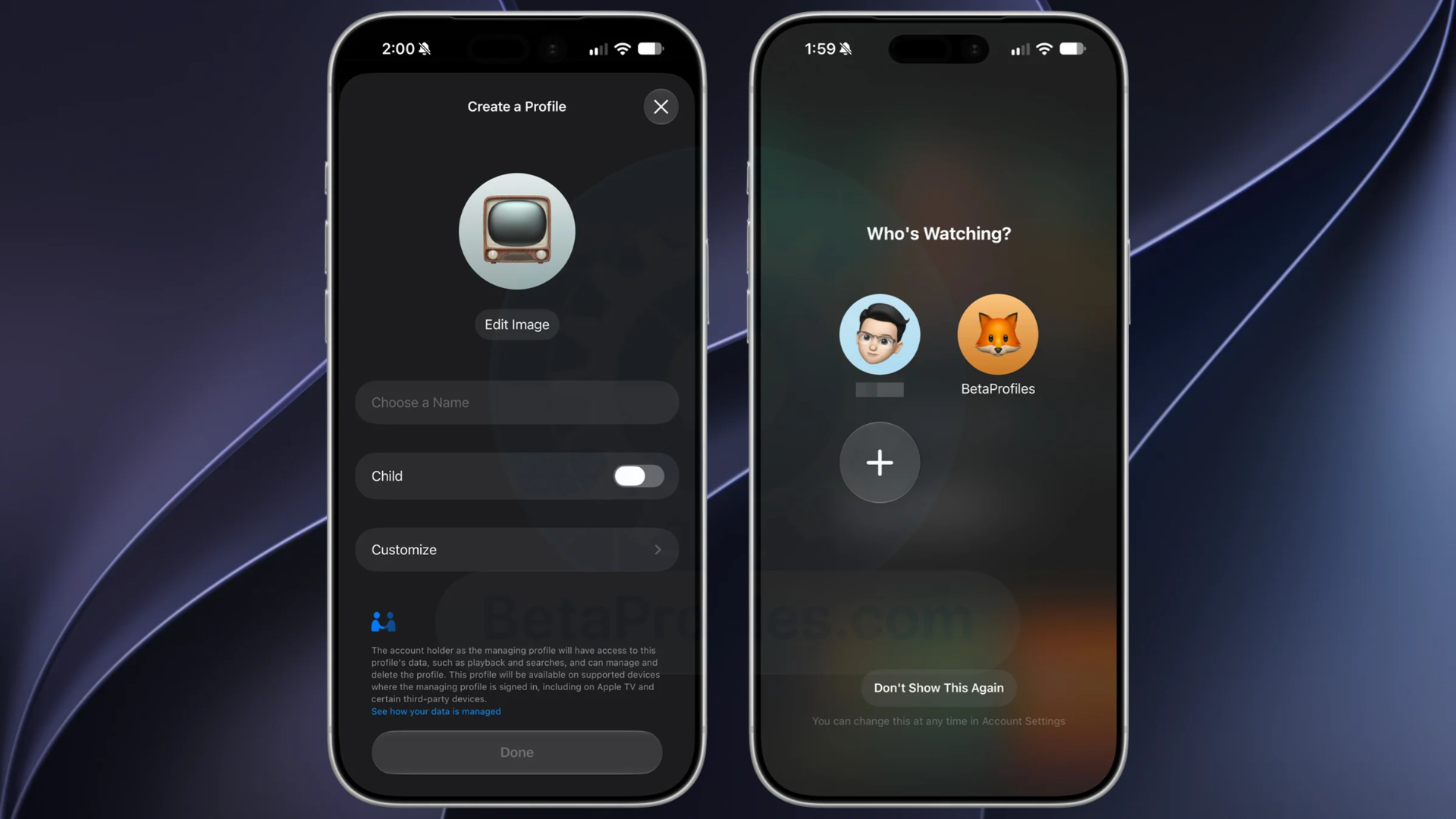
The Apple TV app now supports separate profiles on iPhone and iPad. As our profile feature guide explains, this can separate watch history and recommendations, with rating controls for child profiles. It is an extension of the profile system already available on Apple TV and other living-room devices.
Anniversary alerts in Call Context
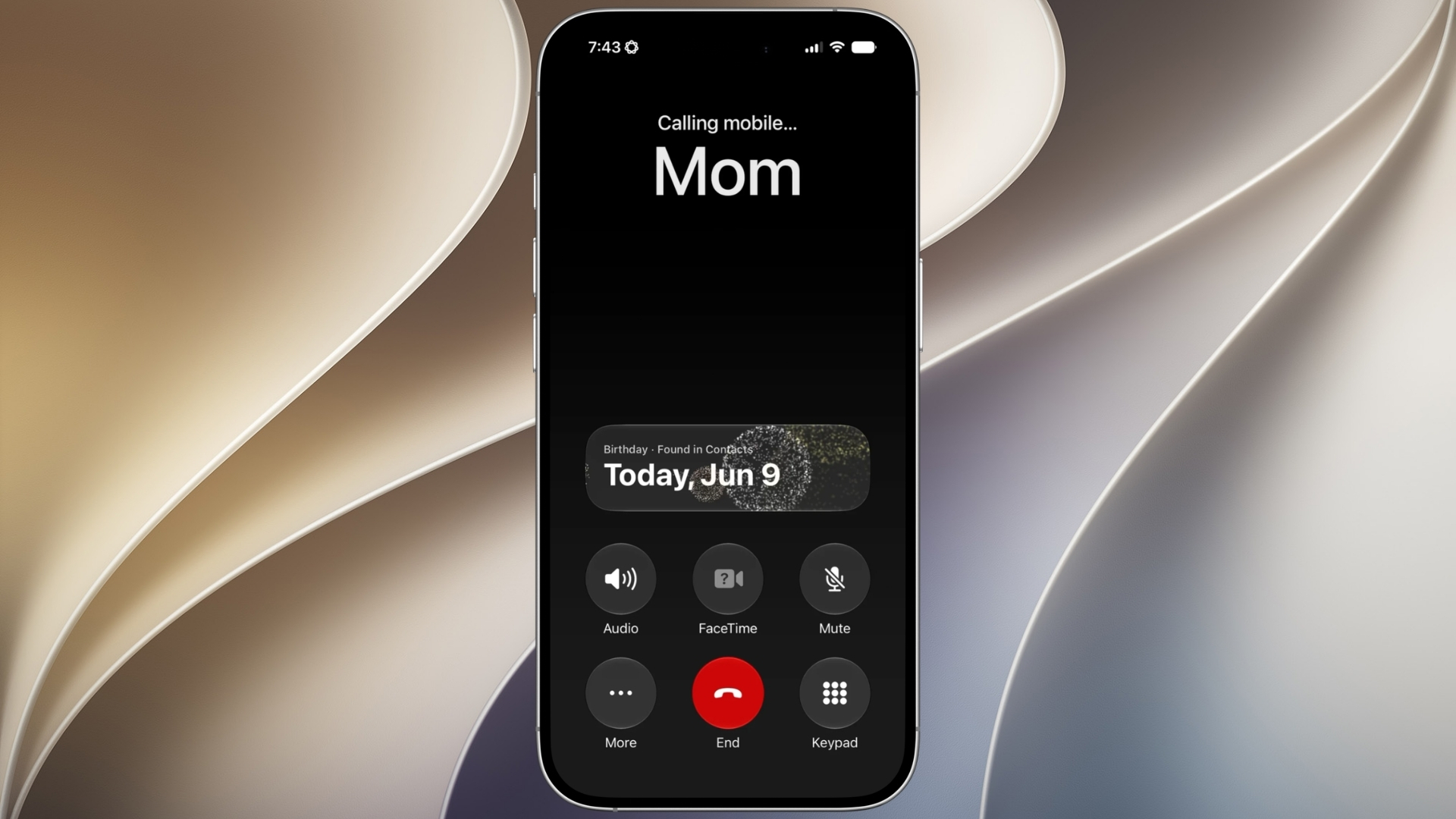
Call Context can now remind you that it is an anniversary before you call someone. The date must already be stored in that person’s contact card. Read our Call Context anniversary reminder explainer for what the alert does and does not replace.
CarPlay Ultra theme controls
CarPlay Ultra gains controls for wallpaper, gauge style, and color. Beta code also points to possible ambient-light matching in compatible cars, but that part is not an Apple announcement. Our CarPlay Ultra report explains why automaker and vehicle support remain essential.
FaceTime apps can add sign language interpreters
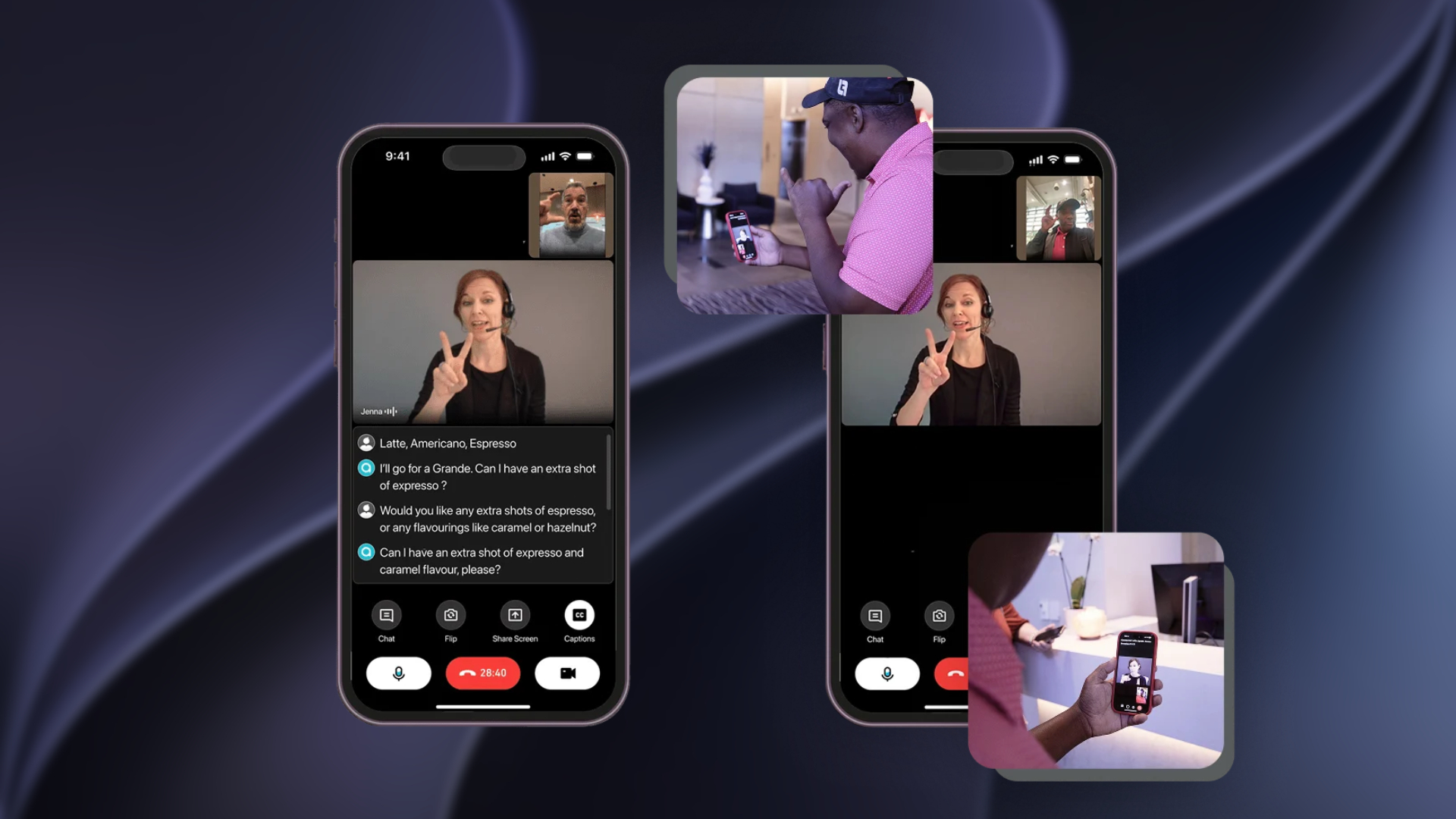
A new developer capability enables interpretation apps to bring a human sign language interpreter into an ongoing FaceTime video call. It is not automatic sign-language translation. Our FaceTime accessibility guide explains what the API means for services that choose to adopt it.
A clearer way to exclude apps from Siri and Search
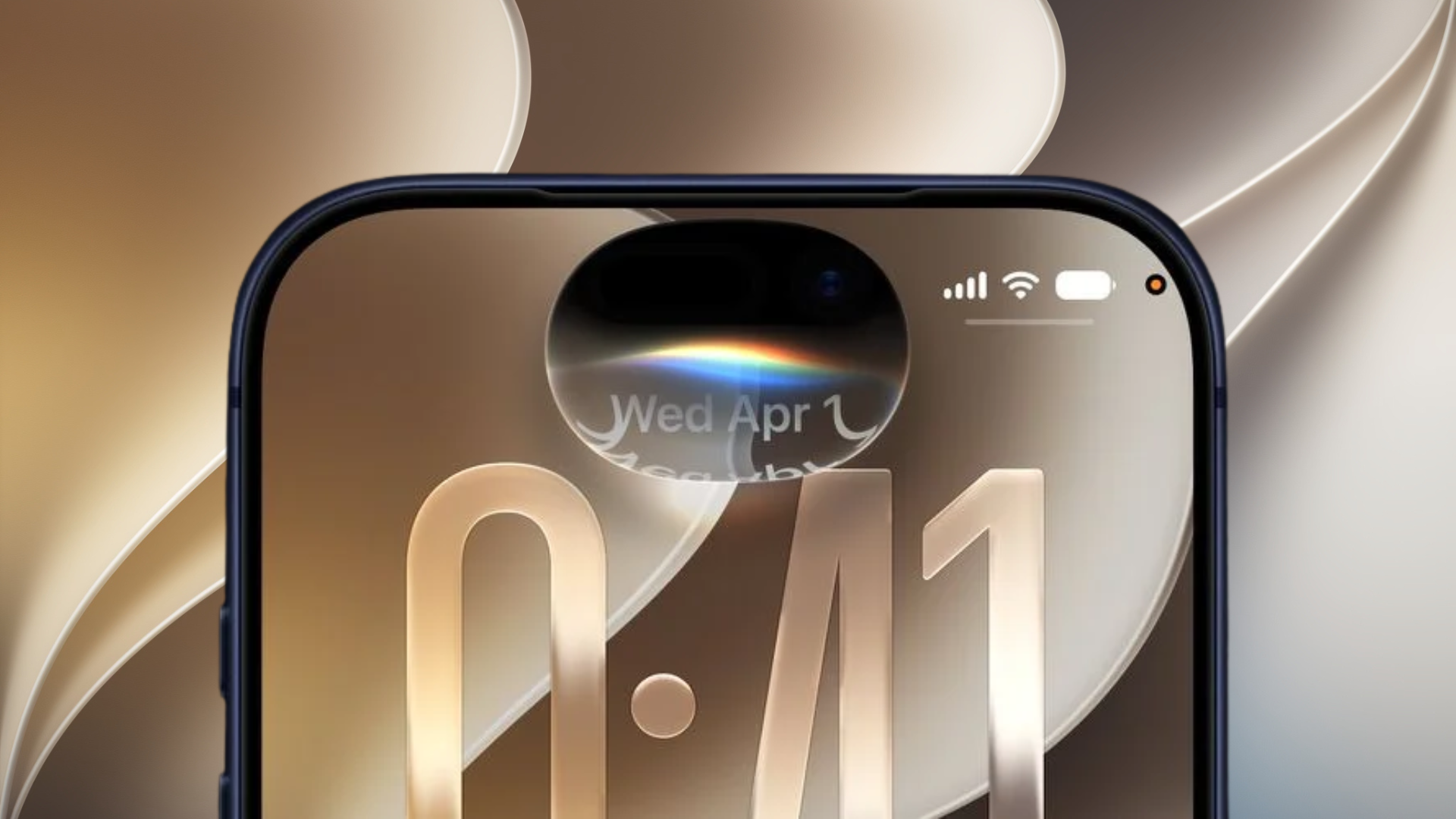
The App Access setting is now called Excluded Apps, and the picker can add several apps at once. That controls whether selected apps appear in Siri, Search, and suggestions. Our Excluded Apps explainer distinguishes this discovery setting from an app’s permissions and notification controls.
Apple Podcasts gets a tidier starting point
Apple Podcasts renames Up Next to New Episodes, moves Continue Playing beneath it, and adds episode-list backgrounds matched to show artwork. Our Apple Podcasts overview covers how the revised layout separates fresh releases from unfinished listening.
Apple Music reduces red accents in Library
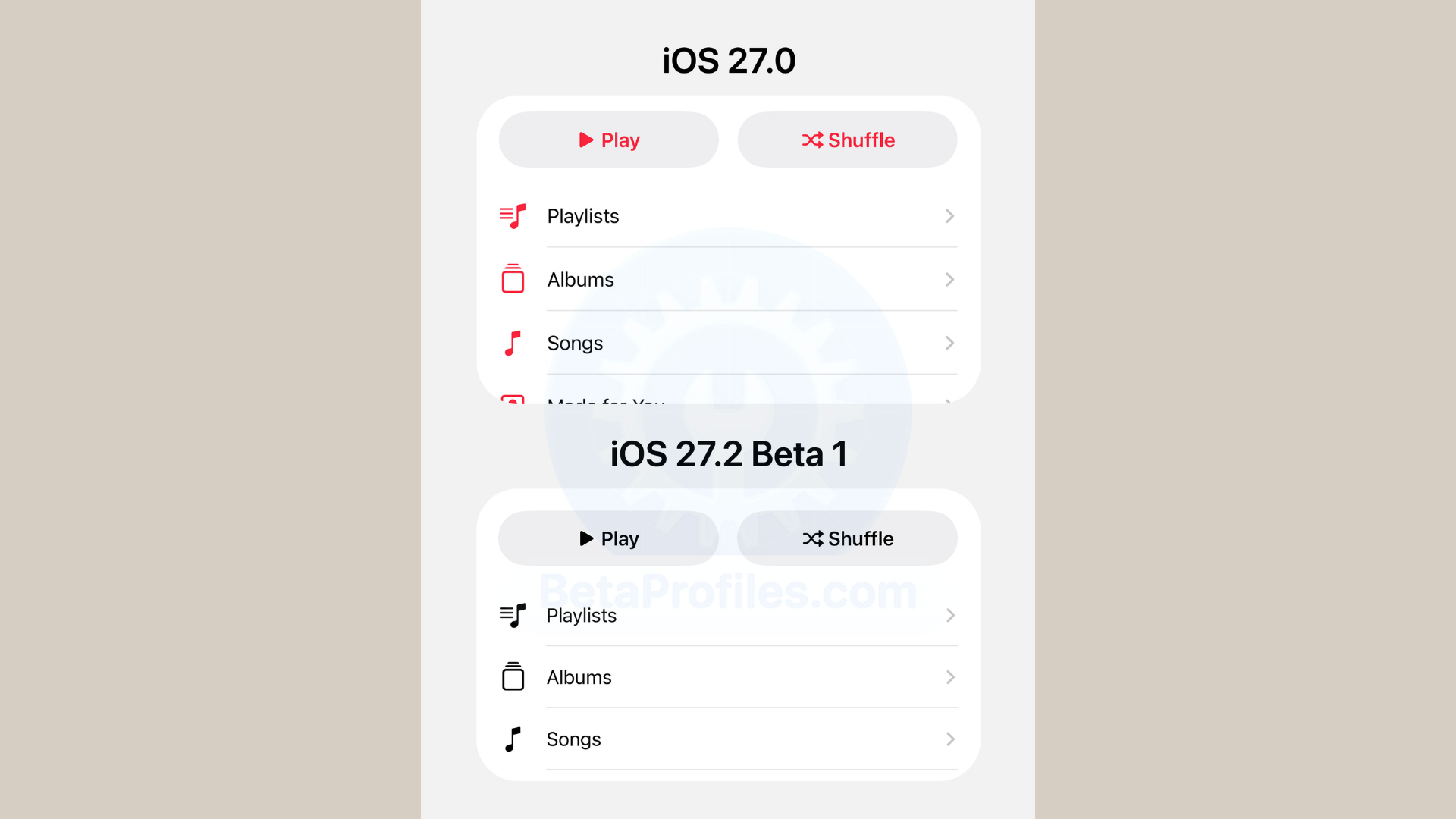
Play, Shuffle, and Library section icons use a darker neutral appearance rather than Apple Music red. The change affects presentation, not a subscriber’s downloads, playlists, or listening history. See our Apple Music design-change report for the details.
Smaller AM and PM labels in Clock
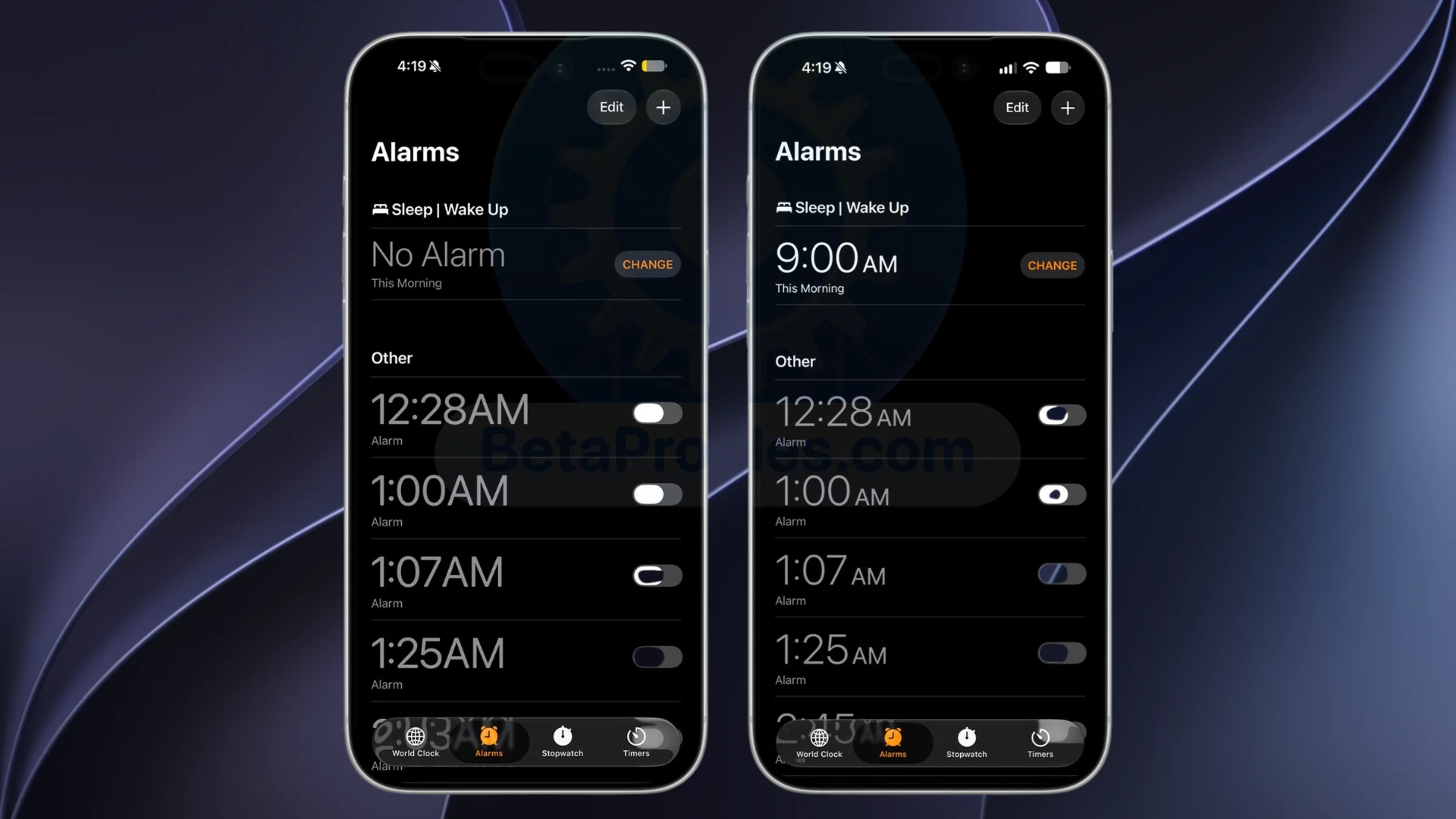
The Clock app makes its a.m. and p.m. labels smaller, drawing attention to the alarm time itself. It is a visual tweak, not a new alarm system. Our Clock app article explains why the change is relevant only for people using the 12-hour clock.
New tracking prompt rules in five EU countries
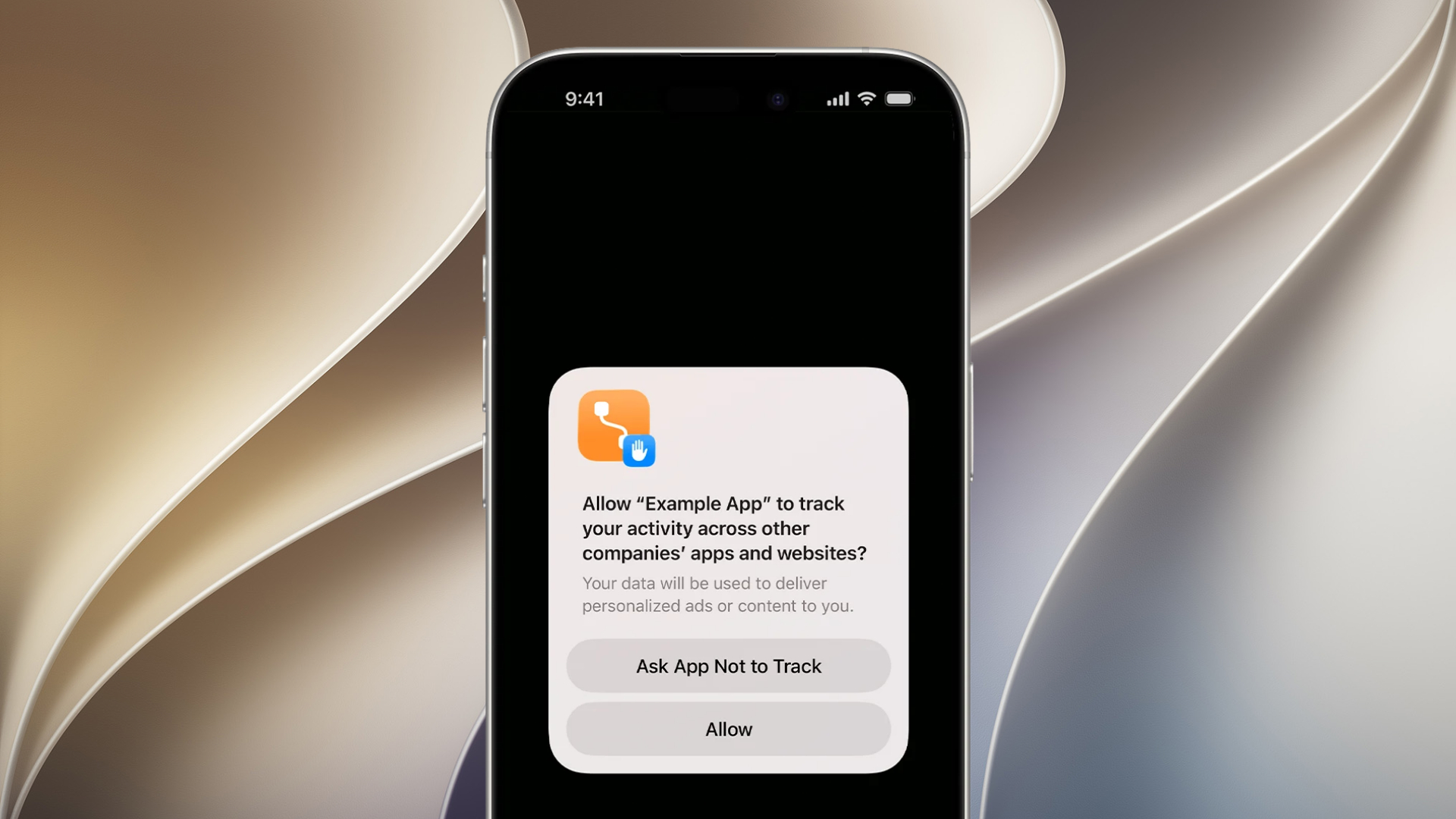
Apple’s release notes add an alternative expanded App Tracking Transparency prompt and annual re-prompting in France, Germany, Italy, Poland, and Romania. Read our country-specific ATT explainer and earlier tracking-prompt report for the regional scope. The change does not remove the user’s ability to decline tracking.
A China-only erase tool appears in beta code
Finally, code in iOS 27.2 points to a China-only erase tool that would overwrite a drive. Because this is a code finding rather than an announced setting, it should not be read as a feature Apple has confirmed for public release.
iOS 27.2 remains a developer beta. Back up an iPhone before testing, and do not assume a feature in beta 1 will ship unchanged. We will update this roundup when Apple adds or removes features in later builds.




Discussion