
With the release of iOS 26, iPhone users are deciding whether to install the update immediately or wait. For most people with a recent iPhone, the new software is stable enough for daily use. Our testing on an iPhone 14 Pro Max shows that while there are minor quirks, the overall experience is smooth.
News

Apple Watch Ultra 3 vs Ultra 1: Should You Upgrade Now?
The original Apple Watch Ultra set a new bar for battery life, rugged build, and outdoor features. Three years later, Ultra 3 arrives with meaningful refinements aimed at athletes and adventurers who want a brighter, smarter, and more connected watch.
iOS 26 Dark Mode Update Sparks User Complaints Over ‘Tilted’ Icons
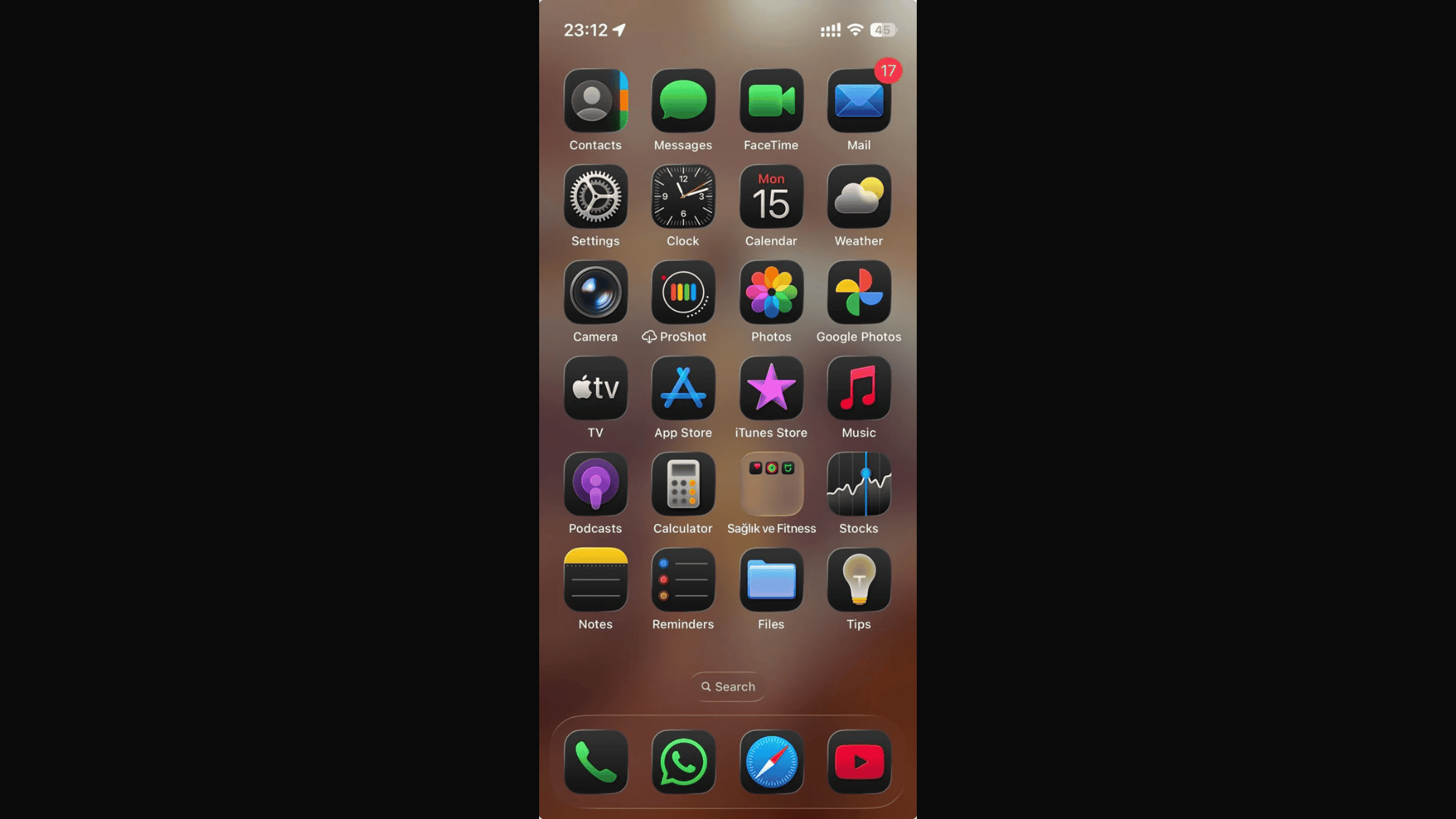
iOS 26’s redesigned Dark Mode is receiving criticism from iPhone users who say the new look is uncomfortable, distracting, and in some cases even dizzying.

Apple Music Expands Transfer Tool to Almost Every Country
Apple expands its music transfer tool globally, letting you move playlists and libraries from Spotify, Tidal, YouTube, and more into Apple Music.

Digital Passport Feature Is Delayed in iOS 26
iOS 26 launches, but Apple delays Digital ID for U.S. passports; Wallet support will arrive in a future update soon.

Apple Pay Adds Affirm and Klarna for In-Store Purchases
Apple Pay now accepts Affirm and Klarna in stores, letting you split purchases into flexible, transparent payment plans on iOS

Apple Releases watchOS 26 With Liquid Glass Design and Health Tools
Apple releases watchOS 26 with Liquid Glass design, new health alerts, Workout Buddy, Notes app, and updated watch faces today.

iOS 26 CarPlay Widgets Explained: How To Use Them
CarPlay has become an essential part of the iPhone driving experience, giving you navigation, music, and communication tools without touching your phone. With iOS 26, Apple introduced a new generation of CarPlay widgets that make dashboards more useful, customizable, and safer to use.

How to Fix iOS 26 Screenshot Issues (7 Easy Methods)
After updating to iOS 26, some iPhone users have noticed and reported issues on several forums while trying to take screenshots. From screenshots not saving to glitches when sharing them, these problems are common after major updates.

Best iOS 26 Wallpapers (4K Options and Apps for iOS Devices)
Wallpapers are one of the easiest ways to give your iPhone a fresh look, and iOS 26 makes them more immersive than ever. With the new Liquid Glass design, wallpapers interact with system elements like icons, widgets, and the Lock Screen clock, making your device feel dynamic and personalized.

Apple Launches iPadOS 26 With Major Productivity Upgrades
Apple’s iPadOS 26 introduces Liquid Glass design, multitasking with resizable windows, new apps and expanded professional tools.

Apple Brings 200 Documented Changes Across iOS 26, iPadOS 26, and macOS Tahoe
Apple launches iOS 26 with nearly 200 changes, introducing Liquid Glass design, smarter apps and multitasking upgrades.

Critical macOS Sonoma 14.8 Update With 39 Security Fixes Released
Apple released macOS Sonoma 14.8 on September 15, 2025, a significant security update that addresses 39 vulnerabilities across the operating system. The patches resolve serious issues ranging from potential data exposure and application sandbox escapes to bugs that could allow an attacker to gain full root control of a machine. Given the breadth and severity of the fixes, this update is essential for all Sonoma users.
Apple Says iOS 26 Can Drain iPhone's Battery Right After Update
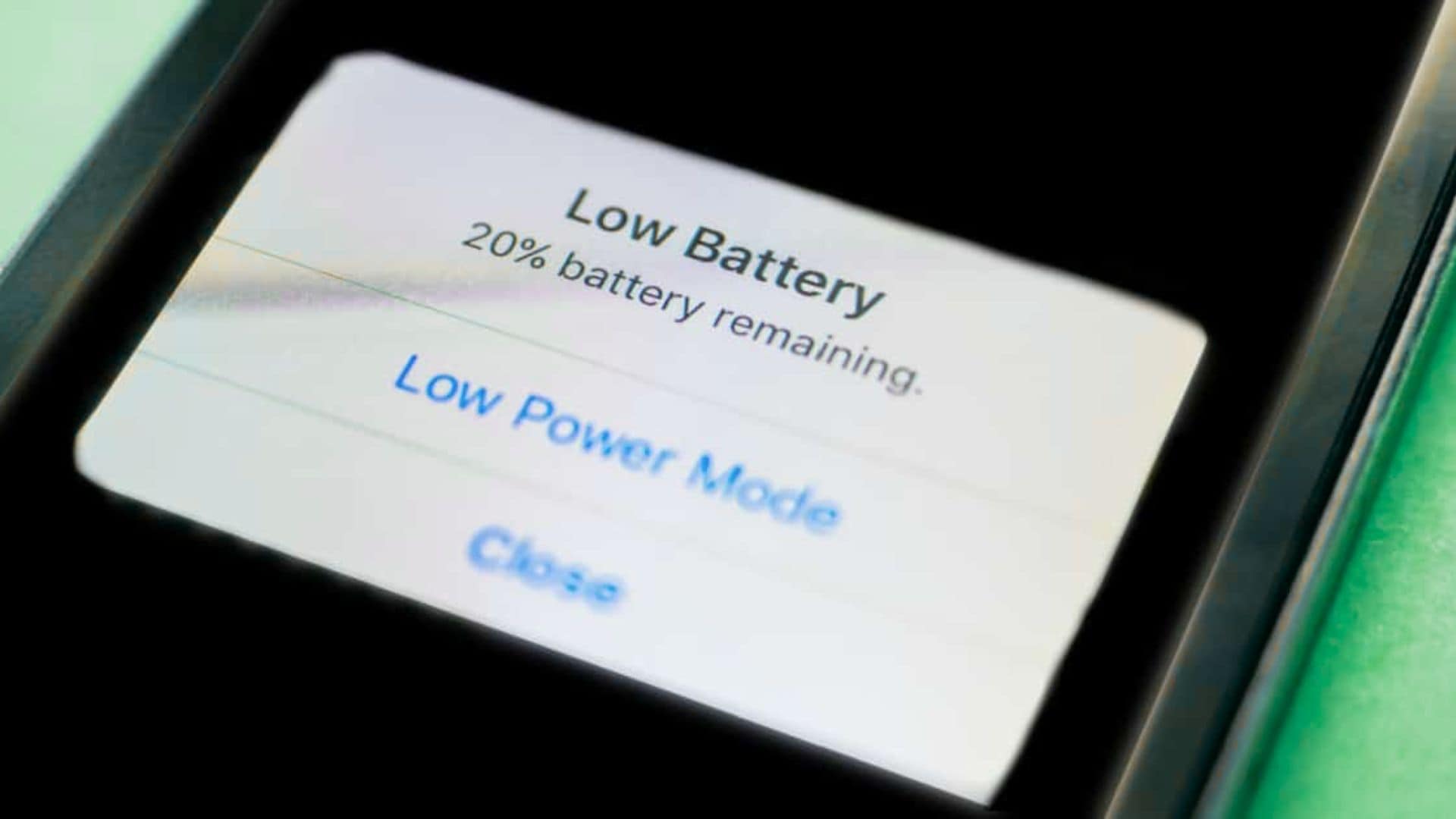
Apple explains iOS 26 update may temporarily affect iPhone battery and performance, but most impacts fade after setup.

iOS 16.7.12, iPadOS 16.7.12 released as security updates for older devices
Apple has pushed a security-only update for older devices: iOS 16.7.12 and iPadOS 16.7.12, released today (September 15, 2025). The update patches an ImageIO vulnerability (CVE-2025-43300) that could allow memory corruption when processing a malicious image. Apple says it’s aware of a report that this issue may have been used in an “extremely sophisticated” attack against specific, targeted individuals.
tvOS 26 vs tvOS 18: Ultimate Comparison
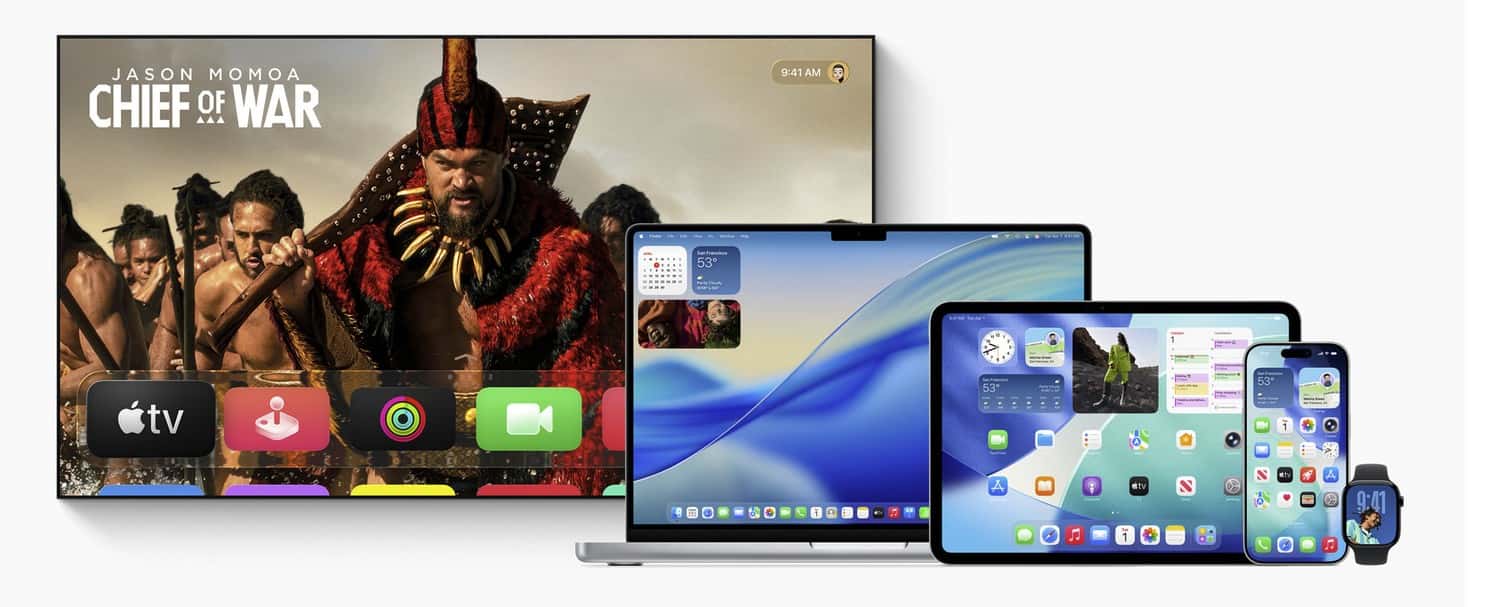
Thinking about updating your Apple TV but not sure what really changes? Here’s a clear, no-nonsense comparison of tvOS 26 and tvOS 18 that helps you decide fast, then dives deeper if you want the details.
macOS Tahoe 26 Released: What’s New and How to Update Your Mac
macOS Tahoe introduces Liquid Glass design, powerful Spotlight, automation upgrades, and iPhone features. Learn what’s new and how to update.

What is the iOS 26 Build Number (final release)
The public build number for iOS 26.0 is 23A341. Apple’s Release Candidate last week was 23A340, and devices on the RC are getting a small day-one update to the final.

How Long Does iOS 26 Take to Wownload?
Short answer: on typical home Wi-Fi, expect roughly 5–25 minutes to download iOS 26. The update itself is about ~6 GB, so your exact time depends on your connection speed and launch-day server load. See our size breakdown here: “iOS 26 Update Download Size sits at around 6GB.”

iPadOS 18.7 or iPadOS 26: which one to install?
People are searching “iPadOS 18.7” today because Apple is doing for iPad exactly what it did for iPhone: shipping a final maintenance update on the old line while launching the big annual upgrade.

iOS 26 Now Available for iPhone: Key Features and Device Support
Apple’s iOS 26 brings Liquid Glass design, on-device Apple Intelligence, live translation, improved apps, and enhanced privacy for iPhone users.

MacOS Sequoia 15.7 released for users keeping Sequoia
Apple is rolling out macOS Sequoia 15.7, a maintenance update focused on security and stability. Apple’s notes for the 15.7 release candidate flagged security fixes, and today’s rollout arrives alongside the big macOS “Tahoe” 26 upgrade for those ready to jump to the new design.

iOS 26 Update Download Size sits at around 6GB
iOS 26 is rolling out for everyone today and it’s a chunky download. On the phone I used to check it – an iPhone 14 Pro Max – the update shows 6.17 GB. Your number may be a little higher or lower depending on model, region, and what’s already on your device.

iOS 18.7 for iPhone released as alternative to iOS 26
Apple has released iOS 18.7 for iPhone alongside the headline-grabbing iOS 26. The update is aimed at users who want to stay on iOS 18 for now, delivering important bug fixes and security updates without the big interface shift and new features found in iOS 26. Apple’s brief notes say the release is “recommended for all users.”