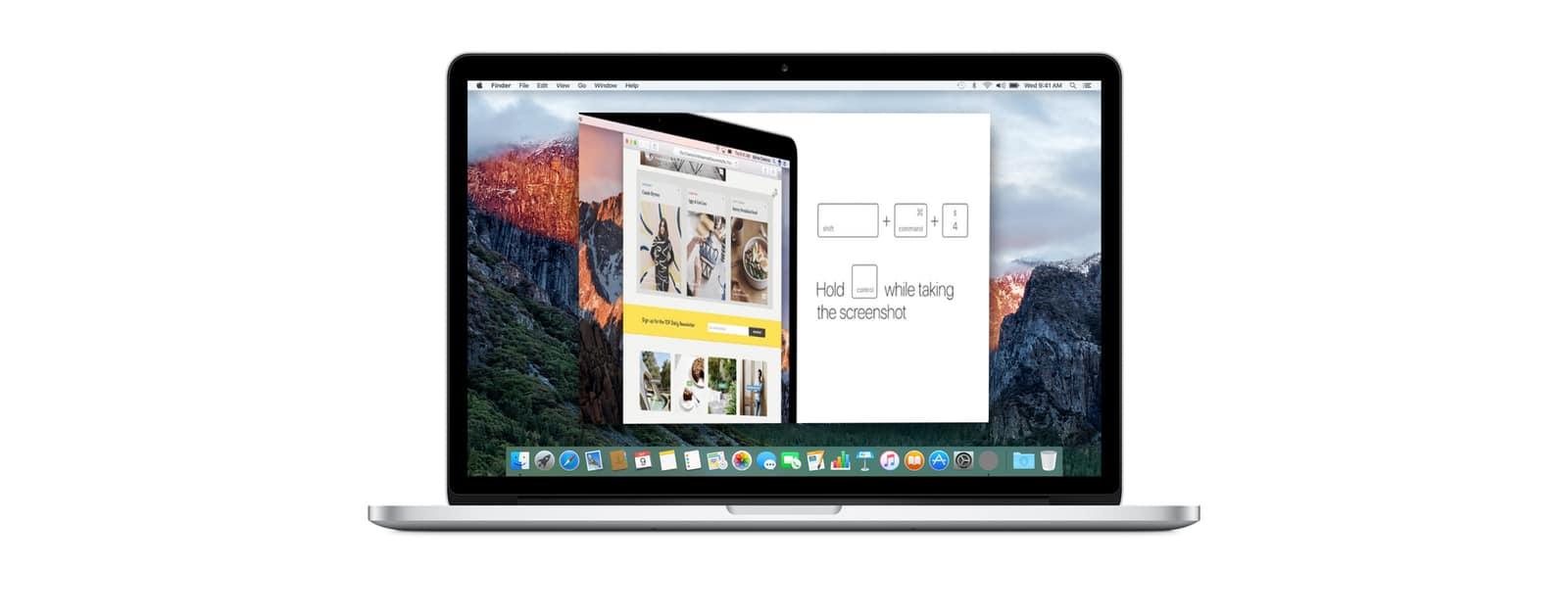
Improve your workflow with this comprehensive guide on how to directly paste screenshots into documents on Mac.
Tips

How to Format a Drive With GUID on macOS
Learn how to correctly format a drive with GUID for macOS Ventura with our comprehensive step-by-step guide.

3 Effective Ways To Fix iPad Stuck in Boot Loop
iPad stuck in a boot loop? Solve your iPad issues with our step-by-step guide, offering practical solutions without losing your data.

How to Block Temu.com Ads on iPhone | Full Guide
Learn how to block Temu.com and its intrusive ads on Google, Safari, and iPhone using personalized settings, ad-blockers, and VPNs.
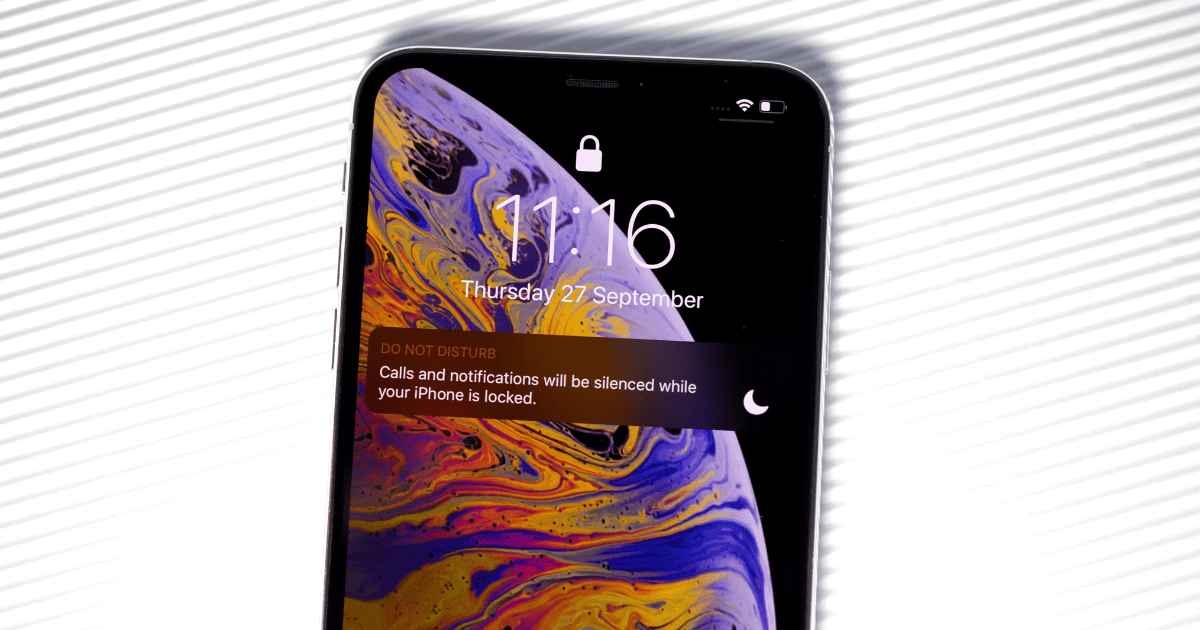
How to Show Do Not Disturb in iMessage on iPhone
Learn how to show Do Not Disturb in iMessage by toggling on permissions, and ensure contacts know when you’re taking a digital break.
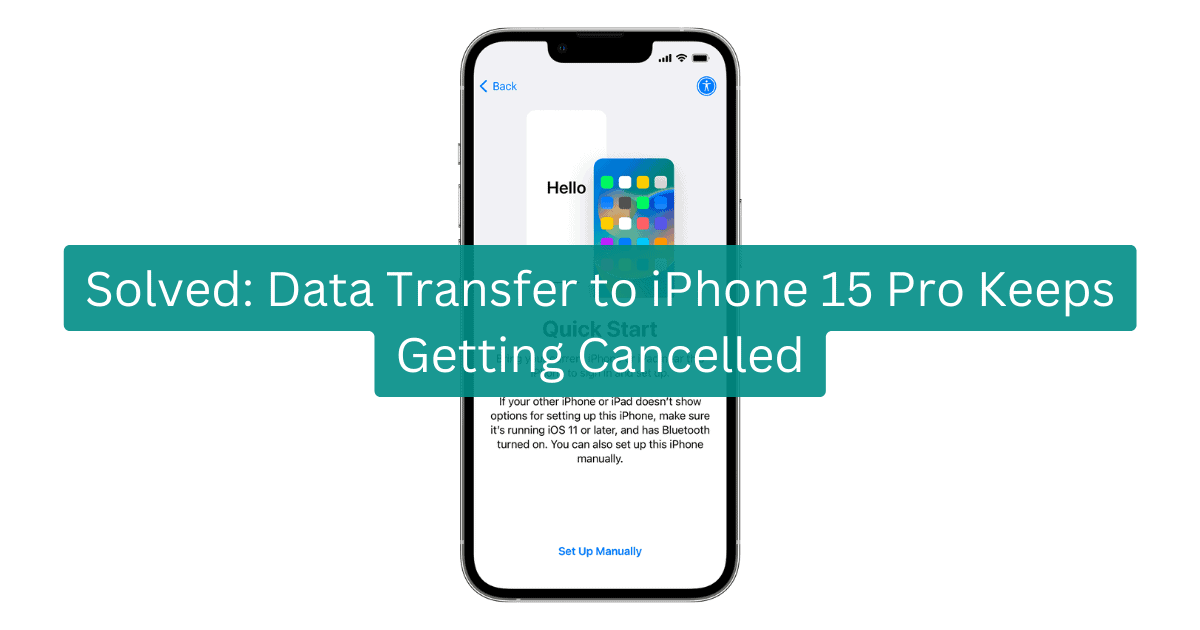
Solved: Data Transfer Cancelled on iPhone 15
If your data transfer to iPhone 15 Pro keeps getting canceled upgrade to iOS 17.0.2 or later to address the issue.

watchOS 10: How to Ping iPhone From Apple Watch in the New Update
Discover how to ping your iPhone from your Apple Watch after updating your devices to watchOS 10 and iOS 17.

How to Record Spatial Video on iPhone 15 Pro
iOS 17.2 allows iPhone 15 Pro series users to record high-res Spatial Video for the Apple Vision Pro. Our guide helps you set it up.
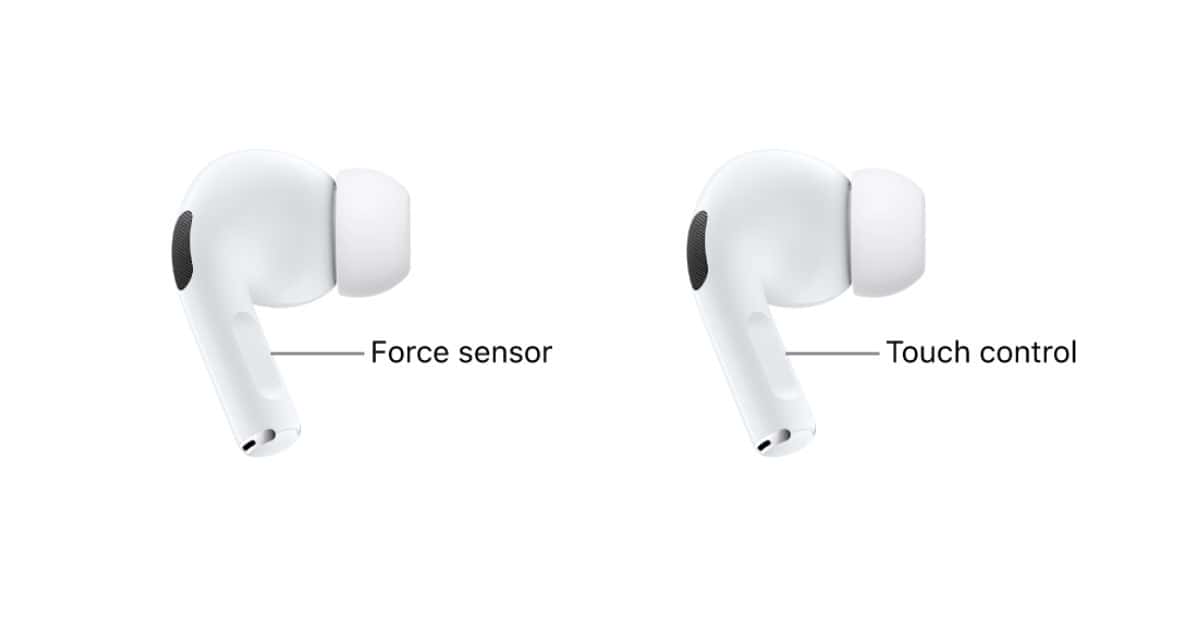
Touch Controls Not Working on AirPods and AirPods Pro? 9 Ways to Fix It
Touch controls enhance the AirPods experience and if you’re encountering issues, here’s how to fix touch controls not working on AirPods Pro.
Why Does FaceTime Keep Failing? Here’s How To Fix It
If FaceTime keeps failing on your iPhone, iPad, or Mac, here are the most likely causes and best fixes for each case.
Wi-Fi Greyed Out on iPhone? 7 Ways to Fix the Error
Is your Wi-Fi greyed out on your iPhone? Here is a list of detailed solutions that might help you fix the issue.
Fix: Kindle App Crashing on iPhone and iPad
In this guide, we’ve covered every solution that can help you fix the Kindle app crashing on your iPhone or iPad.
Apple Card Not Working? Here's How to Fix It
Our guide will give you the details on what you need to know if you’re experiencing issues with your Apple Card not working properly.
How to Block X (Twitter) Ads on iPhone
Is X showing too many Promoted Ads in your timeline? Here are some tricks you can use to block X (Twitter) ads on your iPhone.
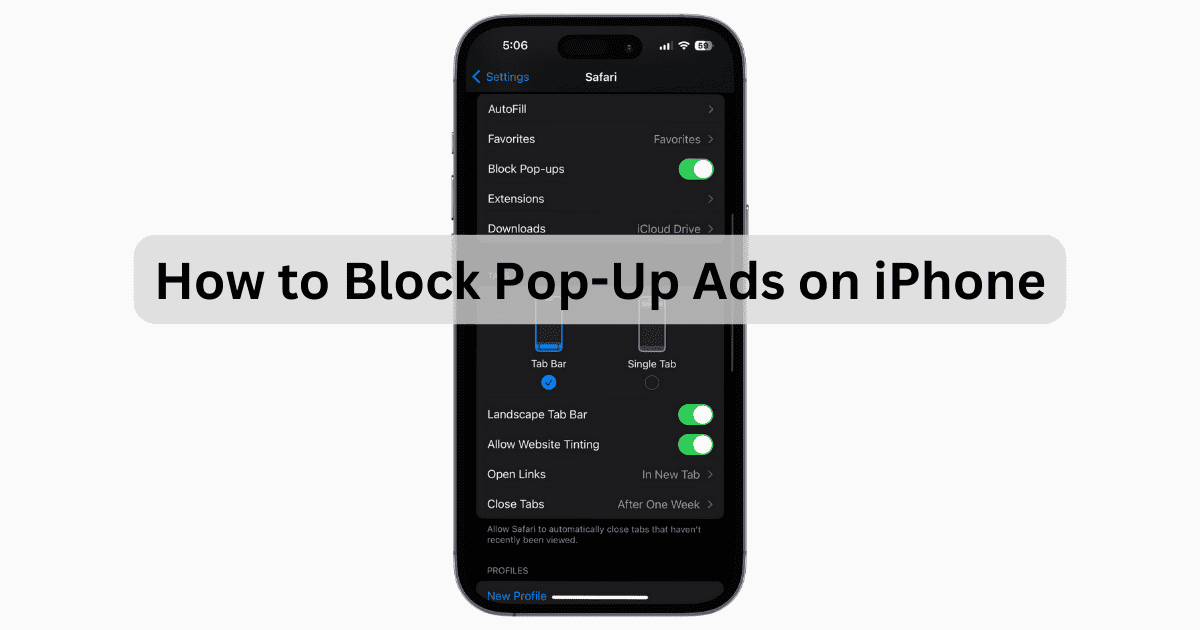
How to Block Pop-Up Ads on iPhone: Proven Solutions
Pop-up ads can be the bed bugs of the internet, and knowing how to block them can crucial for iPhone owners. Check our article to learn more.

How to Block YouTube Ads on iPhone
Is it possible to enjoy ad-free YouTube without buying Premium? Here’s how you can cut and block YouTube ads on your iPhone.
Available Software Updates Have Changed- 6 Ways to Fix the Mac Error
Having trouble updating your macOS? Try these simple methods to fix the available software updates have changed error.
How to Block Facebook Ads on iPhone
Are you tired of seeing Sponsored posts on your feed? Here are some effective ways to regulate and block Facebook ads on your iPhone.
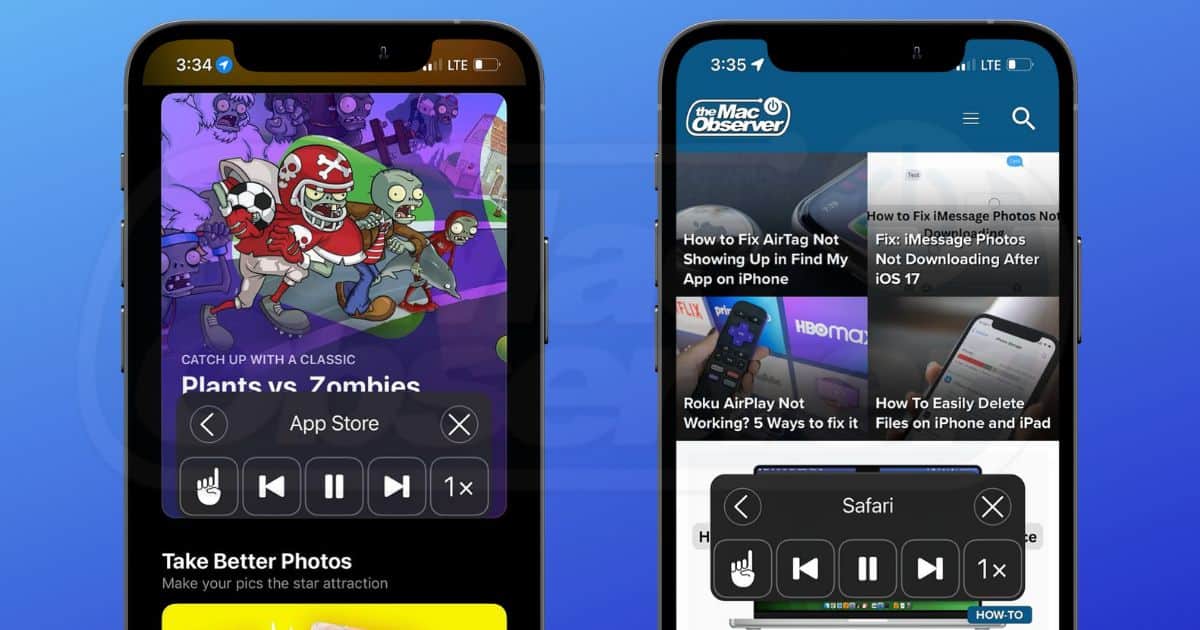
How To Use Text-to-Speech on iPhone and iPad
If you’re tired of reading from the screen, in this guide, we’ll help you learn how to enable and use Text-to-Speech on your iPhone and iPad.
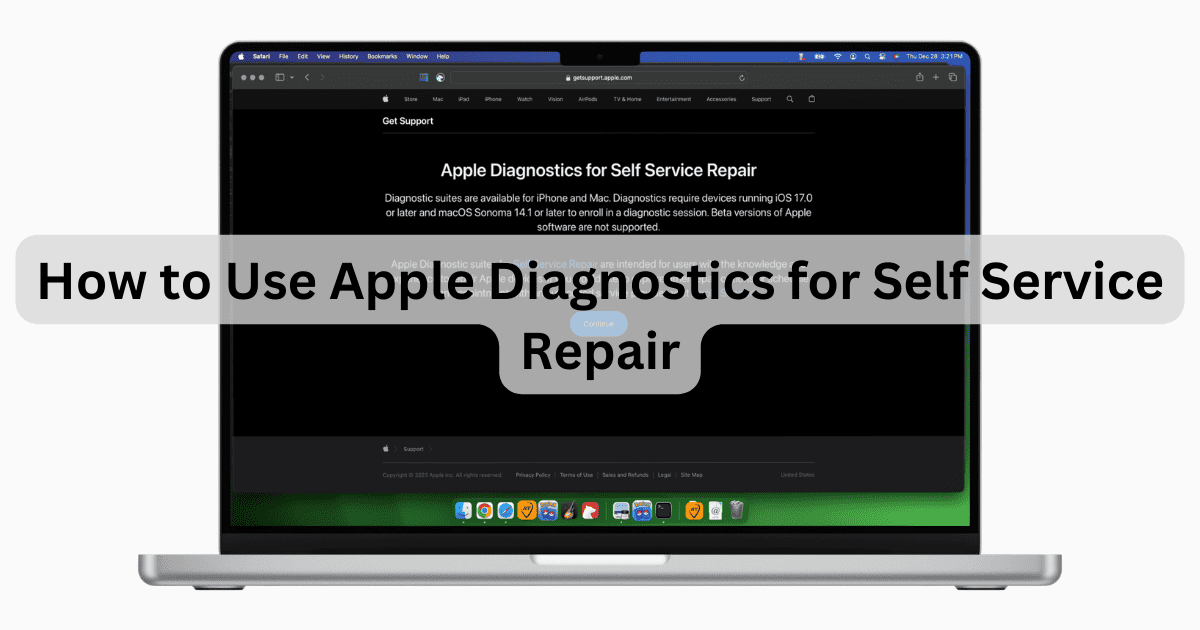
How to Use Apple Diagnostics for Self Service Repair
Our guide will show you how to use Apple’s online Diagnostics tool for Self Service repair on your iPhone and M-based Macs.
How to Fix iPhone 15 Overheating While Charging
Apple has released an update that is meant to stop iPhone 15 from overheating while charging. Check out our guide to learn more.
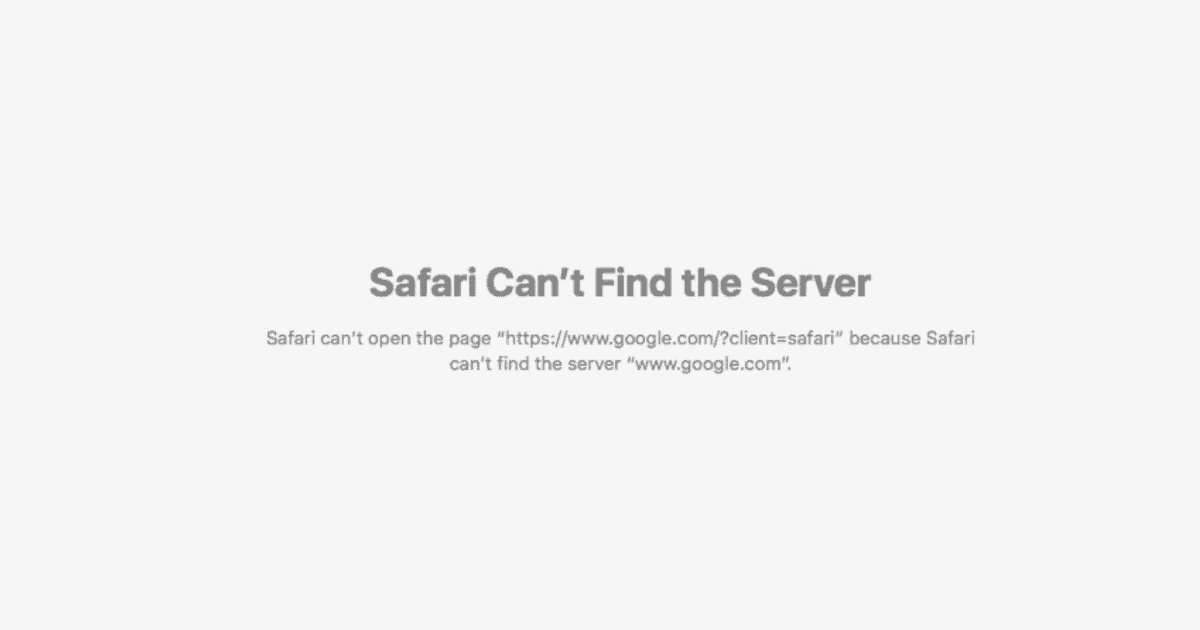
Safari Can't Find The Server? 7 Ways To Fix It
Are you also facing the Safari Can’t Find The Server issue on your Mac? Try these few simple methods that might fix this error.
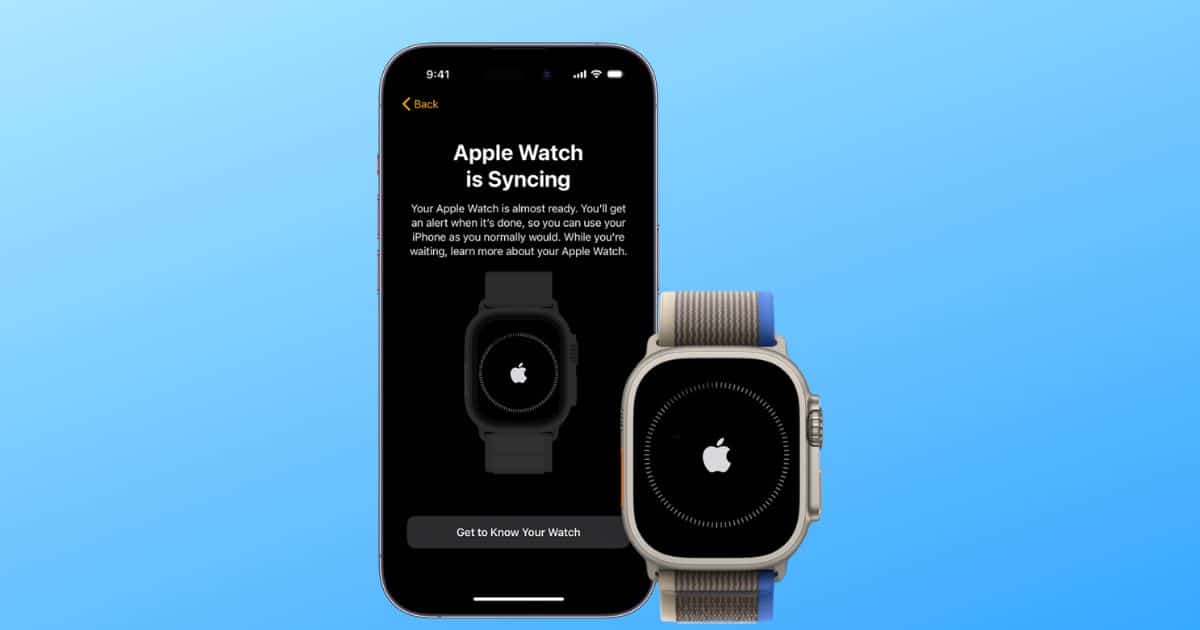
Apple Watch Ultra 2 Not Pairing
Is your Apple Watch Ultra 2 not pairing? In this guide, we’ll help you fix any pairing or connection issues with the Apple Watch Ultra 2.

Solved: How To Stop Email Going to Junk on iPhone
Don’t know how to stop emails from going to junk on iPhone? Use our comprehensive guide to resolve this issue and never miss an important mail again.