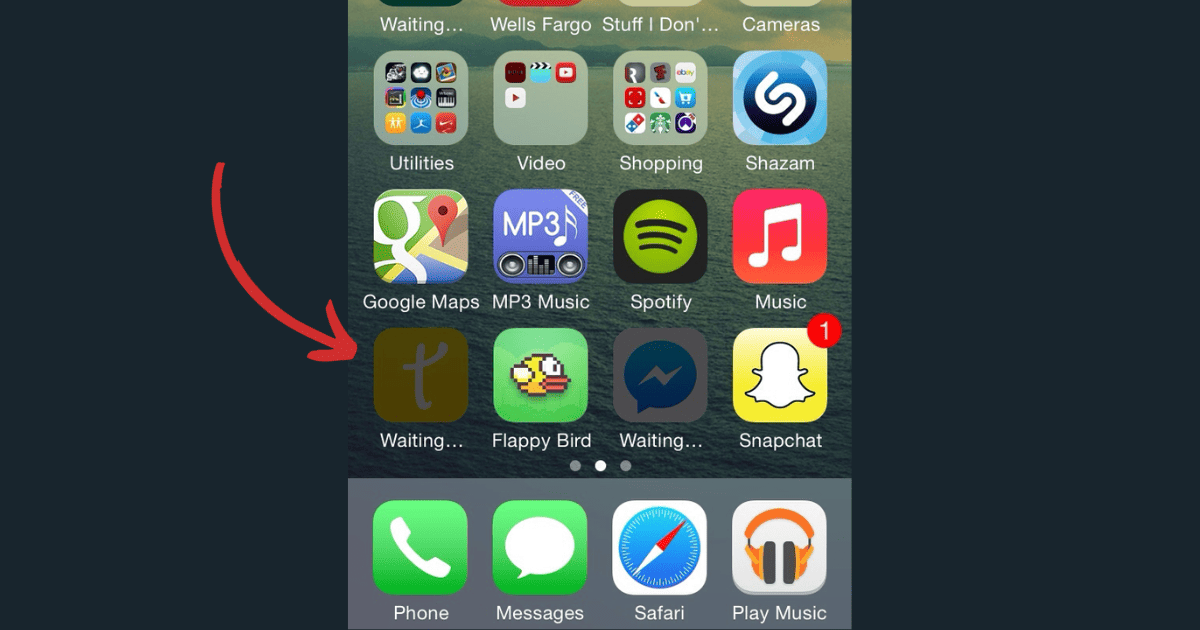
Is the iPhone app you just bought stuck on waiting? Read along to find out what might cause this and how to resolve it.
Tips
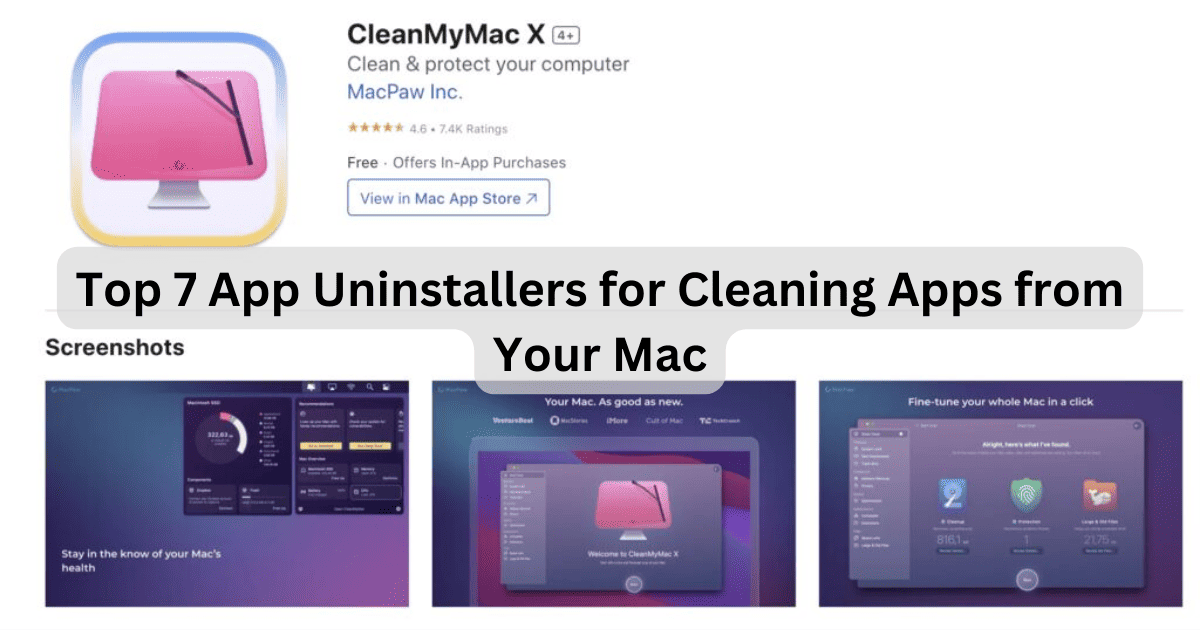
7 Best Mac Uninstaller for Cleaning Apps From Your Mac
There are many app uninstallers that compete for the title of best Mac uninstaller, but here are the ones that truly stand out.
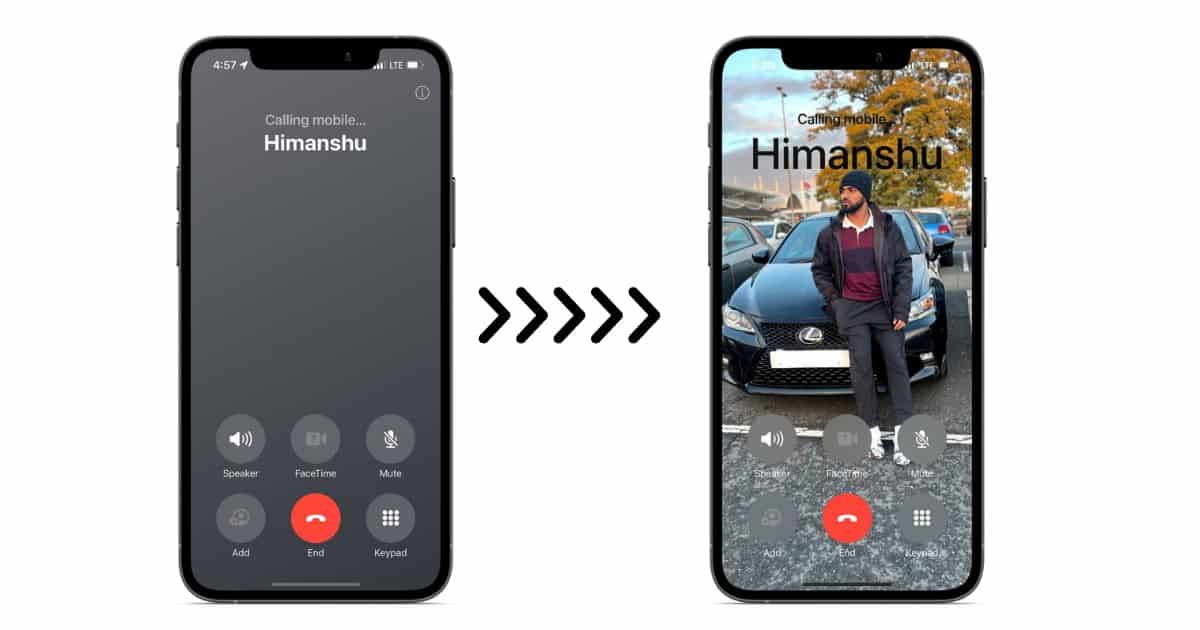
How To Change Gray Call Screen on iOS 17
Learn how to fix the gray call screen issue on iOS 17 by using Contact Posters to personalize call screens and prevent the gray call screen.

How To Get Started With Receiptify for Apple Music
If you’re trying to use Receiptify, but it’s not working with Apple Music, here are a few things to do in order to resolve the problems.
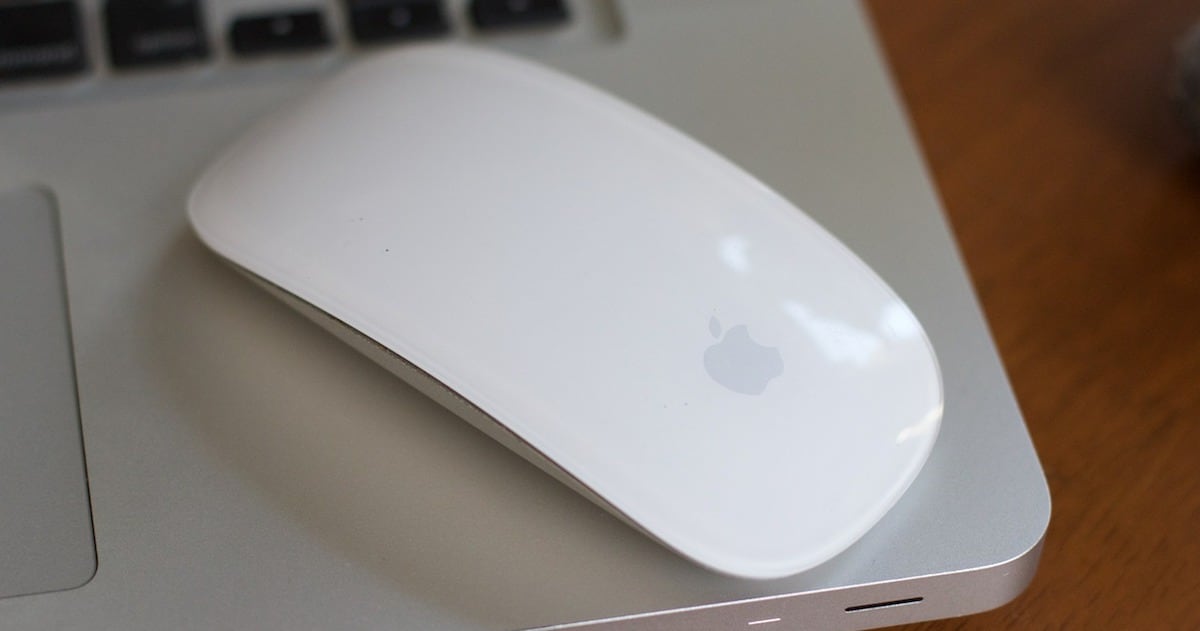
A Guide to Magic Mouse Gestures: How To Use Them
To harness the power behind your Mac’s pointing device, you need to learn Magic Mouse gestures. Here’s how to use them.
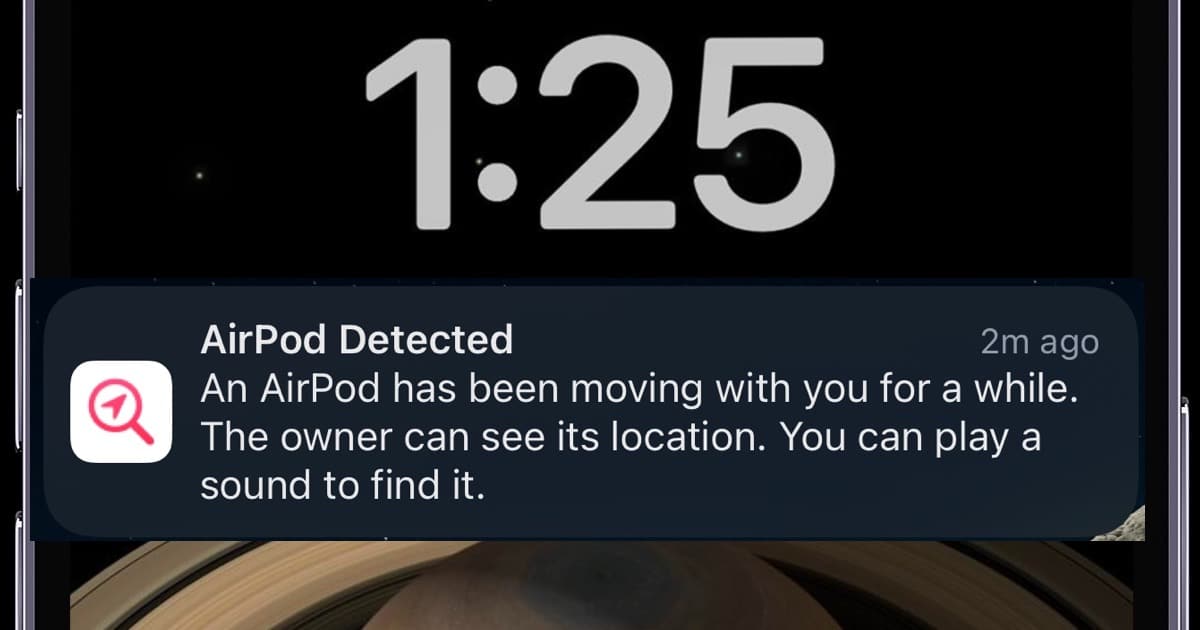
How to Disable AirPods Tracking Notifications: 4 Ways
Does your iPhone keep getting location notifications from your AirPods? Here are several ways to disable AirPods tracking on Find My.

How to Handoff FaceTime Call From Your iPhone to Mac
Learn how to transfer FaceTime calls and cellular calls between iPhone, iPad, and Mac using the Handoff feature.

Mac Flashing Folder Icon With Question Mark? Here's 7 Ways to Fix it
In this guide, we’ll walk you through easy troubleshooting steps to fix the Mac folder with a question mark issue

iOS 17: Pets Feature Not Working on iPhone
If you’re having issues with the pets feature not working with your Photos app in iOS 17, our guide can show you what you need to know.
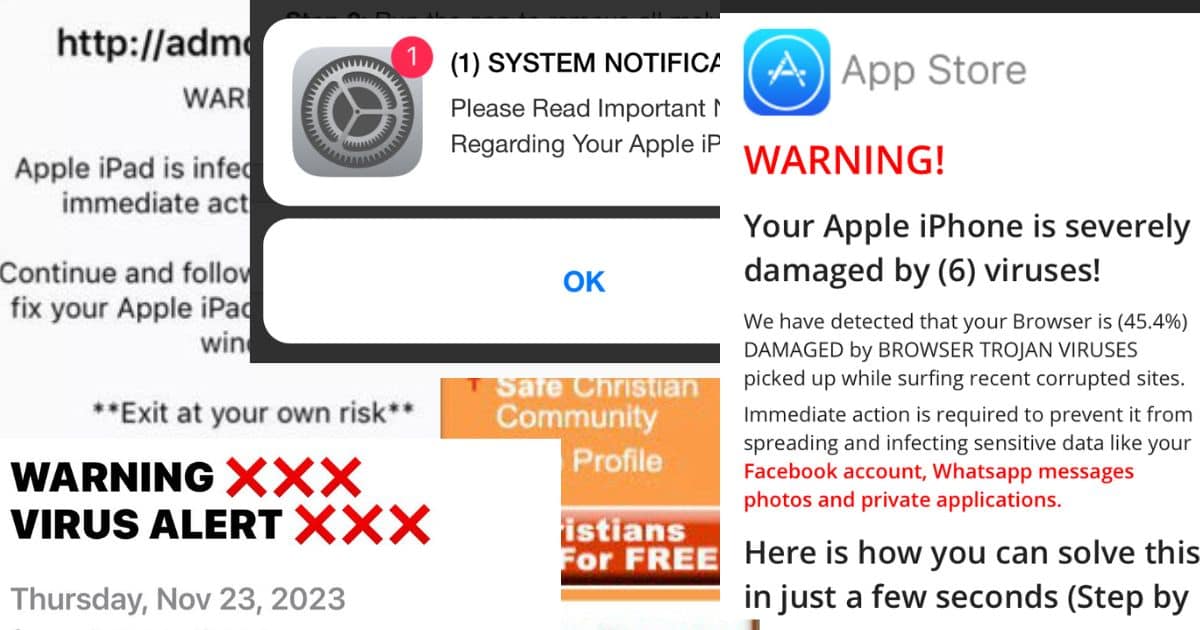
How to Fully Remove a Hacker From Your iPhone [For Free]
Do you have reasons to believe your iPhone has been hacked? Try these ways to remove hackers from your iPhone for good.
How to Fix Kernel Panic Error on Mac Once and for All
Does your MacBook or iMac keep rebooting? Here are the proper troubleshooting steps to fix the kernel panic error on your Mac.
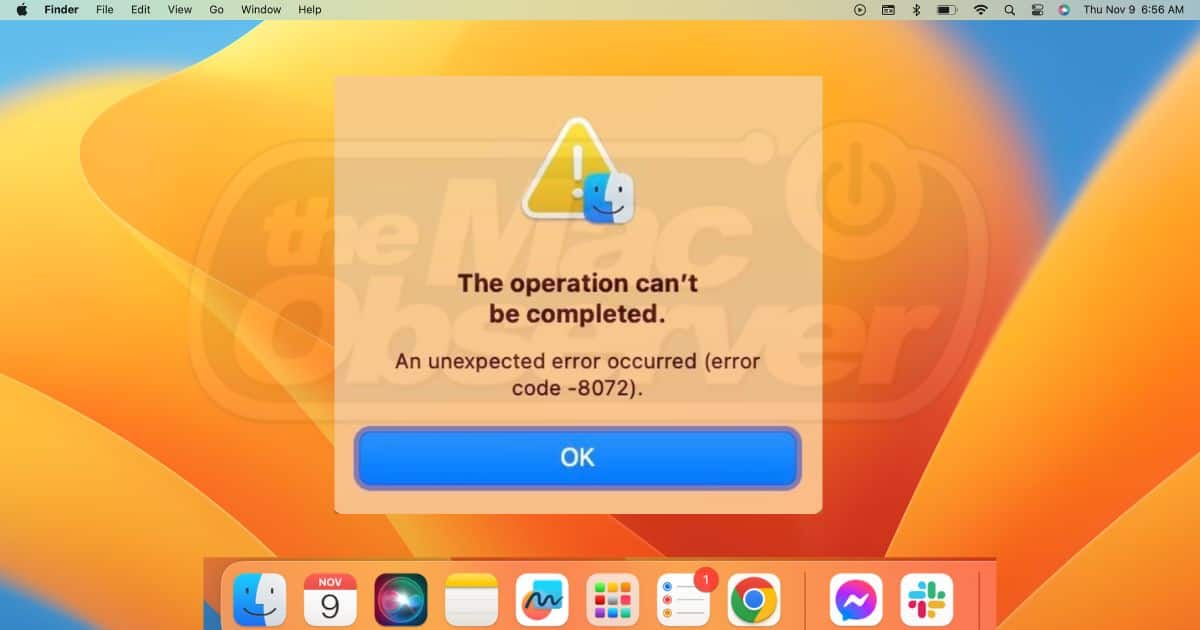
Solved: Mac Error Code -36
Is Finder not letting you copy, delete, and move around files? Learn the troubleshooting steps to fix the Mac error code -36 for good.
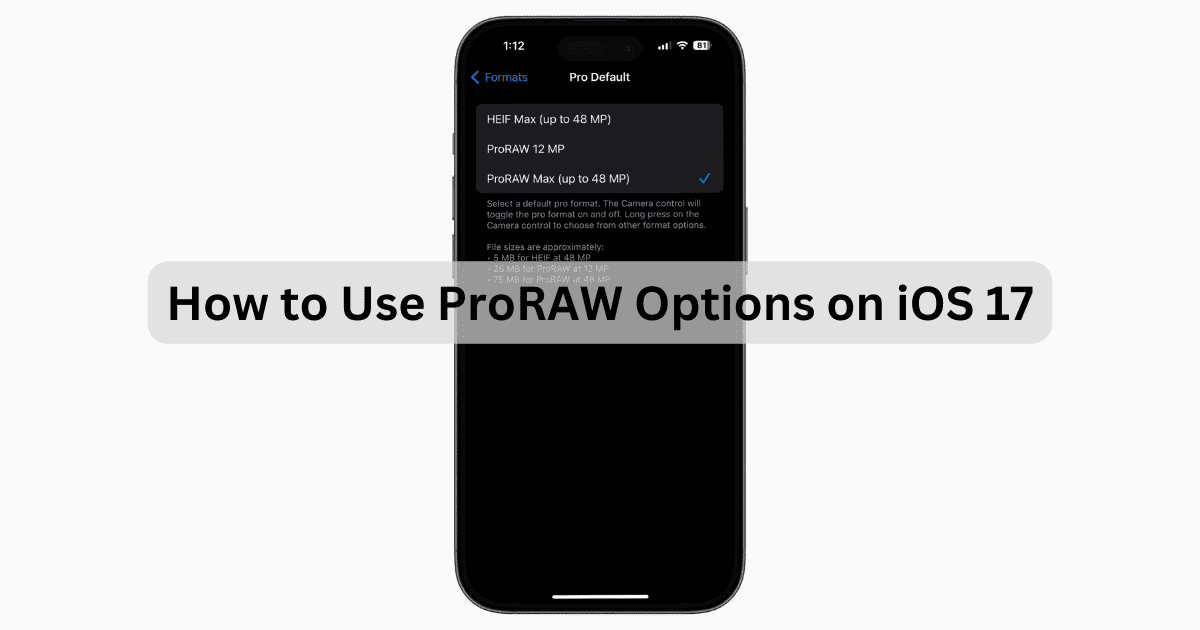
iOS 17: How to Use and Master ProRAW Options
If you need to know how to use ProRAW options in iOS 17, our guide can show you how to quickly set up your camera for high-res photos.

Solved: BBC News App Not Working on iPhone or iPad
In this guide we provide simple solutions on what to do if the BBC News App is not working for you on your iPhone or iPad.
How to Pause Apple Music Listening History on iPhone
Don’t let your friends and family ruin your Apple Music Listening History. Use this trick to pause it before handing over your iPhone.
How To Set Maximum Volume Control on iPhone and iPad To Protect Your Hearing
Discover iOS Maximum Volume Control: Set limits, protect your hearing with ease. Learn how to keep your audio at a safe level.
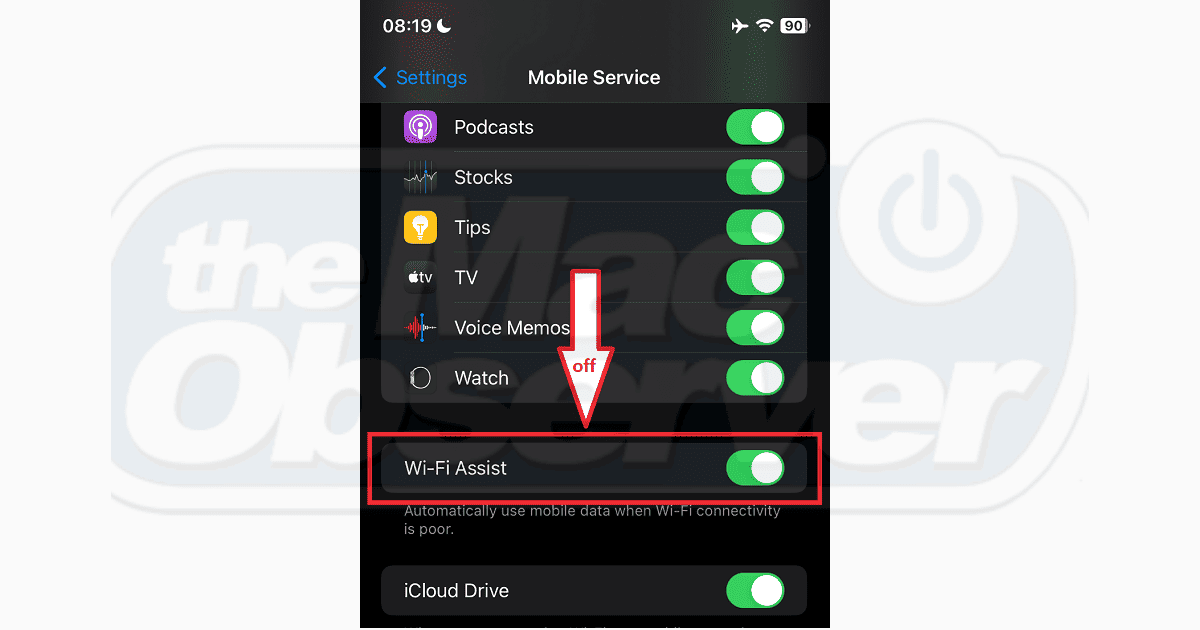
Solved: iPhone Switching From Wi-Fi to Cellular Data
If your iPhone keeps switching from Wi-Fi to cellular data, this article provides easy solutions on how to fix the issue.
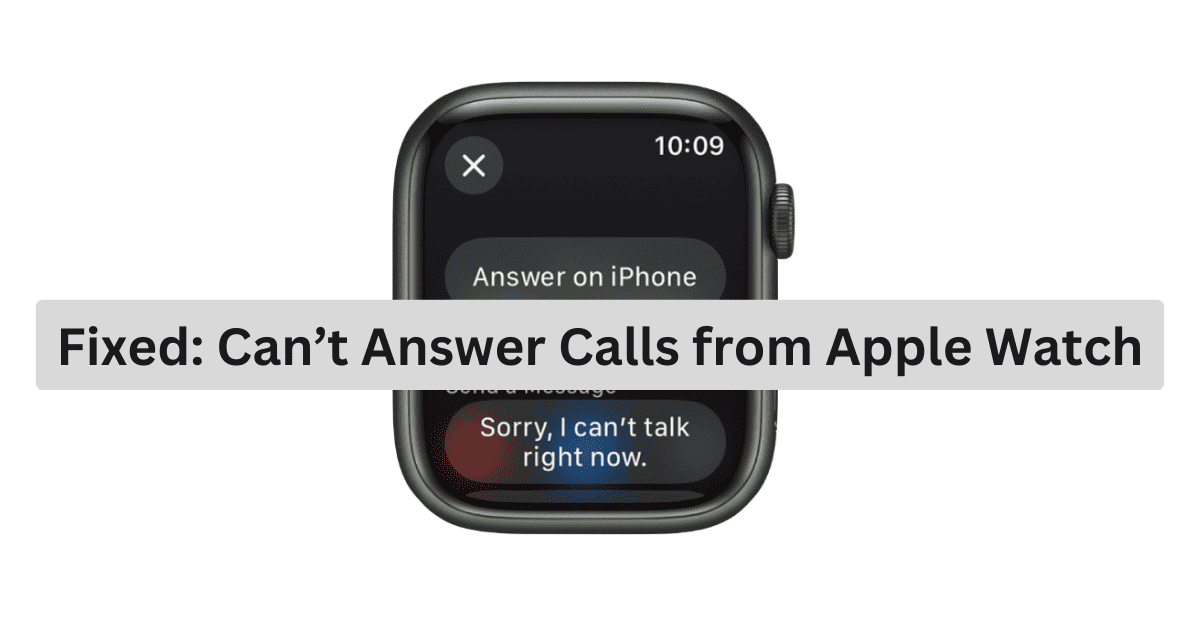
Fixed: Apple Watch Not Answering Calls
If you can’t answer calls from Apple Watch, follow these troubleshooting steps to solve the issue and let you answer calls again.
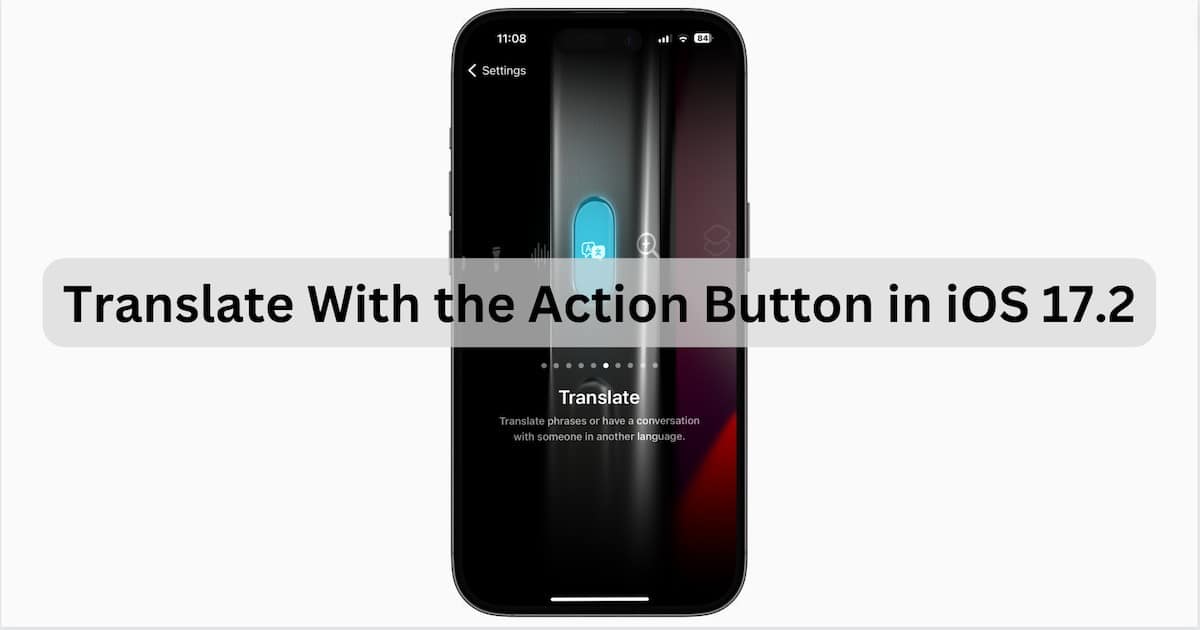
iOS 17: How to Translate With the Action Button in Real Time
Introduced in iOS 17.2, users can use the Action button to translate speech in real time. It’s super cool, and here’s how to use it.
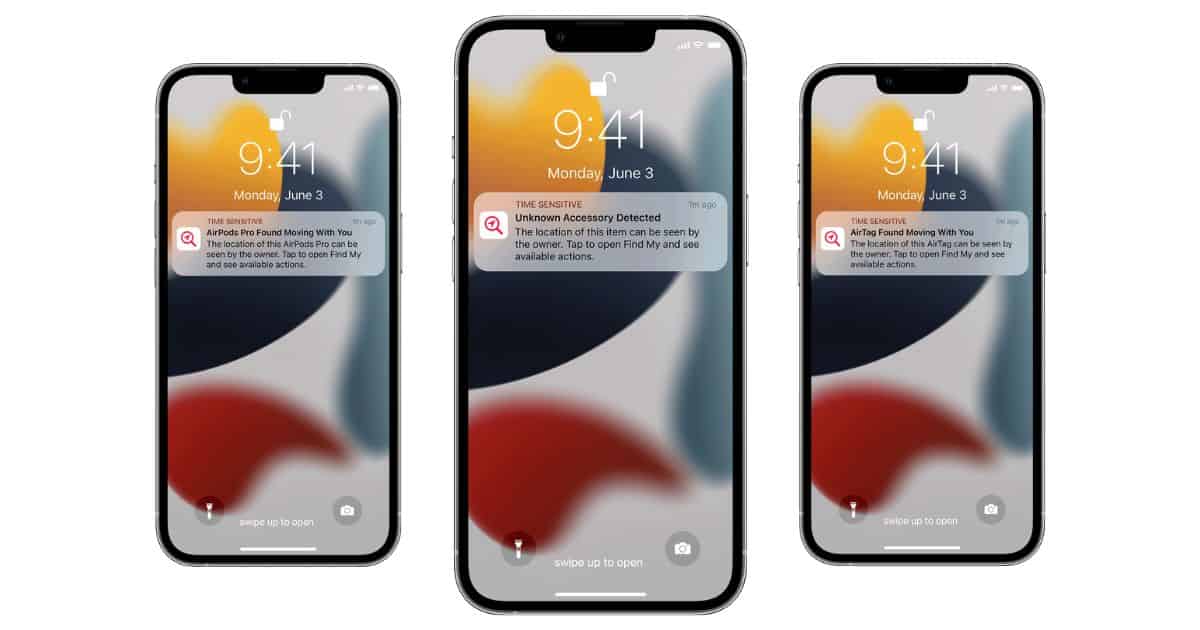
What Is 'Unknown Accessory Detected' Alert on iPhone
Learn what the “Unknown Accessory Detected” alert on your iPhone means and the steps to prevent potential tracking.
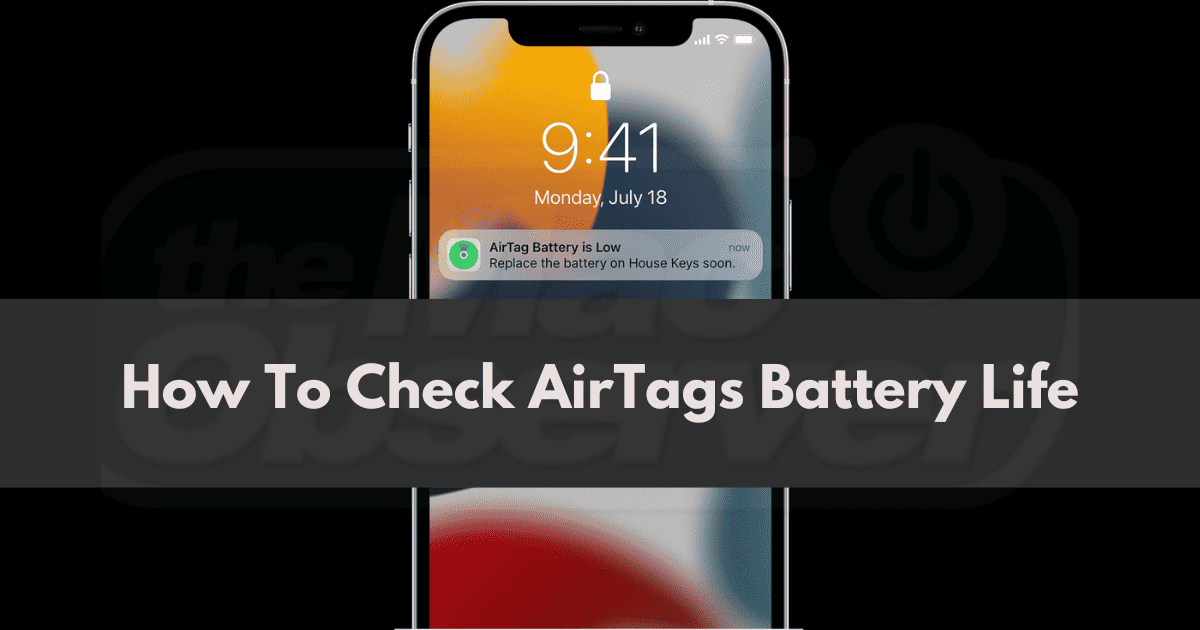
How To Check AirTags Battery Life on iPhone and iPad
Learn how to check your AirTags’ battery life so you stay on top of the situation whenever they need to be replaced.

10 Best Ways To Fix Always On Display Not Working on iPhone
Are you encountering issues with AOD on iPhone? In this guide, we’ll help you learn how to fix Always On Display not working on your iPhone.

How to Factory Reset AirPods, AirPods Pro and AirPods Max
Have you been having issues with your AirPods battery indicator or pairing issues? Some users have reported that doing a factory reset helps with both. Bryan Chaffin walks us through how to do it.
How Do I Fix Software Update Failed on iOS 16.7
Resolve ‘Software Update Failed in iOS 16.7’ with step-by-step solutions for successful updates. Get your device up to date and secure.