Features Coming in iOS 12.2, Like Apple News in Canada

The first iOS 12.2 developer beta was released today, and we got a sneak peak into the features that will be coming.

Apple today released the first beta of iOS 12.2 for developers, and while it doesn’t bring as many new changes as we might have hoped for in a 12.x update, there are still quite a few minor tweaks to be aware of.

Some updates coming include Apple News for Canadian users, HomeKit TV Support, Safari search arrows, and more.

How to Use Precise Times in iOS Calendar

David Murphy shared a cool tip that lets you set more precise times in iOS Calendar. Instead of times that increment by five minutes, go deeper.

Open the Calendar app and pull up an existing event or create a new event. Your pick. Once you’ve confirmed (or entered in) the title and/or location, tap on the start or end time. You’ll see the little section expand that allows you to scroll up and down to set the date, hour, and minute (in five-minute increments), as well as AM or PM. Double-tap anywhere in this section, and the minute increments will change from five minutes to one minute. It’s that easy.

It’s a handy tip, although I’ll never use it because my calendar events don’t need that much precision. But if you’d like yours to have it, then you’ll like this tip.

Long Press Shortcuts for iOS Safari

I’ve covered iOS 12 tips and tricks that you might have forgotten. Now I’d like to resurface a tip from 2017 about shortcuts for iOS Safari.

You might not know it, but Safari has some hidden shortcuts tucked behind some of the icons. This will let you perform certain actions a little faster, like quickly access the desktop version of a website, add a bookmark, and even close multiple tabs at once.

Using iPad, Apple Original TV Shows, and Macs with Jim Dalrymple: ACM 490

Bryan Chaffin and guest-host Jim Dalrymple talk about how they use their iPads, and it turns out they’re pretty different use cases. They try to talk about where Apple TV might go but venture into a much deeper conversation about Apple’s original TV shows and videos. Spoiler: one of them is a pessimist. They close the show by examining the state of the Mac. Another spoiler: one of them is a pessimist!

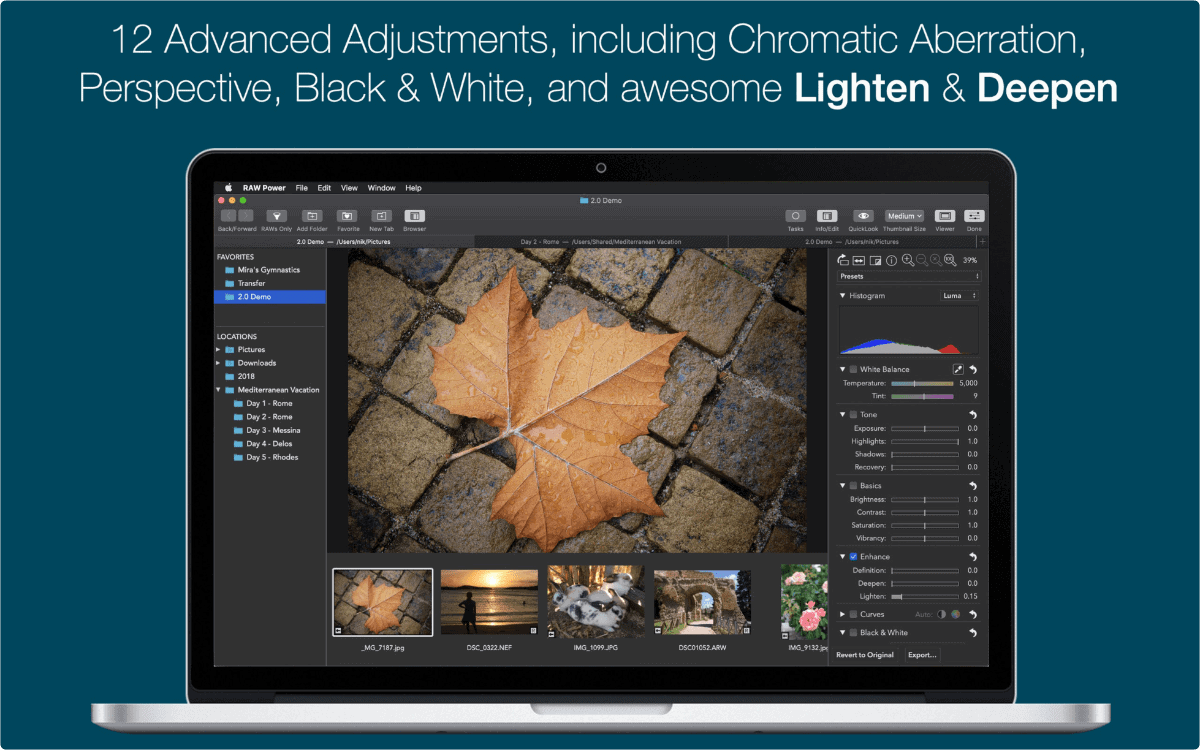
RAW Power Gets Big 2.0 Update

Today, Gentlemen Coders released RAW Power 2.0 for iOS and macOS. RAW Power unlocks the power of Apple’s RAW engine with simple, easy-to-use controls. More than just an image editor, it is a full photo application that lets you organize and manage your iOS Photo Library. If you use iCloud Photo Library, all changes are also synced to iCloud, where every image you take and every change you make is instantly available to every app on your iPhone or iPad. You can use it for more than RAWs — it’s great with JPEGs too, with White Balance, Curves, Sharpen, and other tools missing from the built-in Photos app. The app also includes an innovative new Depth Effect for photos shot on iPhones with a dual camera system. The Mac app is on sale for a limited time. App Store: RAW Power – US$2.99 | Mac App Store: RAW Power – US$26.99